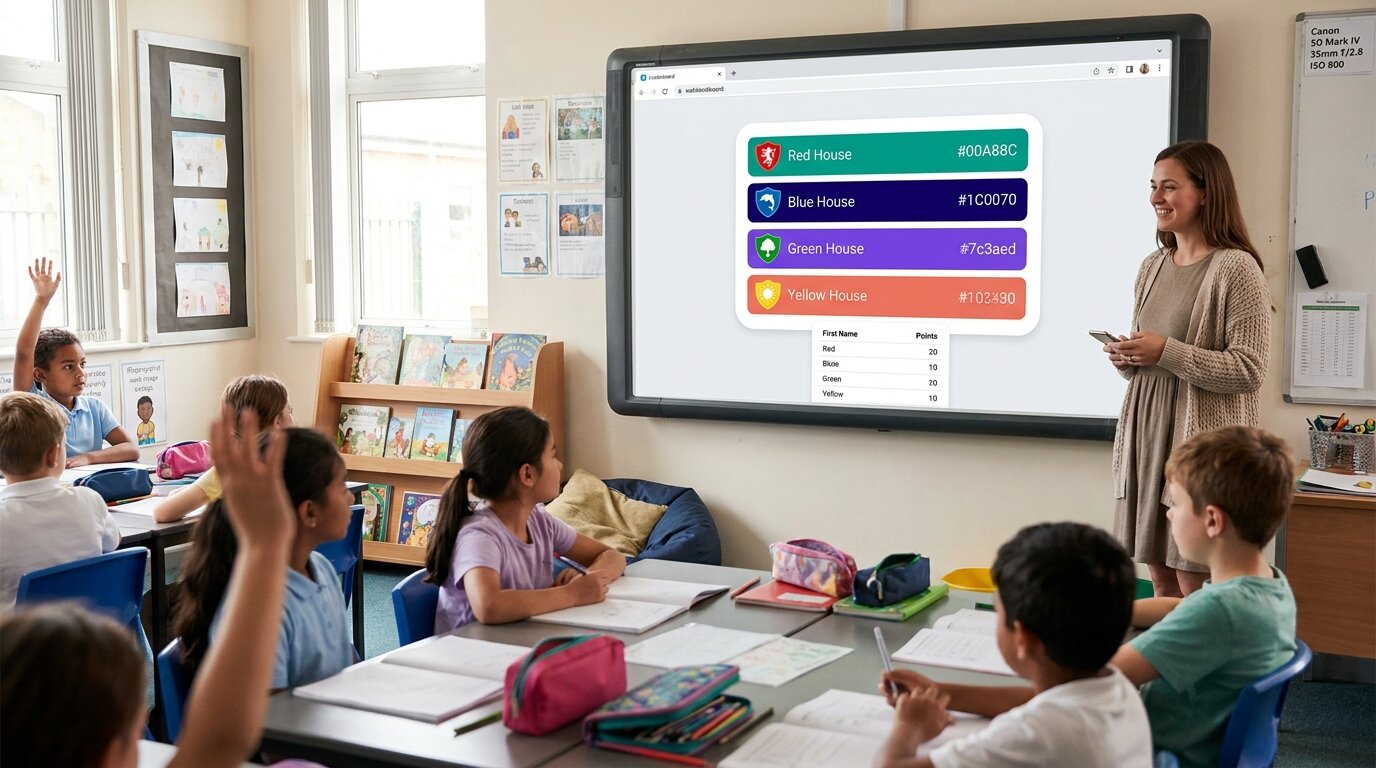
You've been using ClassDojo for a couple of years. It started simple — award points, track behavior, message parents. Now you spend fifteen minutes a day in the app instead of teaching, the parent messaging is a firehose, and the privacy policy is twelve thousand words long. You're not sure the point system is helping students learn or just training them to perform for digital stickers. You're not alone, and there are practical alternatives that do less but do it better.
What ClassDojo Is, Honestly
ClassDojo is the most widely used classroom behavior app in the world — active in around 95% of US schools and used by tens of millions of teachers, students, and families. The teacher-facing product is free: behavior points, parent messaging, student portfolios, stories, the lot. The paid tier (ClassDojo Plus, ~$15.49/month or $109.99/year) is sold directly to parents for homework help and detailed home-behavior reports. The teacher never pays.
The criticisms that send teachers searching for alternatives are real and worth naming. The platform collects extensive behavioral data on students, which privacy researchers and some districts have flagged for years. Point-based competition can stress students and undermine intrinsic motivation when overused. The all-in-one design forces parent messaging, portfolios, stories, and behavior tracking on you even if you only wanted one of those four. Behavior records persist across a child's schooling, which critics argue risks early labelling.
When ClassDojo makes sense: You need parent communication, student portfolios, and behavior tracking in one free platform. Your school is already invested in the ecosystem and switching has organisational cost. Parents already have it installed and value the daily updates. For that profile, ClassDojo is hard to beat — the network effect is the moat.
When ClassDojo doesn't make sense: You only wanted the behavior-tracking piece. Your district has strict student-data policies. You're paying a tax (in time and attention) for an all-in-one platform when a simpler tool would do the job.
Before You Pick a Tool
Most teachers who search for "ClassDojo alternatives" don't actually hate ClassDojo. They want one part of it without the rest. If you already have email or Remind for parent communication, Google Classroom for portfolios, and the part you actually use day-to-day is the points-and-stars layer — you don't need a heavyweight platform. A lightweight tool does the job with zero overhead.
The Best ClassDojo Alternatives
1. LiveSchool
What it is: A school-wide PBIS behavior management platform built for consistent implementation across classrooms.
Pros:
- Designed around PBIS frameworks with built-in tier structures
- School-wide consistency — every teacher uses the same expectations and language
- Detailed analytics and reporting for administrators
- Reward-store integration where students redeem points for tangible rewards
Cons:
- Requires school-wide buy-in and IT setup (not a solo-teacher tool)
- Minimum staff requirements: ~15 staff users for the Lite plan, ~10 for Premium
- Pricing is ~$59 per staff user per year — sales-gated for schools
- Setup time measured in weeks, not minutes
Best for: Schools implementing PBIS at the building or district level that need consistent behavior language and administrator visibility. Not the right fit for a single teacher who wants to track points in their own classroom tomorrow.
2. Bloomz
What it is: A direct ClassDojo competitor — parent communication, behavior tracking, photo sharing, and class updates in one app. Used by individual teachers and entire schools.
Pros:
- Behavior management plus parent messaging in one tool (same shape as ClassDojo)
- Free tier for teachers covers the core features
- Strong photo and update sharing for parents
- School-wide plans with administrator dashboards
Cons:
- Same all-in-one trade-off as ClassDojo — you get parent comms whether you wanted them or not
- Network effect is much smaller than ClassDojo's: many parents won't have it installed
- Privacy considerations broadly similar to ClassDojo's
- Paid tiers exist but aren't as transparent as some competitors
Best for: Teachers who like the ClassDojo shape but want to switch off the platform for privacy or workflow reasons. You get the same all-in-one structure with a different vendor — useful if the problem with ClassDojo was the vendor specifically, less so if the problem was the all-in-one design.
3. PBIS Rewards (Navigate360)
What it is: A school-wide behavior management system focused on positive behavior reinforcement, now part of the Navigate360 platform.
Pros:
- Multi-device point tracking (phone, tablet, laptop)
- Students redeem points at a school-wide rewards store
- Supports the structured PBIS framework many districts already use
- Strong administrator reporting
Cons:
- Requires school-level purchase and implementation
- Quote-based pricing — no public pricing page, sales call required
- Not practical for an individual teacher acting alone
- Same multi-week rollout commitment as LiveSchool
Best for: Schools that already have a PBIS framework and want a dedicated platform with a student-facing rewards store. Buy-in needs to come from administration, not a single teacher.
4. Leaderboarded
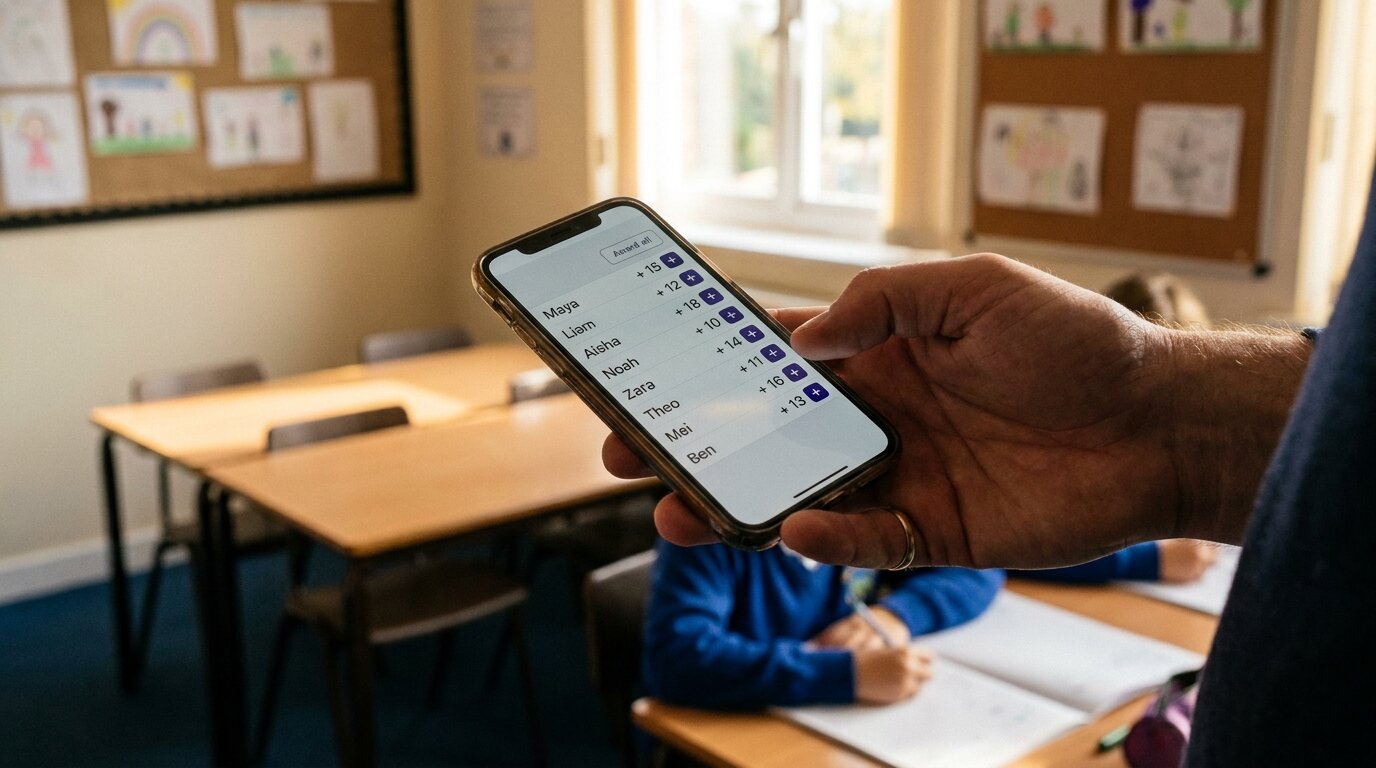
What it is: An online leaderboard tool that teachers use for classroom behavior points, reading challenges, and house-point systems. Not a classroom management suite — just the points-and-ranking layer, done well.
Pros:
- Sets up in under 60 seconds — add names, start tracking
- No student accounts, no email addresses, no parent app required
- Display on the classroom TV via any browser
- Built-in team boards for house-point systems (red house vs blue house vs green house)
- Free tier covers most classrooms indefinitely (2 boards, 25 students each)
- Custom themes including Harry Potter house points
- Embed on a class website or share via link
- Strong privacy story — first names or codes only, no behavioral profiles
Cons:
- No parent messaging — pair with Remind, email, or your school's existing system
- No student portfolios
- Manual point entry only (no automatic syncs from grade-books)
- No PBIS-framework structure out of the box — you bring your own behavior expectations
Best for: A solo teacher who wants a visible, motivating points display without the overhead of a full platform. Works for classroom gamification, reading challenges, classroom Olympics, and house-point systems. Pair with a separate parent-communication tool if you need that layer.
5. Pen and Paper (or a Google Sheet)
What it is: Tally marks on a whiteboard, sticker charts, magnetic name-tags, or a spreadsheet projected on the classroom screen.
Pros:
- Zero setup, zero cost, zero privacy concerns
- No screen-time added to the classroom
- Students can physically interact with the tracking (moving magnets, adding stickers)
- The most resilient option — no internet outage takes it down
Cons:
- Not shareable with parents remotely
- Easy to lose, smudge, or forget
- No data history or analytics
- Doesn't scale beyond one classroom
Best for: Teachers who want to avoid screens entirely, or who only need short-term tracking for a single unit or project. Don't underestimate this — for one term of behavior tracking with thirty students, a paper chart on the door genuinely works.
Comparison Table
| Solution | Starting price | Setup time | Student accounts | Parent access | Privacy | TV display | Best fit |
|---|---|---|---|---|---|---|---|
| LiveSchool | ~$59 per staff user/year (school-wide) | Weeks | Required | Via reports | School-controlled | Dashboard view | School-wide PBIS programmes |
| Bloomz | Free (teacher tier) | 10–20 min | Required for full features | App or web | Similar to ClassDojo | Limited | Teachers swapping out ClassDojo for ClassDojo-shape |
| PBIS Rewards (Navigate360) | Quote-based (school-wide) | Weeks | Required | Limited | School-controlled | Dashboard view | Schools with established PBIS frameworks |
| Leaderboarded | Free / $19/mo flat | Under 60 seconds | Not required (first names or codes) | Shared link | Minimal data, no profiles | Any browser, any TV | Solo teachers, house-point systems, reading challenges |
| Pen and paper | Free | Immediate | N/A | Not remotely | Zero digital data | N/A | Short-term, single-classroom, screen-light |
| ClassDojo (reference) | Free (teachers) / $15.49/mo (parents) | 15–30 min | Required | App required | Extensive collection | Limited | Schools committed to the ecosystem |
Pricing accurate as of May 2026. Confirm current pricing on each vendor's site before committing.
Why Leaderboarded Works for Classrooms

Most behavior-tracking platforms share a hidden assumption: that you want parent messaging, student portfolios, and behavior tracking together in one app. That bundle is genuinely useful for some teachers, but it costs setup time, parent-app installs, and a privacy posture that's hard to defend in stricter districts.
Leaderboarded was built for the inverse. Setup takes about a minute — pick a theme, type student names (or use initials, or anonymous codes if your district requires), share the presentation link. Award points from your phone while teaching — tap a student, add a point, the classroom TV updates within a second. No app for students. No account for parents. Pair with house-team boards for the red-vs-blue-vs-green-house energy that ClassDojo's "groups" feature half-supports, or use the goal-tracker board for class-wide reading or step challenges.
The trade-off is honest: there's no built-in parent messaging, no student portfolios, no PBIS framework. If you need any of those, the right tool is somewhere else on this page. If you don't — and most teachers we hear from don't, once they think about which ClassDojo features they actually use — then a lighter tool gives back the fifteen minutes a day. See the how to create a classroom leaderboard guide for the full setup walk-through, or the classroom points system page for behavior-tracking specifics.
The Bottom Line
ClassDojo is genuinely impressive, and if your school is already invested in it for parent communication and portfolios, ripping everything out is probably not worth the disruption. But if the part you actually use day-to-day is the points-and-stars layer, you don't need a twelve-thousand-word privacy policy and a parent app to get it. A simple classroom leaderboard does the same job — visible, motivating, fast — without the overhead. Try the path of less first.
Looking for narrower guides? See how to create a classroom leaderboard, classroom points-system setup, classroom Olympics activities, or the dedicated classroom leaderboard landing page. For non-classroom alternatives, browse all alternatives guides.
Common Questions from Teachers
Is ClassDojo free for teachers?
Yes. ClassDojo is free for teachers, students, and schools — behavior points, parent messaging, student portfolios, and stories are all included at no cost to the educator. The paid tier (ClassDojo Plus, around $15.49/month or $109.99/year) is sold directly to parents for homework help and detailed home-behavior reports, not to schools.
What's the simplest ClassDojo alternative?
If you only need behavior point tracking — no parent messaging, no portfolios — Leaderboarded sets up in under 60 seconds. Add student names (first names, initials, or anonymous codes), start awarding points from your phone, display the live leaderboard on the classroom TV. No app, no student accounts.
Do ClassDojo alternatives work without an app?
Leaderboarded is fully web-based — no app download needed, on either side. Students view it in any browser, parents view it from a shared link. Bloomz also has a web version alongside its apps. LiveSchool works via browser but is school-wide rather than per-classroom.
Can I display a behavior leaderboard on a classroom TV?
Yes. Leaderboarded boards have a public presentation link you open in any browser. Plug a laptop or Chromecast into your classroom TV, open the link, and it updates live as you award points. ClassDojo can display student avatars on a connected screen but the layout is designed for the app, not for distance viewing across a classroom.
How do I switch from ClassDojo to something simpler?
No data migration is needed for a fresh start. Create a new leaderboard, type in student names (or codes), and start tracking. About 60 seconds. If you want to bring across behavior history, ClassDojo lets you export student data — though most teachers find a clean slate at term break is faster than importing legacy points.
Are there privacy-focused alternatives to ClassDojo?
Leaderboarded doesn't require student email addresses, accounts, or parent sign-ups. You decide what's visible — first names, initials, or anonymous codes. No behavioral profiles persist across years. No third-party data sharing. For districts with strict student-data policies, this turns a long compliance review into a short one. See ClassDojo's privacy concerns and the FERPA guidance for classroom apps if your district hasn't already vetted this.
Can parents see the leaderboard?
Yes. Share the presentation link with parents and they can view the live leaderboard from any device — no account, no app. The trade-off vs ClassDojo: there's no two-way messaging built in. If you need parent communication, pair Leaderboarded with Remind, email, or your school's existing system.
What's the best alternative for a school-wide PBIS programme?
LiveSchool or PBIS Rewards (Navigate360). Both are designed for school-wide PBIS implementation with consistent behavior expectations across classrooms, administrator dashboards, and reward-store integrations. Leaderboarded works for an individual teacher's classroom but isn't a PBIS suite. The PBIS-platform tools require school-level purchasing and rollout — minimum staff thresholds, IT setup, training.
Is the points-and-rewards approach actually good for students?
Honest answer: it depends, and the research is mixed. Short-term, visible reward systems do increase engagement and on-task behavior. Long-term, some studies suggest heavy extrinsic-reward systems can undermine intrinsic motivation if they become the only reason students participate. Most teachers we hear from use points lightly — for novelty during a unit, for friendly house competition, or for a reading challenge — rather than as the foundation of classroom management. That's a healthier shape than running everything through a points system.
Try Leaderboarded Today
No app download. No student accounts. No 12,000-word privacy policy. Create your first classroom leaderboard in under a minute — free tier covers most classrooms indefinitely.