
Classroom Leaderboard
A free, privacy-friendly leaderboard for teachers. Track behaviour, homework, reading challenges, or house points — live on the classroom TV, set up in 60 seconds, no student accounts required.


Set up in 60 seconds
No template hunting, no spreadsheet formulas, no IT request. Type student names (or initials, or anonymous codes), pick a theme, share the link. The fastest path between you and a working classroom leaderboard.
No student accounts, no parent app
Students don't sign up. Parents don't install anything. You decide what's visible — first names, initials, or codes. Minimal data collection, no behavioural profiles persisting across years. Districts with strict student-data policies sign off fast.
Lives on the classroom TV
Open the board URL in any browser on a smart TV, Chromecast, or projector. Updates the moment you tap a point on your phone. No casting app, no extension — just a link the TV opens.
Free for most classrooms, indefinitely
The free tier covers up to 25 students per board on 2 boards. Plenty for the average primary classroom. Paid plans only kick in if you need custom branding, more boards across a year, or bigger groups.
Homework heroes and effort streaks
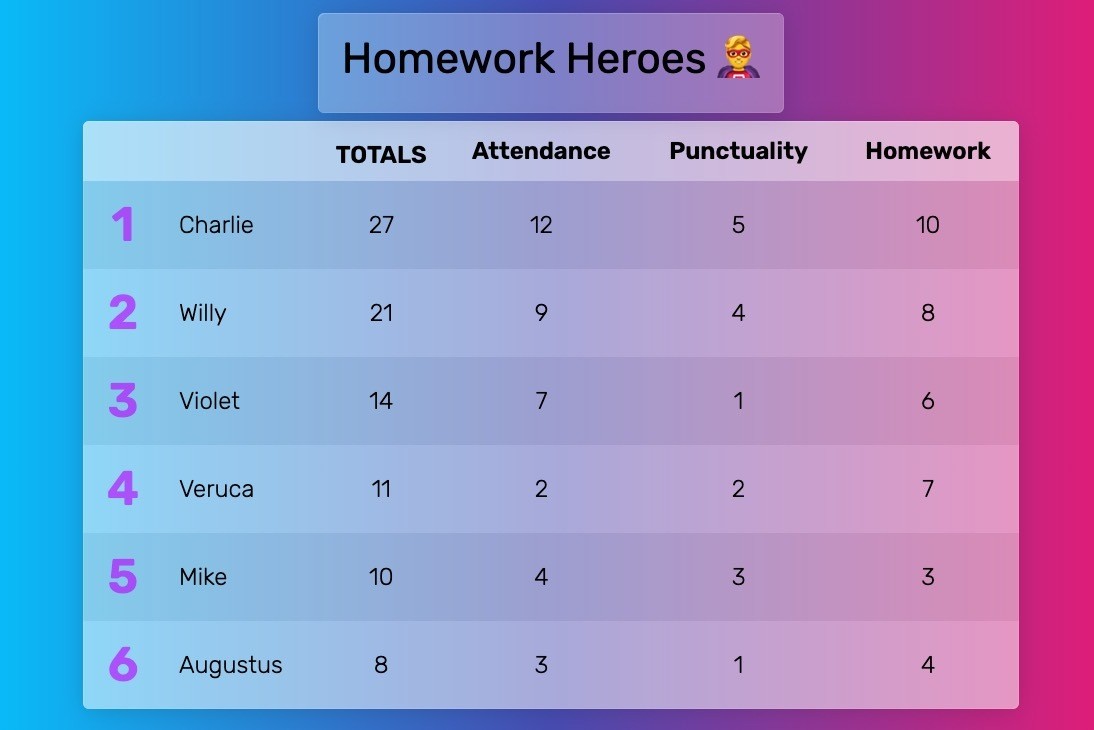
Track homework completion, on-time submissions, and consistent effort — not just scores. Build a streak board where points come from showing up, not from being top of the class. Most teachers find this reframing (effort over achievement) is what makes a points system actually work — kids who'd never top a grades leaderboard can win an effort leaderboard, and that shifts the room.
House points and team-based competitions
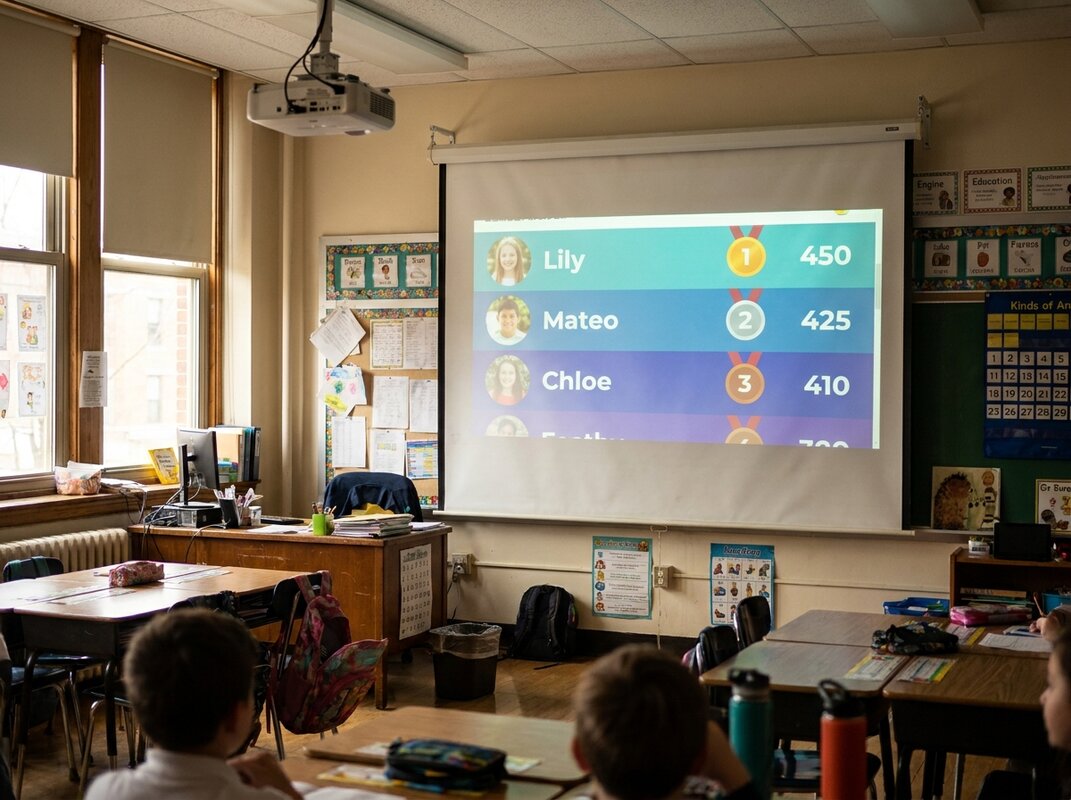
Run a Hogwarts-style house system across the year — red house vs blue house vs green house, with individual student points rolling up to the team total. Team boards automatically aggregate scores, so a student earning a point also moves their team. Works for table groups, reading circles, year-group competitions, or whole-school house systems.
Reading challenges and class-wide goals
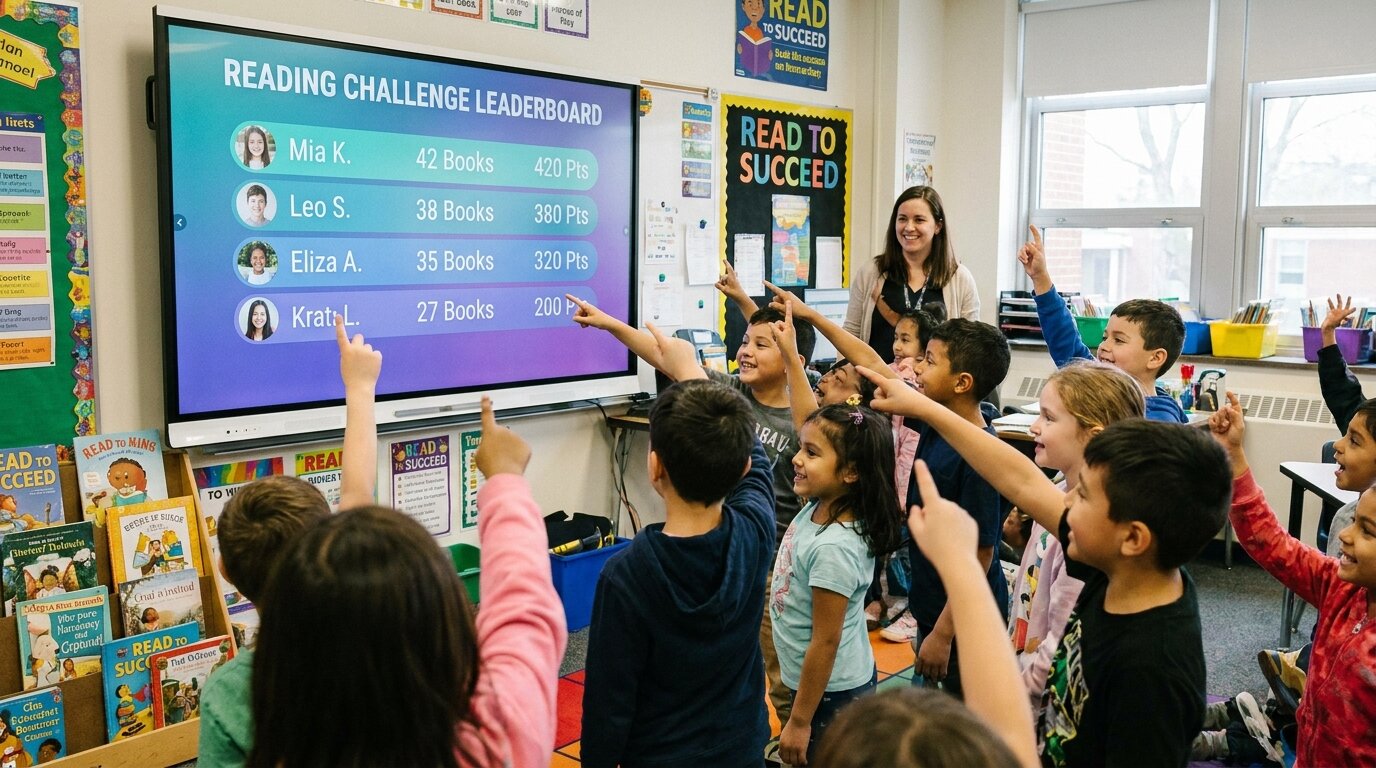
Set a class-wide reading target — number of books, pages, minutes — and watch the leaderboard climb. Goal-tracker boards visualise progress toward a single target instead of ranking students against each other, which works better for shared goals like "100 books before half-term". Pair with individual rankings if you want both the team goal and the individual recognition.
Behaviour tracking without ClassDojo overhead
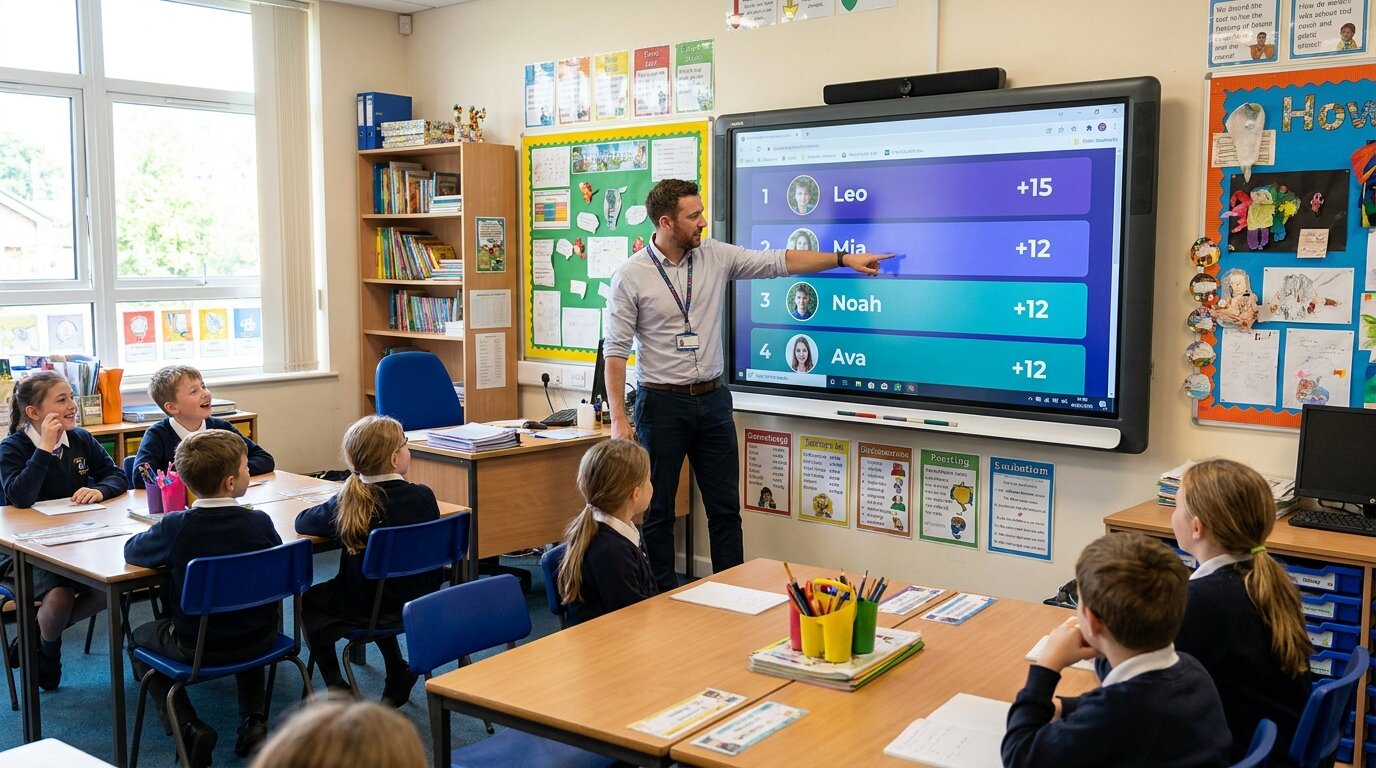
Award points for positive behaviours, participation, helping classmates, and classroom contributions. Same job ClassDojo does — without the parent app, the 12,000-word privacy policy, or the all-in-one bundle. Tap a student name on your phone, the point shows up on the classroom TV within a second. For a side-by-side with ClassDojo and other behaviour tools, see the alternatives guide below.
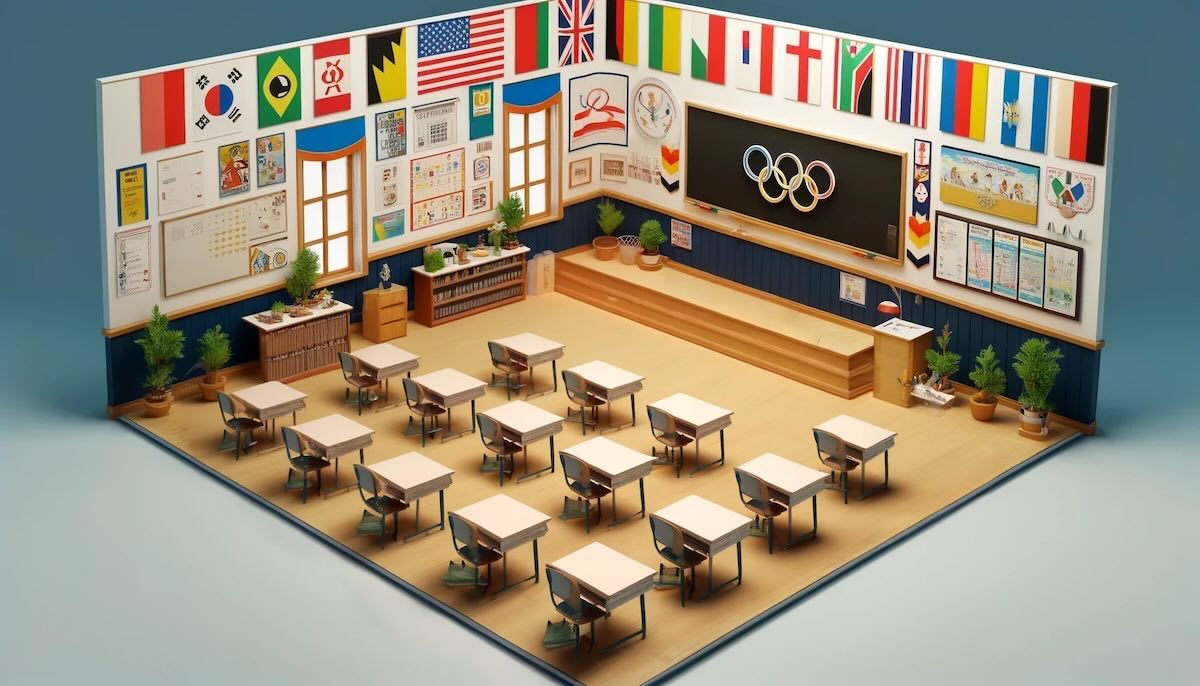
Classroom Olympics and special events
One-off competitions deserve a one-off board. Spin up a classroom Olympics across an afternoon, a maths-quiz tournament across a week, a science-fair scoring board, or a spirit-week house contest — without affecting your main running leaderboard. An online score keeper tallies points round by round for these events. Reset whenever the event ends; the board stays available to view but new points go on a fresh board.
"We use Leaderboarded to keep track of class points throughout the year. Classes can earn points for a variety of activities/behaviors. The class with the most points receives a pizza party. The kids enjoy the friendly competition and it motivates them to make good choices. Thanks for providing a fun, easy way to track and display points!"
"I am SUCH a fan of Leaderboarded! I use it to keep the real-time participation score for my students in my Spanish classes. I found it back when we had the COVID-19 restrictions in classrooms. I went back to using Leaderboarded with my classes last year, and they loved it! It was VERY motivational."

"As an educator I really appreciate how easy it is to update a points system in the middle of class, and I can embed the scoreboard into my school's LMS so all the students know where to go check their point totals."
"Use this for my classes every day. It's easy to use and the kids love it. Highly recommend."

"SIMPLY BRILLIANT! I'm using the site in the classroom to engage and motivate students and it's been great! I award students points for completed assignments, good behavior, and test scores, and students can also lose points for uncompleted assignments and bad behavior. It's been an amazing tool!"

Trusted by thousands worldwide
Join our growing community of leaderboard creators
1,519,060
Leaderboards Created
173,429
Registered Users
Real-time
Live Updates