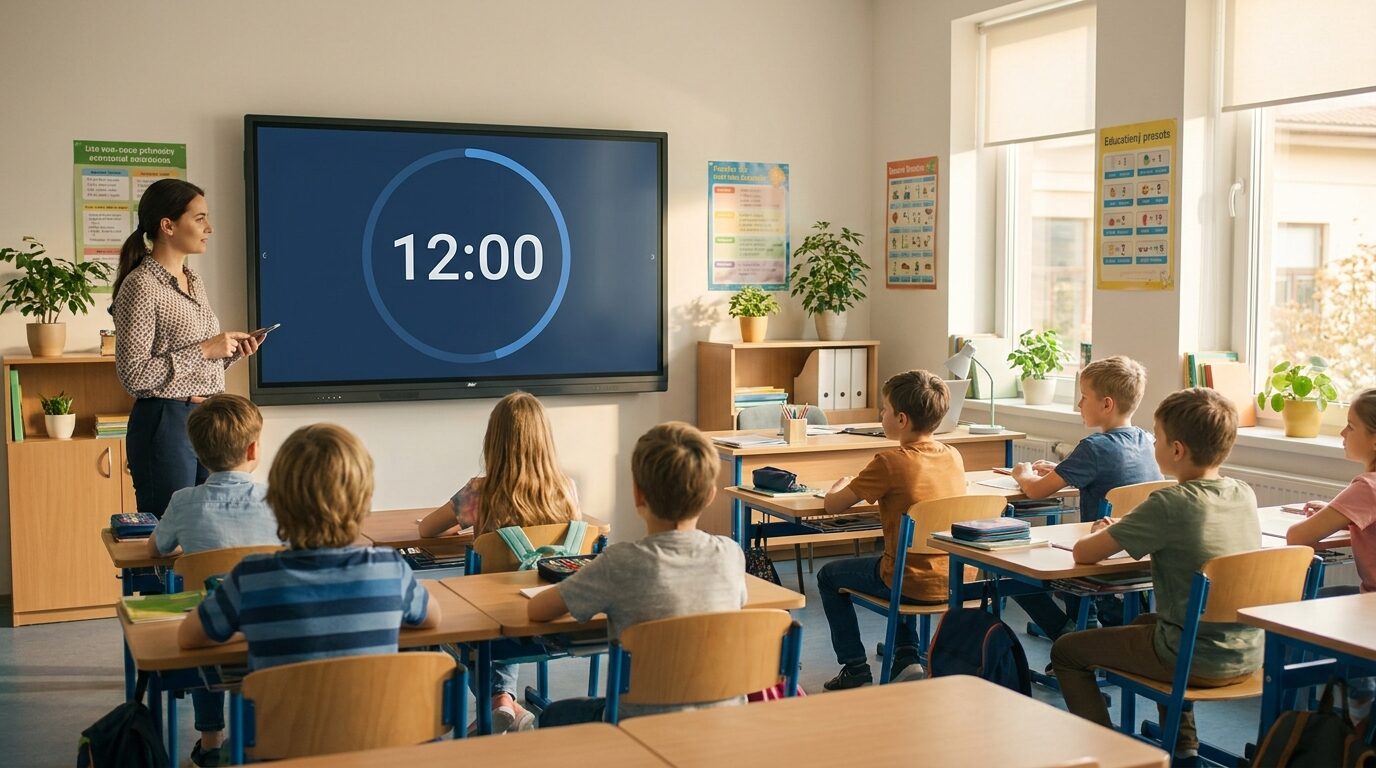
Classroom Timer
A free online classroom timer you display full-screen on the board and control from your phone. Run exam countdowns, station rotations, and brain breaks — synced live across the projector, smartboard, and every pupil's screen.


One link, every screen in sync
Start the timer on your phone and it starts everywhere at the same instant — the classroom projector, the smartboard, and every pupil's Chromebook, down to the second. No other free timer keeps multiple screens in real-time sync.
Control it from anywhere in the room
Pause, reset, or add time from your phone while the countdown stays full-screen on the class display. Run the timer from the back of the room, the door, or the corridor — you're never tied to the teacher's desk.
Runs on any display, nothing to install
Open one link in any browser on a smart TV, projector, Chromebook, or iPad. No app, no extension, no cast button — just a clean, high-contrast countdown the whole class can read across the room.
Free for everyday classroom use
Create and display timers on the free plan — up to 2 saved boards, no credit card. Paid plans (from $19/month) only matter if you want custom colours and branding or lots of saved timers across the year.
Exam and test countdowns
Put a calm, readable countdown on the board for tests, mocks, and timed writing. Pupils can see exactly how long is left without asking, and a buzzer signals pens down. Set anything from a five-minute spelling test to a three-hour exam.

Station rotations and group work
Keep carousels, literacy circles, and science stations moving. Set the rotation length, press start, and the same countdown runs on every group's screen in sync — so every table changes activity at the same moment instead of drifting out of step.

Brain breaks, transitions, and tidy-up time
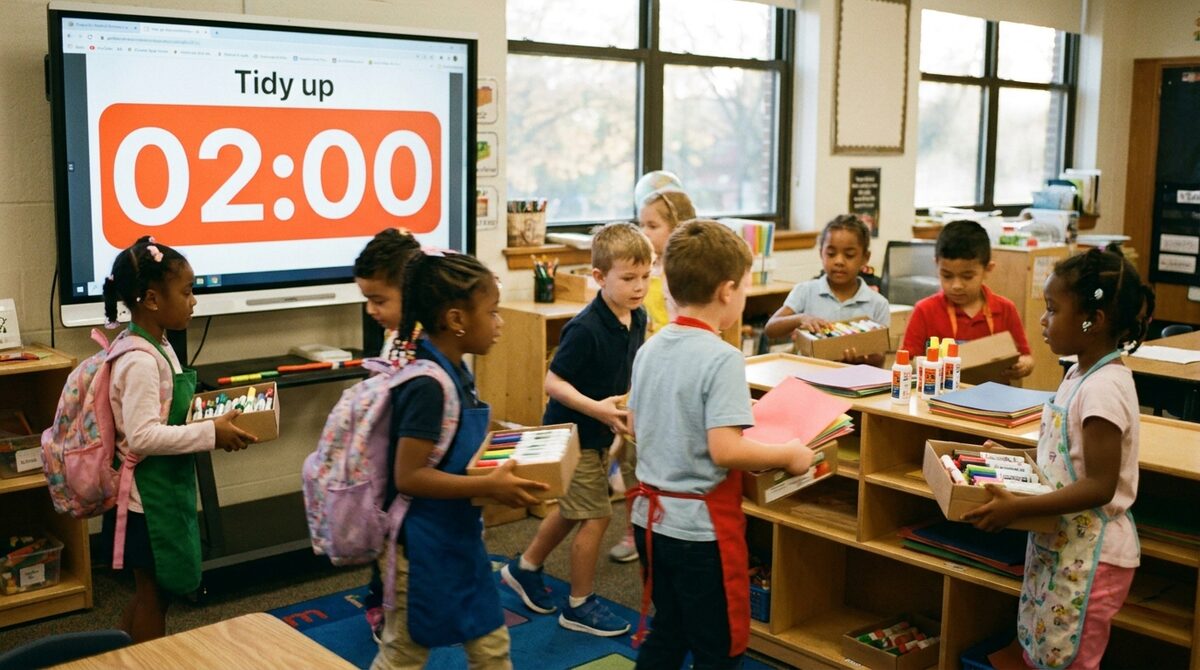
A visible timer makes transitions painless: two minutes to pack away, a 30-second countdown back to seats, five minutes of brain break. Children self-regulate when they can see the time shrinking on the wall — no nagging required.
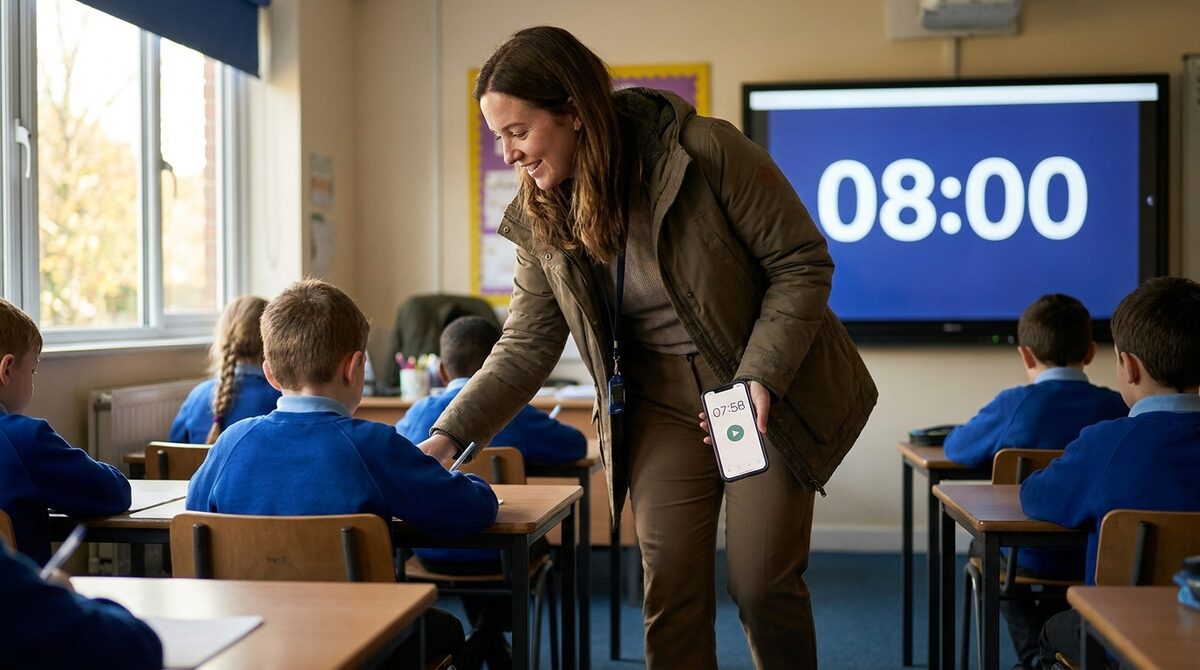
Display on the class screen, run it from your phone
This is what sets it apart from a kitchen timer or an interactive-whiteboard widget: the countdown lives on the big screen, but you control it from your phone as you move around the room helping pupils. Add a minute when they need it without walking back to the desk.
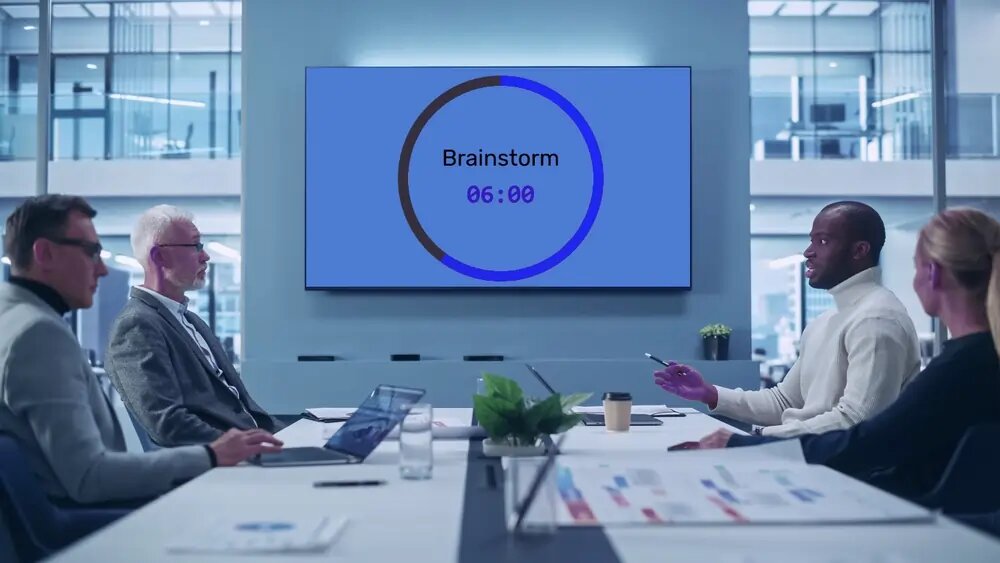
Not just for classrooms: meetings, quizzes, and talks
The same synced timer keeps adults on schedule too. Timebox agenda items on the meeting-room TV (meeting timer), run round countdowns on every table's phone at a pub quiz, or give a conference speaker a countdown they can actually see (presentation timer) — one link, every screen in sync.
Features
Share one link and the same countdown runs in real time on every device that opens it — projector, smartboard, and pupil screens stay in step to the second.
Use it as a countdown for exams and transitions, or as a stopwatch to time how long an activity actually takes.
From a 30-second transition to a multi-hour event. Adjust the time on the fly without starting over.
Count down to a set time — "test begins at 09:30" or "break ends at 11:00" — so the clock is ready on the board before the lesson even starts.
Finish with a buzzer and a custom message on screen — "Pens down", "Swap stations", "Line up" — plus a title so the class knows what's being timed.
Show minutes and seconds, hours, or down to tenths — pick the format that reads best for your activity and your room.
Match your class theme with custom background and progress-bar colours, choose a font, and switch between a circular bar, a horizontal bar, or none.
One clean, high-contrast full-screen view that's easy to read across the room. Works in any browser on a TV, projector, Chromebook, or tablet — nothing to install.
"As an educator I really appreciate how easy it is to update a points system in the middle of class, and I can embed the scoreboard into my school's LMS so all the students know where to go check their point totals."
"Use this for my classes every day. It's easy to use and the kids love it. Highly recommend."

Trusted by thousands worldwide
Join our growing community of leaderboard creators
1,519,694
Leaderboards Created
173,704
Registered Users
Real-time
Live Updates