How to Run an Office Olympics (Complete Scoring Guide)
How to plan, score, and display results for an office Olympics event — from choosing events to tracking team points live on a TV leaderboard.
Article Contents
Office Olympics sounds like a great idea until someone has to actually run it. Who's keeping score? What happens when two teams finish the paper plane event at the same time? How do you stop the "winning" team from claiming they won three events they didn't?
Done badly, it's a half-day of chaos with a disputed result and three people who don't speak to each other for a week. Done well, it's one of the most memorable team-building events your office will have all year.
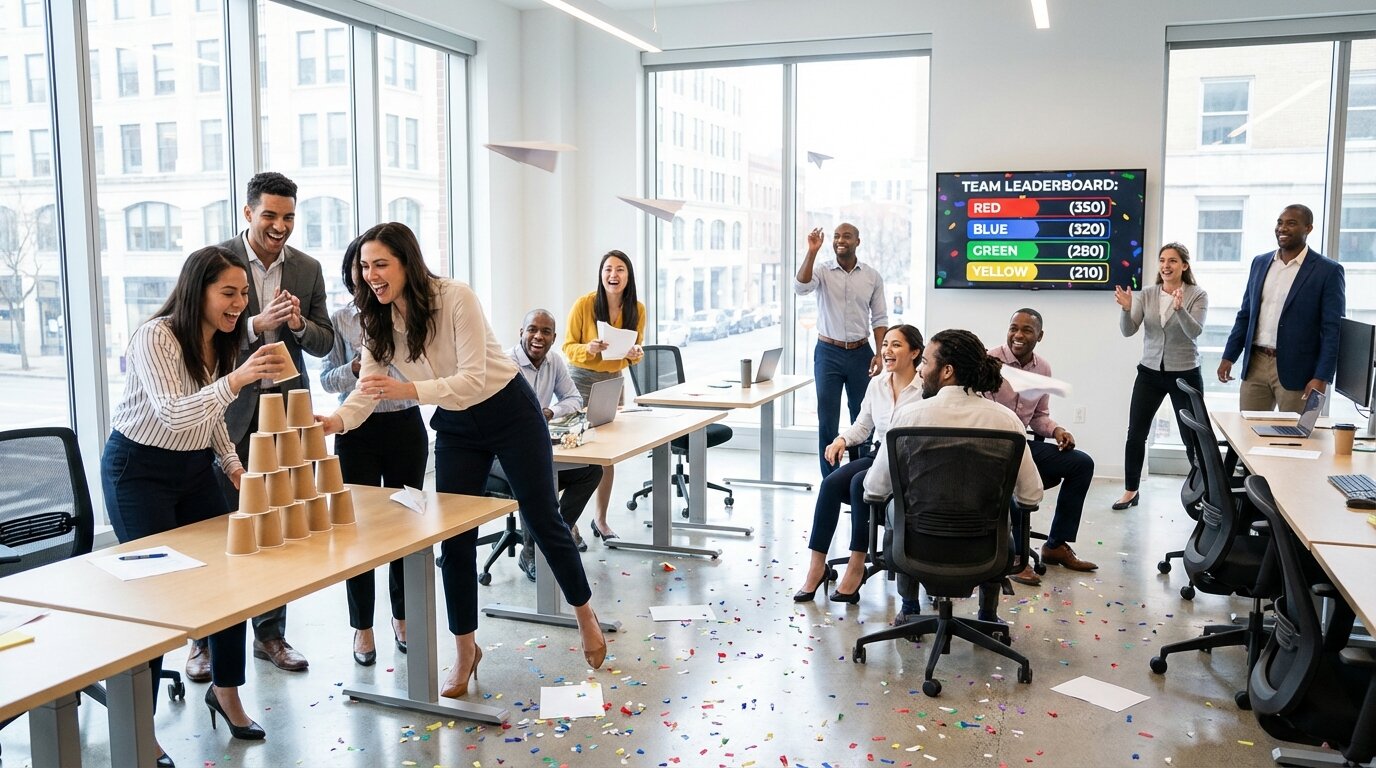
This guide covers how to structure the scoring so the event actually works.
The Scoring Problem Nobody Plans For
Most office Olympics guides focus on the events themselves — the fun stuff. They skip the part where you need to track cumulative points across 6 events, 4 teams, and 40 people, in real time, without a spreadsheet error ruining the final announcement.
Paper tally charts fall apart fast. One person is responsible for updating them, they're in the middle of announcing the next event, and suddenly nobody knows whether the Blue Team has 340 or 430 points going into the final round.
A live team leaderboard fixes this. Points update on screen as each event finishes. Every team can see exactly where they stand going into the next round. And when there's a disputed result, you have the audit trail.
Structuring the Format
How Many Teams?
Four is the sweet spot for most offices. Fewer and the competition feels thin; more than six and coordination becomes a full-time job. Mix departments deliberately — don't let the sales team self-select together, or you'll have one dominant team and three resentful ones.
Name teams after colors, animals, or cities rather than departments. It creates identity without reinforcing existing workplace hierarchies.
How Many Events?
Six to eight events across a half-day works well. Mix physical, mental, and collaborative challenges so that different people get to shine. A team that loses the chair relay race can win the pub quiz round.
Keep events short — 10 to 15 minutes each. Long events lose the crowd and drag the schedule.
Scoring System
Two options that work:
Points per event. First place gets 3 points, second gets 2, third gets 1, fourth gets 0. Simple to explain, easy to track, and means every event matters even for teams that aren't winning.
Raw score accumulation. Total the actual scores across events (time in seconds, distance in centimetres, quiz answers correct). More precise, but harder to follow live — a team's "1,247 combined points" is less meaningful than "they're in second place."
Points per event is easier to communicate to participants. Use raw scores only if your events naturally produce comparable numbers.
Setting Up the Live Leaderboard
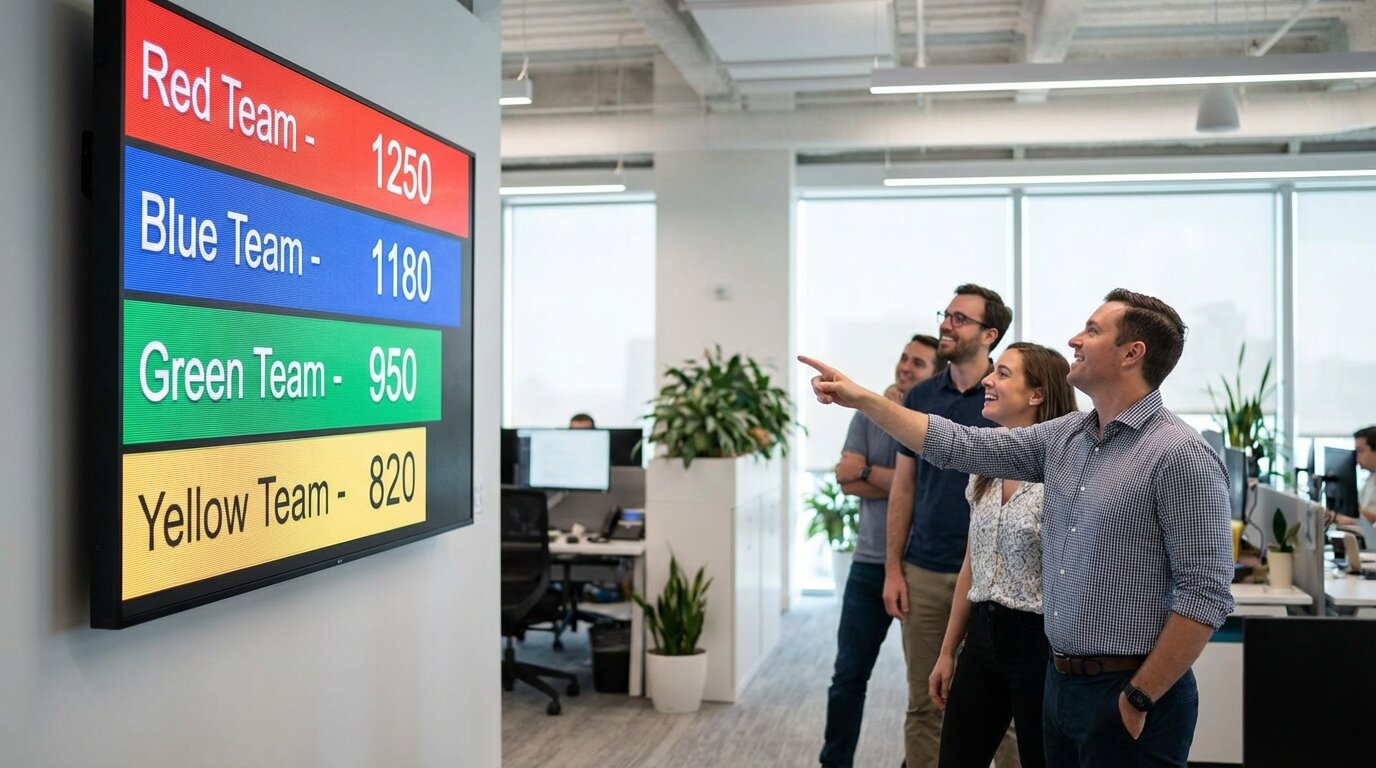
A team leaderboard on Leaderboarded takes about five minutes to set up. Create one board with four teams (or however many you have), display it on the office TV via HDMI or Chromecast, and update points after each event from your phone.
The leaderboard updates in real time — everyone in the office sees the rankings change the moment you add points. That live element changes the energy of the room in a way that a whiteboard never does. Teams that are close together stay engaged through every event rather than checking out once they feel behind.
For the display, use the fullscreen URL and connect via HDMI to a TV in the main competition area. URL parameters to clean it up for display:
?show_search=false&allow_comments=false
This hides the search bar and comment box so the screen stays focused on the scores.
Office Olympics Events That Actually Work
The events that tend to work best are:
Paper Tower. Build the tallest freestanding tower using only paper and tape in 5 minutes. Simple, cheap, and produces a clear measurable result. Score by height in centimetres.
Office Chair Relay. Teams take turns rolling a chair from one end of the office to the other. First team to complete all legs wins. Requires a decent-sized open space, but universally fun.
Rubber Band Shooting. Hit a target on the wall. Score by proximity to bullseye. Requires almost no setup.
Trivia Round. 10 questions, teams confer and submit one answer per question. Great for balancing out the physical events — the person who's worst at the relay race might know that the original Olympic marathon distance was 24.85 miles, not 26.2.
Desk Olympics. Stack a set number of coins, spin a pen, bounce a ball into a bin — a series of micro-challenges completed at a desk. Good for remote-hybrid events where some people are on video call.
Egg Drop (if you have outdoor space). Teams build a structure from office supplies to protect an egg dropped from a first-floor window. Takes prep time but consistently produces the most memorable moments of any office event.
Avoid events that heavily favour physical fitness — rope pulls, push-up contests, anything with real exertion. Unless everyone has opted into that kind of event, you'll exclude people and make others uncomfortable. The goal is participation across the team, not a fitness test.
Running It on the Day
A few things that make the actual day go smoothly:
Assign a scorekeeper who isn't also running events. One person with their phone logged into the leaderboard admin, updating points after each event. They don't announce, don't run logistics — they just track. This is the most underestimated role in the whole event.
Post the running total after every event. Announce it, point at the leaderboard, let teams absorb where they stand. The drama comes from teams knowing they're close. If the scores stay hidden until the end, you lose half the competitive tension.
Have a tiebreaker ready. Two teams on equal points going into the final event is great. Two teams on equal points after the final event without a plan is not. A simple head-to-head challenge (first team to land 3 paper planes in a bin) takes 90 seconds and produces a definitive result.
Photograph the scoreboard at the end. The final standings are worth saving. Post it to the company Slack, put it in the newsletter. Teams reference it for weeks.
Adapting for Remote or Hybrid Teams
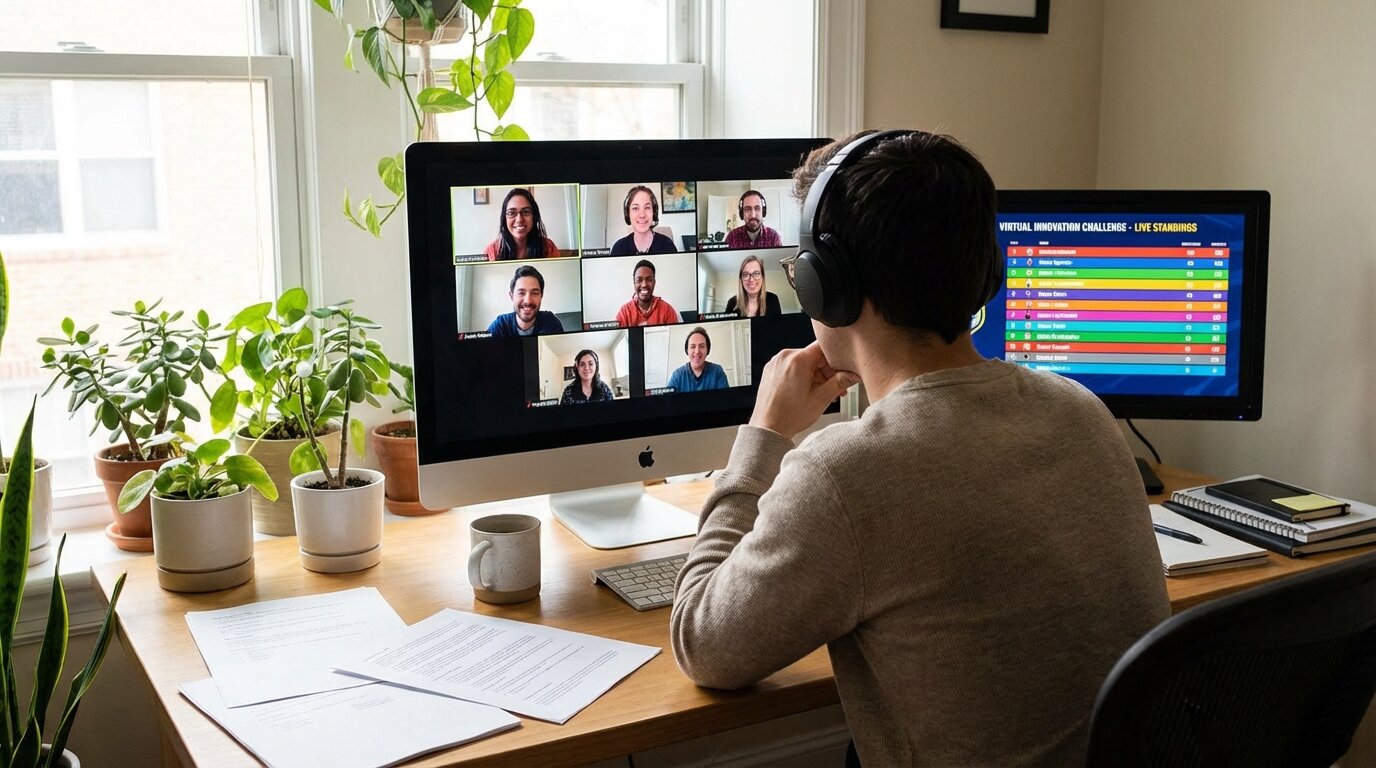
If part of your team is remote, the leaderboard still works — share the public URL in Slack so remote participants can follow along in real time. The challenge is designing events that remote participants can join.
Events that work across hybrid:
- Trivia rounds over video call, teams conferring in breakout rooms
- Photo challenges (find something red in your workspace, take a photo, first team to submit wins)
- Speed typing contest — everyone does it simultaneously, results submitted via link
- Virtual scavenger hunt — tasks completed and photographed from home or office
Avoid events with a strong physical-presence advantage where remote participants are watching rather than competing.
After the Event
Post the final standings somewhere permanent — Slack, an internal wiki, a printed certificate on the wall. The winning team should be able to refer to it three months later when they're trash-talking in the next event.
The best outcome isn't a smooth event — it's that people are already talking about doing it again before they leave the room.
When the day is bigger than an office
If your offsite or sales kickoff has an external event company, an MC, an AV vendor, or a sponsor in the mix — and you want the scoreboard to look like a real broadcast graphic on stage rather than a Google Sheet on a TV — give the event company our custom event scoreboards page. Flat-fee branded build, phone-controlled, on-call during the day.

Written by Caspar von Wrede
Founder of Leaderboarded. Building tools that help teams track progress and stay motivated.