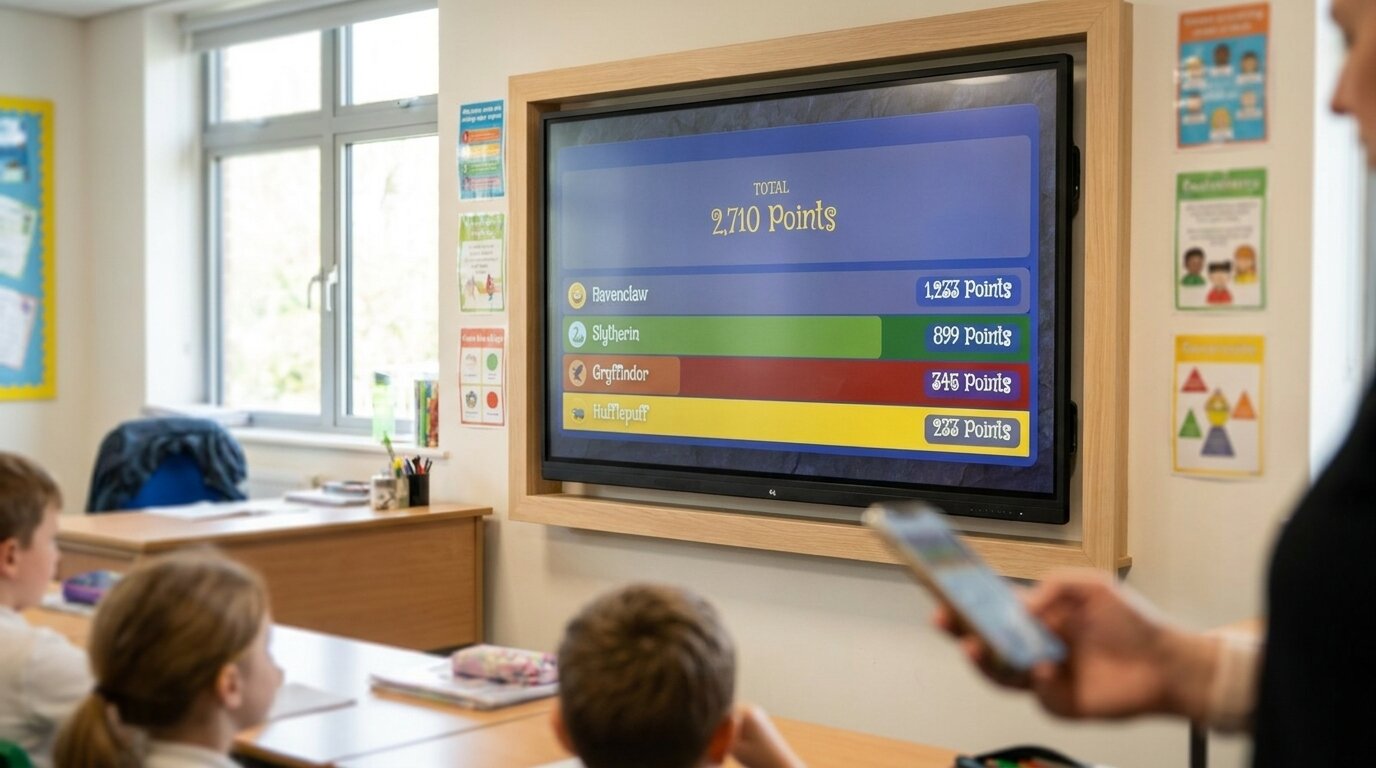
House Points Tracker
An online house points system for your classroom or whole school. Award points from your phone, watch each pupil's points roll up to their house, and show the live standings on any TV — no pupil accounts, set up in a minute.


Pupil points roll up to their house
Award a point to a pupil and their house total moves in the same tap. Houses are teams, so individual effort and the house standings update together — no adding up tally charts on a Friday afternoon.
Live on the classroom or hall display
Open the board link on any smart TV, projector, or Chromebook and it updates the moment you award a point from your phone. Ideal for a permanent house-points display in the classroom or the school hall — no casting app, just a link the screen opens.
No pupil accounts, privacy-friendly
Only the teacher signs up. Pupils appear by first name, initials, or a code you choose — no email addresses, no parent app, no behavioural profiles following children between years. Schools with strict pupil-data rules sign off fast.
Houses that feel real
Give each house its own name, colour, and crest or logo, or start from the built-in Wizard theme. A board that looks like the competition — rather than a generic spreadsheet — is what gets pupils invested in their house.
Classroom house points
Split the class into three or four houses and award points for effort, behaviour, homework, and taking part. Each pupil's points roll up to their house, so the standings on the board are always live — no separate tally sheet to keep. Reset each term for a fresh start.
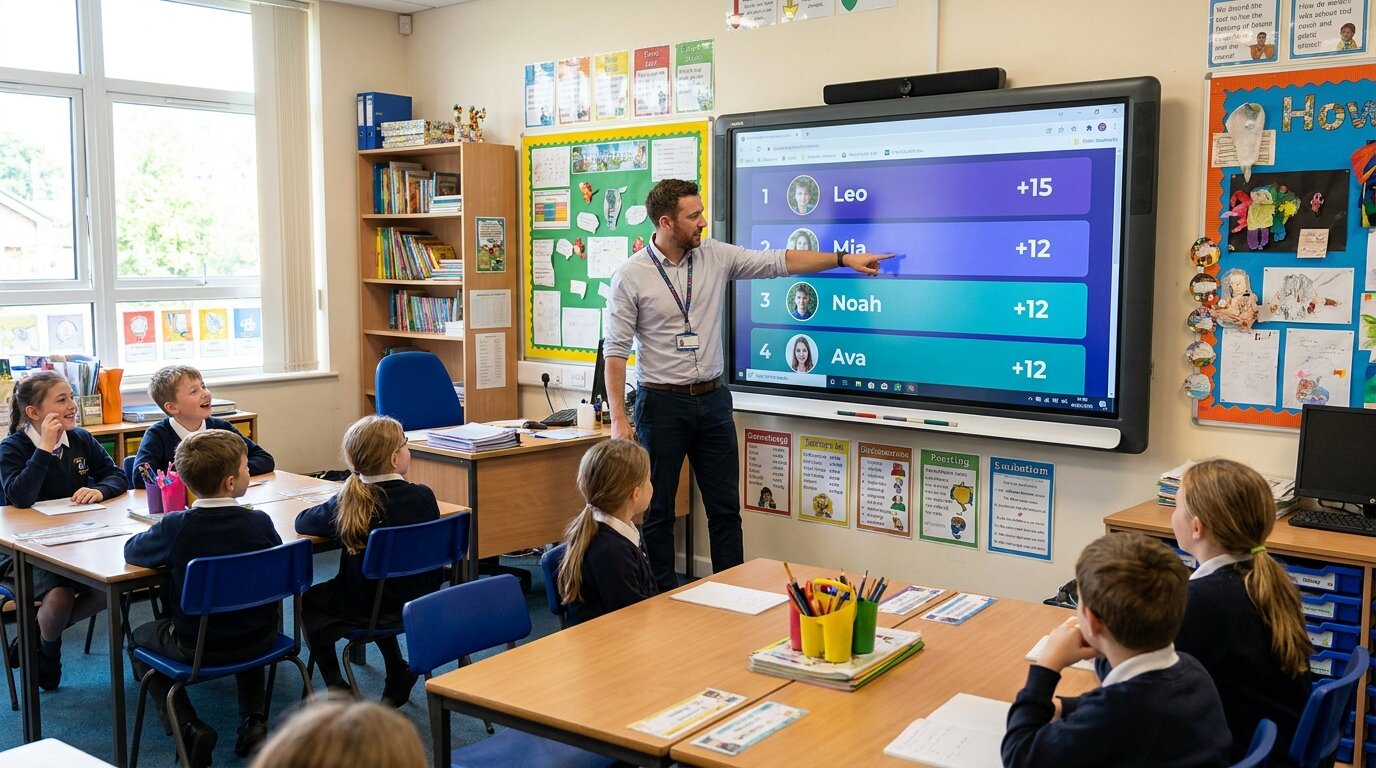
Whole-school house system
Run the classic four-house system across every year group. Add every pupil to a house, let form tutors award points from their phones, and put the combined standings on the big screen in reception or the hall. One board, hundreds of pupils, one live total per house.

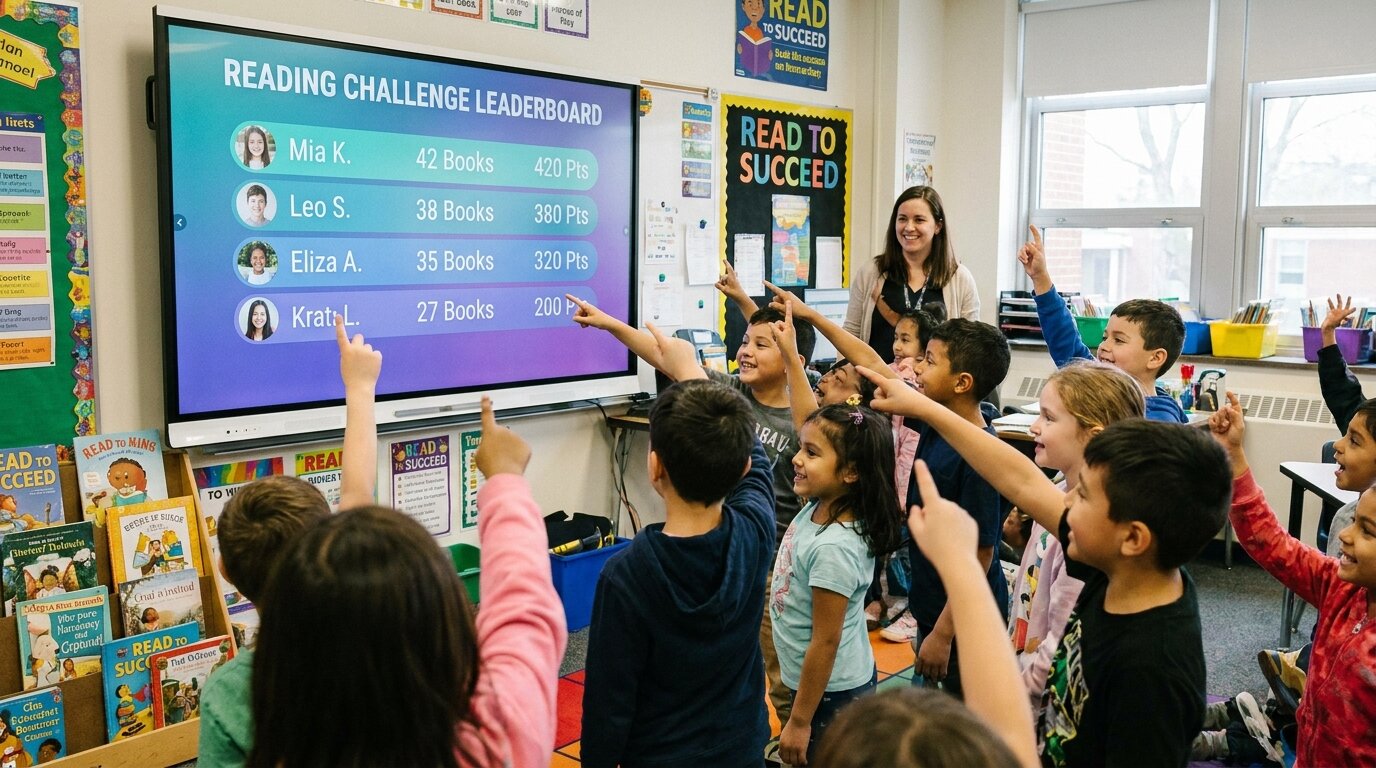
Reading and behaviour points
Fold your reading challenge or behaviour system straight into the houses — books finished, minutes read, kindness caught, punctuality. Because points aggregate by team, a quiet reader who would never top an individual ranking still visibly moves their whole house up the board.
Sports day, spirit week and house events
Score a one-off house competition without disturbing your year-long board. Spin up a fresh board for sports day, a spirit-week colour war, or an inter-house quiz, tally points event by event, and crown a winning house by the end of the day.

Table teams and tutor groups
Houses don't have to be four grand names. Use the same board for table groups, reading circles, tutor groups, or a summer-camp colour team — any set of teams whose individual members earn points that add up to a group total.
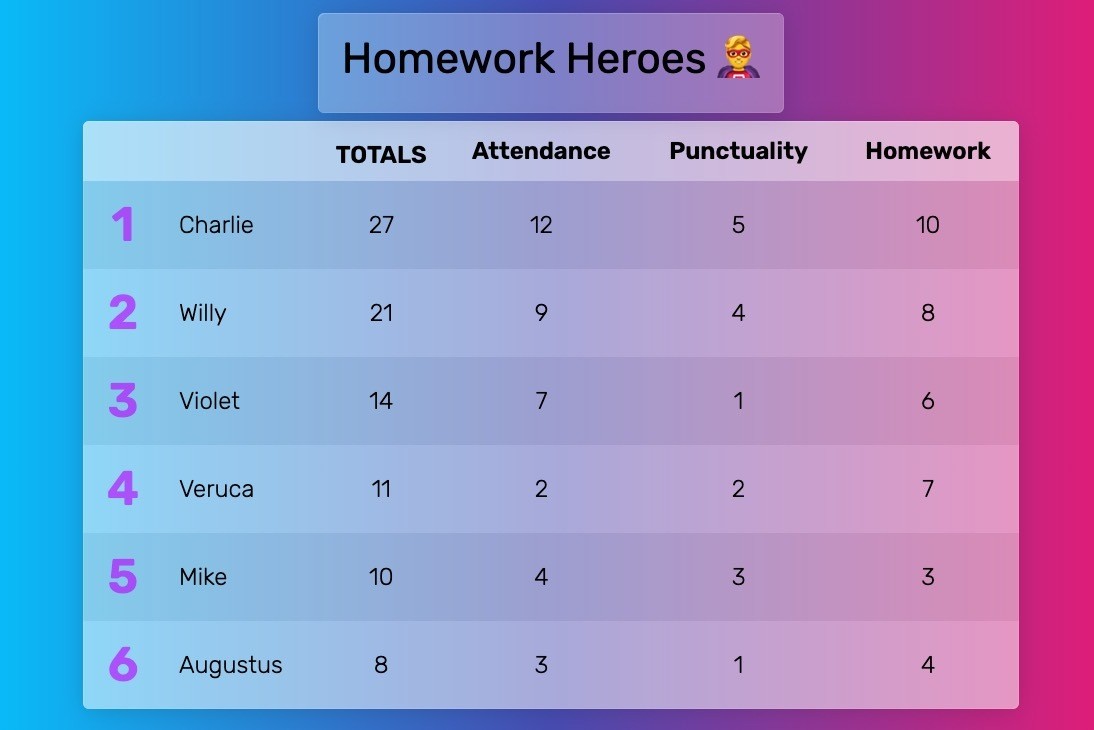
"We use Leaderboarded to keep track of class points throughout the year. Classes can earn points for a variety of activities/behaviors. The class with the most points receives a pizza party. The kids enjoy the friendly competition and it motivates them to make good choices. Thanks for providing a fun, easy way to track and display points!"
"I am SUCH a fan of Leaderboarded! I use it to keep the real-time participation score for my students in my Spanish classes. I found it back when we had the COVID-19 restrictions in classrooms. I went back to using Leaderboarded with my classes last year, and they loved it! It was VERY motivational."

"As an educator I really appreciate how easy it is to update a points system in the middle of class, and I can embed the scoreboard into my school's LMS so all the students know where to go check their point totals."
"Use this for my classes every day. It's easy to use and the kids love it. Highly recommend."

"SIMPLY BRILLIANT! I'm using the site in the classroom to engage and motivate students and it's been great! I award students points for completed assignments, good behavior, and test scores, and students can also lose points for uncompleted assignments and bad behavior. It's been an amazing tool!"

Trusted by thousands worldwide
Join our growing community of leaderboard creators
1,521,162
Leaderboards Created
174,394
Registered Users
Real-time
Live Updates