How to Make a QR Code Scavenger Hunt (Free, No App)
A step-by-step guide to building a QR code scavenger hunt — the free DIY way and the easy way with a live leaderboard. No app download, no signup for players.
Article Contents
A QR code scavenger hunt is one of the easiest ways to turn a classroom, office, party, or trade show into a game. Players scan codes hidden around a space, each scan checks them in or reveals a clue, and whoever finds the most wins.
The best part: you don't need an expensive platform or any app download. This guide shows you two ways to build one — a completely free DIY version, and a faster version with a live leaderboard — plus ideas and tips to make it great.
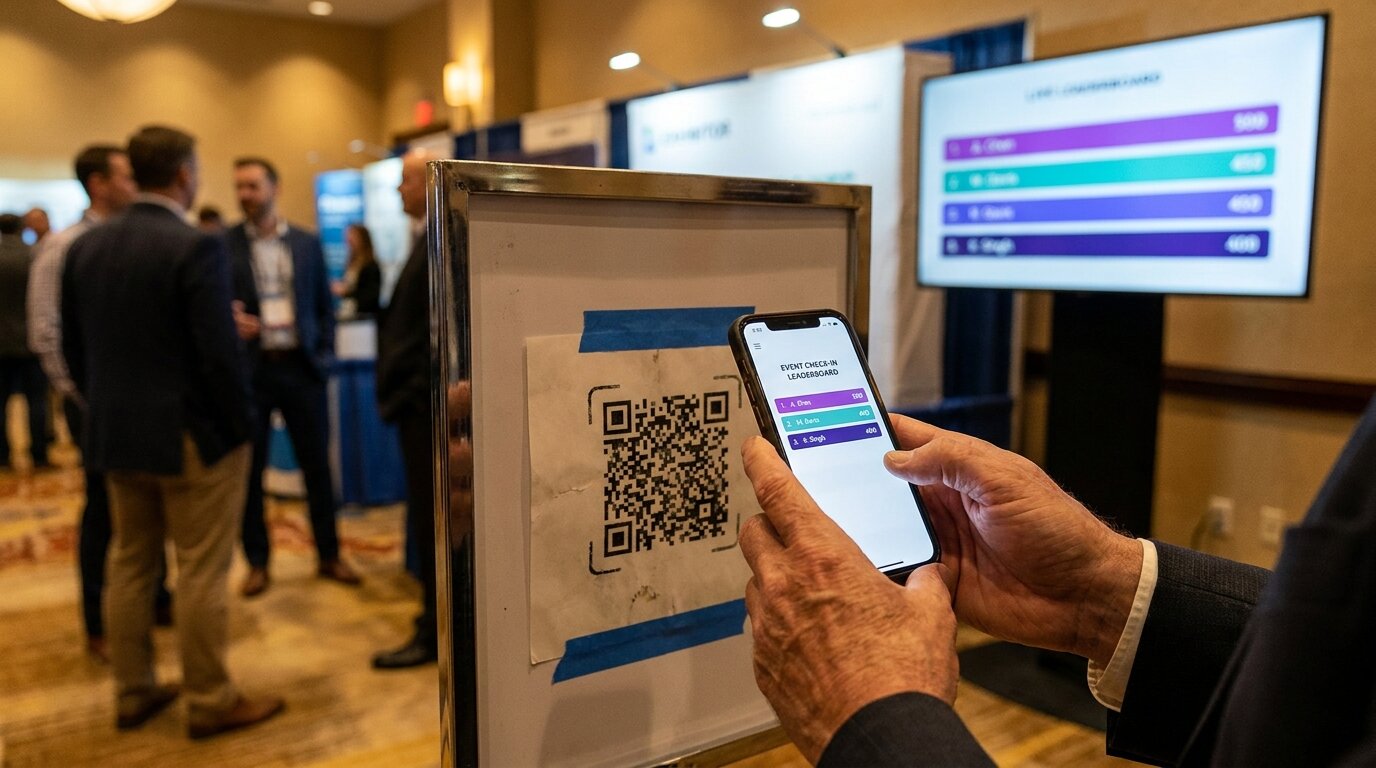
How a QR code scavenger hunt works
Every QR scavenger hunt has three ingredients:
- Checkpoints — the locations, booths, or items players have to find.
- A unique QR code at each checkpoint — so a scan proves they were there.
- A way to score — points for each checkpoint visited, and a ranking to show who's ahead.
When a player points their phone camera at a code, it opens a web page in their browser. There's nothing to install — every modern phone reads QR codes natively. That's what makes this format so frictionless: players just scan and go.
What you'll need
- A list of checkpoints (the more creative the locations, the more fun the hunt)
- A QR code for each one
- A way to track who's winning — paper, a spreadsheet, or a live leaderboard
Method 1: The free DIY way (Google Forms + a QR generator)
If you're running a small hunt — a single classroom, a handful of clues — you can build one for free with tools you already have.
- List your checkpoints and clues. Decide what each one asks the player to do: answer a question, find an object, or solve a riddle that points to the next location.
- Create a destination for each code. A Google Form question, a shared Google Doc with the clue, or a simple web page all work. This is the page players land on when they scan.
- Generate a QR code for each destination. Plenty of free QR code generators will turn any link into a printable code in seconds.
- Print and place the codes. Tape them at each location, hide them, or tuck them inside clue cards.
- Tally the scores. Collect Google Form responses, or have a helper check players off a list as they go.
The trade-off: this is free and flexible, but there's no live ranking, scoring is manual, and it gets fiddly once you have more than a few checkpoints or more than a few players. It's perfect for a one-off classroom activity — less so for a busy event where you want everyone to see the race unfold.
Method 2: The easy way — a live leaderboard (no app, no signup)
For anything bigger — an office team-building day, a conference, a trade show floor — a live leaderboard does the scoring for you and turns the hunt into a spectacle everyone can watch.
- Create a leaderboard and add your checkpoints.
- Print the QR sheet. Each checkpoint gets its own unique code.
- Tape the codes at your locations.
- Players scan and enter their name once. Their identity is stored on their phone — no email, no password, no account. Each new scan adds points and moves them up the board.
- Put the leaderboard on a TV or projector so the whole room can see who's winning, live, as it happens.
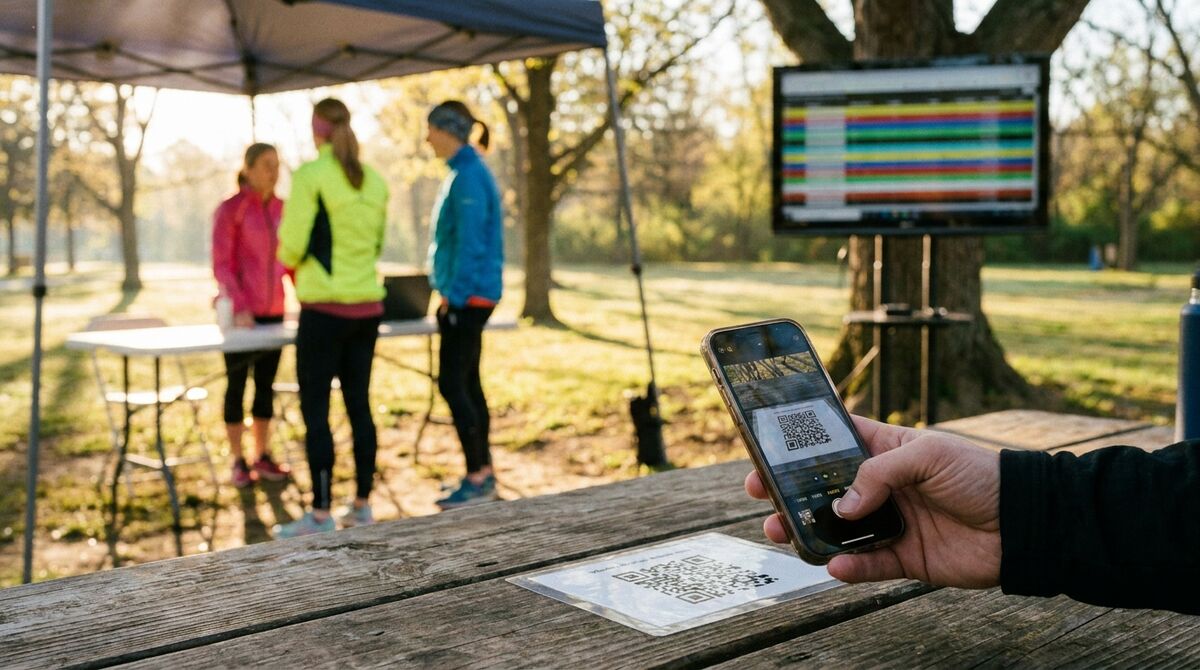
This is also where you save money. Dedicated scavenger-hunt platforms like GooseChase start at $399 per event and require every player to download an app. A browser-based leaderboard is free to start and live in about five minutes. Here's how to set up a QR code scavenger hunt with a live leaderboard.
QR code scavenger hunt ideas
The format works almost anywhere. A few of our favourites:
- Classroom review game — a question at each station; students scan, answer, and climb the board. See our classroom scavenger hunt guide for subject-by-subject ideas.
- Office team-building or onboarding — hide codes around the office and have new hires (or whole teams) find them all.
- Trade show booth passport — a code at each exhibitor booth. Attendees scan to check in, which drives foot traffic to every booth, not just the ones by the entrance.
- Conference networking — checkpoints at breakout rooms, sponsor areas, and keynote stages turn networking into a game.
- Campus orientation — guide new students to the library, gym, and student services.
- Party or birthday treasure hunt — clue-to-clue codes that lead to a prize at the end.
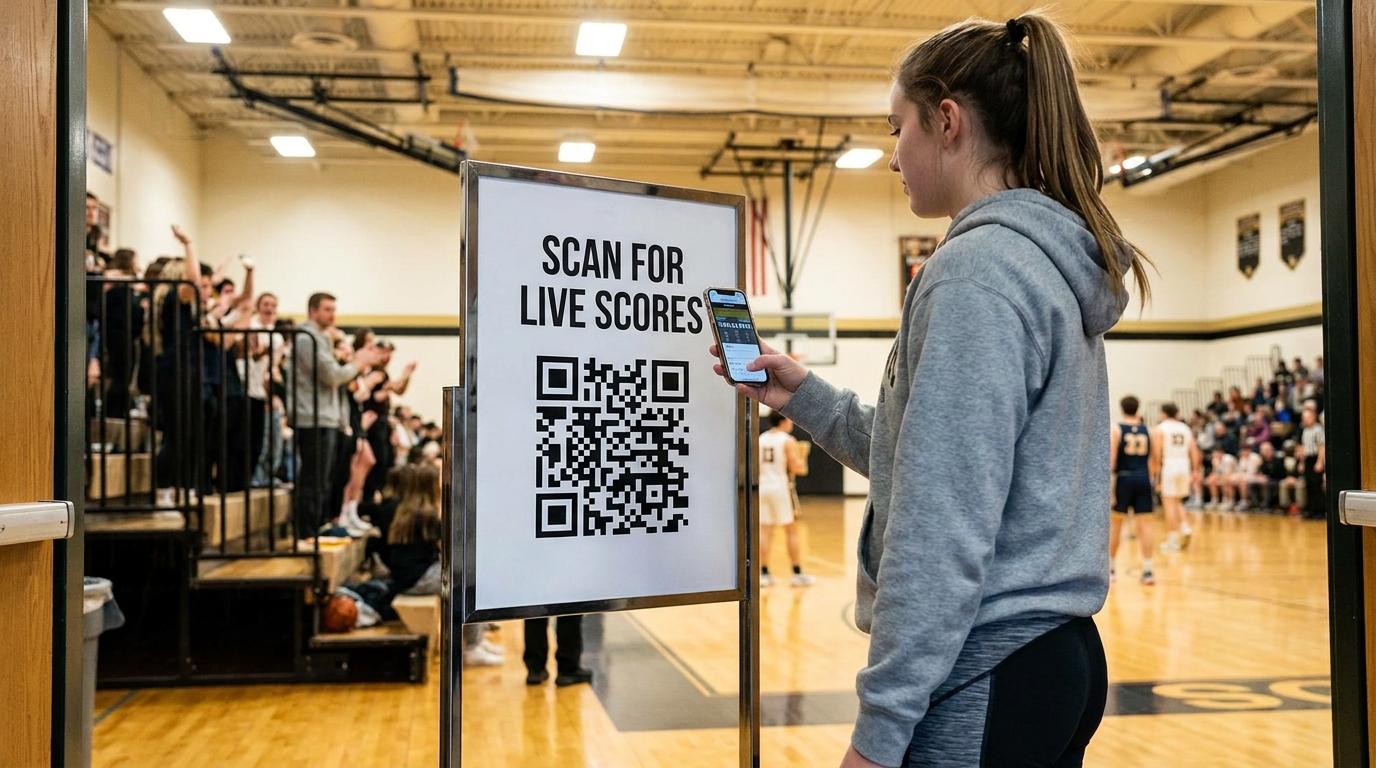
Need more inspiration? See our 10 team-building scavenger hunt ideas, or trade show game ideas for event-specific formats.
Tips for a great hunt
- Write clear, fun clues — a little personality goes a long way.
- Place codes thoughtfully — visible enough to find with some effort, but not so hidden they cause frustration.
- Mix easy and hard checkpoints so everyone scores something and the leaders still have to work.
- Offer a prize — even a small one sharpens the competition.
- Test every code before the event. Scan each one yourself to make sure it opens the right page.
Do you need an app?
No — that's the whole point. Players use the camera that's already on their phone, and the code opens a web page. The only thing you need to decide is how you'll score it: by hand for a tiny hunt, or a live leaderboard for anything bigger.
Ready to run one? Create a QR code scavenger hunt — add your checkpoints, print the codes, and you're live in five minutes. For more game ideas, sign up for our newsletter.

Written by Caspar von Wrede
Founder of Leaderboarded. Building tools that help teams track progress and stay motivated.