Countdown for the Big Screen: Weddings, Services, and “Starting Soon”
Put a countdown on the big screen for a wedding, church service, or livestream hold screen — readable, controlled from your phone, synced across displays.
Article Contents
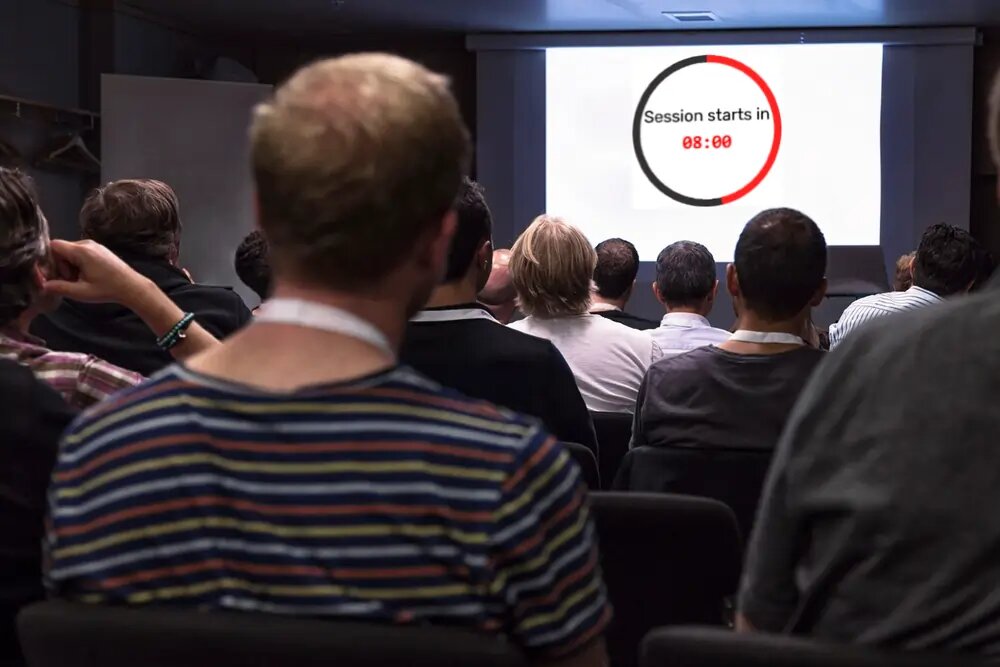
There's a moment before any event when the room is half-full and nothing's happening yet. People are unsure whether to sit down. A blank screen makes it worse. A big "Starts in 9:42" makes it better — it tells everyone the same thing at once, and it quietly fills the seats.
That's the whole job of a big-screen countdown. Not the stage timing, not the run of show — just holding a room, gracefully, until it's time to begin.
 A hold screen does more than a blank projector ever will: it sets the start time and lets the room settle itself.
The "starting soon" hold screen
This is the one I'd set up first. Point the timer at a wall-clock time — count down to 7:00pm — and put the display link on the projector or lobby screen while people arrive. The room reads it, judges the queue for drinks against the clock, and finds seats without anyone announcing anything.
It's the same convention a livestream uses when the screen says "We'll be live in 5:00" before the show starts. The difference here is that you can adjust it from your phone: when the celebrant is running late, you push the start time back from across the room and every screen updates. No walking up to the AV laptop in front of everyone.
Ceremonies and services
- Weddings — a countdown to the ceremony start on the screen at the reception entrance, or a tidy "The first dance begins in…" to gather everyone back. Set the title and it explains itself; nobody has to play town crier.
- Church and worship — a countdown before the service gathers the room, and a Watch Night countdown to midnight is a tradition the big screen was made for. Open the same display link on the foyer screen and the main screen so they agree.
- New Year and launches — the Times Square ball drop works because everyone counts the same seconds together. A product launch countdown to zero, mirrored on every screen in the building, borrows that energy for free.
Make it readable from the back
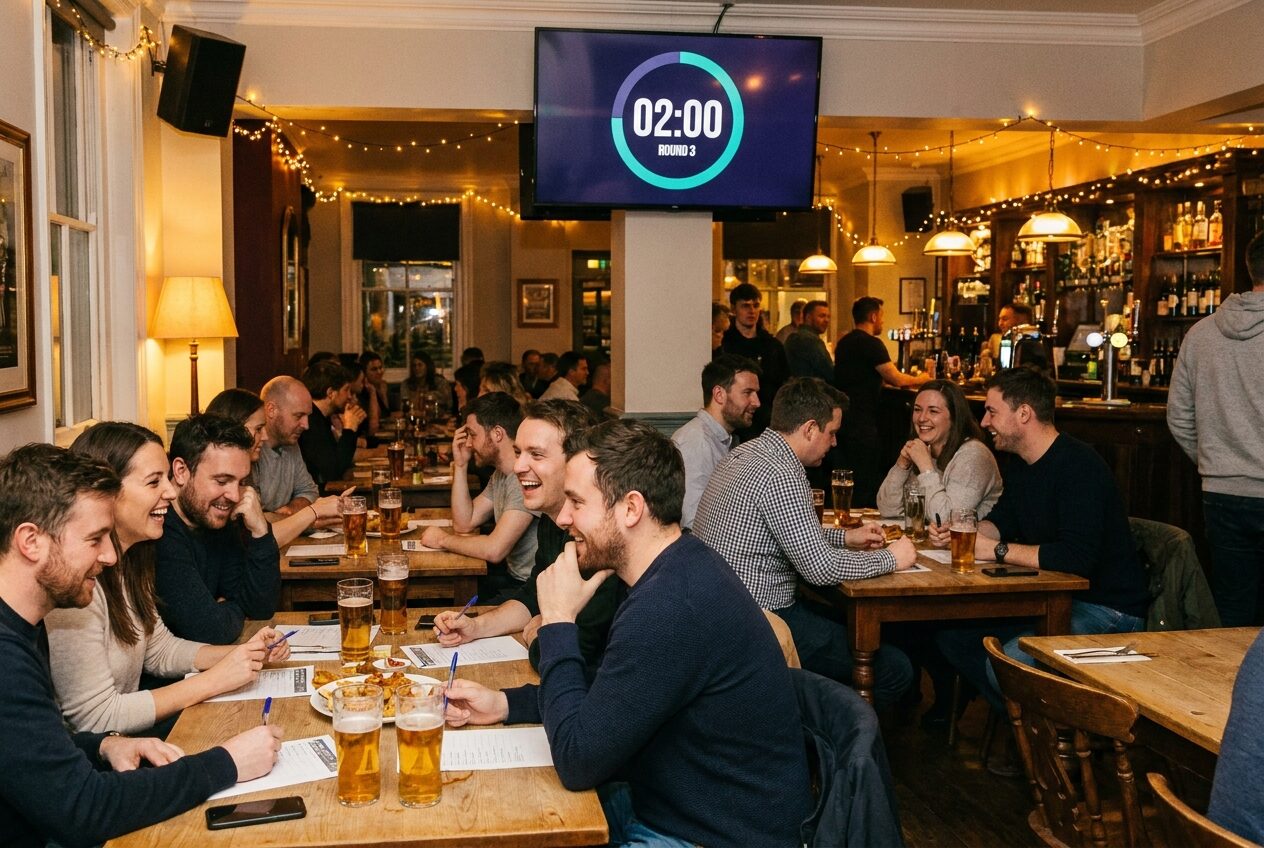
A hold screen lives or dies on legibility. Pick big digits and a high-contrast colour pair — light digits on a dark background reads from the furthest seat and won't glare in a dim venue. Add a short title ("Doors close in…", "Service begins in…") so a latecomer understands it in one glance. If the screen is a tall lobby display, the countdown fills a portrait orientation just as happily as a landscape one.
One honest caveat: a hold screen is a promise. Say "Starts in 10:00" and then start at 12:00, and you've taught the room to ignore the clock for the rest of the night. Set a time you'll actually hit — or nudge it from your phone the moment you know it's slipping, while people still believe it.
The rest of the event
A hold screen is the calm bookend. For the part where the schedule actually has to hold — sessions, speakers, breaks — see the event countdown timer and the stage timer. The setup is identical and covered in showing a countdown on a TV and controlling it from your phone: one link on the screen, the controls on your phone, every display in sync.

Written by Caspar von Wrede
Founder of Leaderboarded. Building tools that help teams track progress and stay motivated.