Event Timer
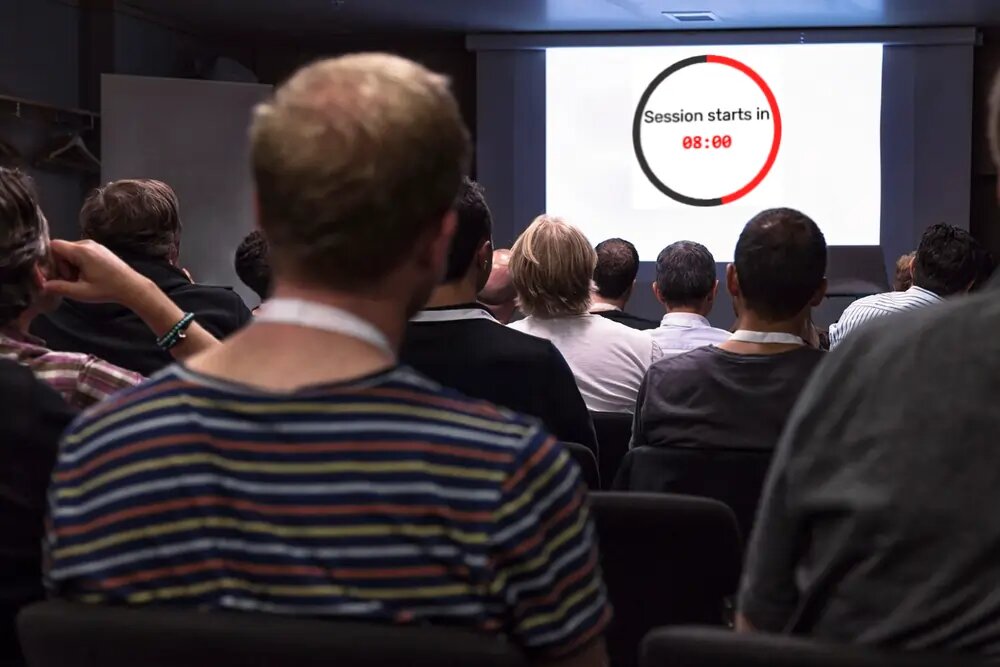
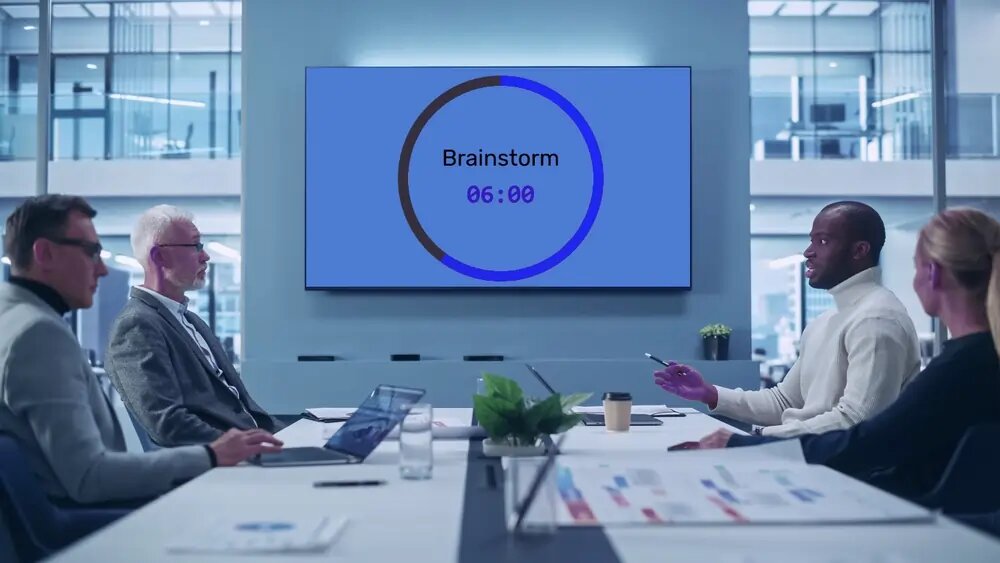
Put a big countdown on the projector or screen and control it from your phone — start, pause, reset, and add time from anywhere in the room. One display link keeps every screen synced to the second, with no app to install.


One link on every screen, synced to the second
Open the display link on the main screen, the green-room monitor, and the lobby TV — they all show the same countdown at the same instant. Start it once and every screen moves together, with no refresh and no drift.
Control it from your phone, anywhere in the room
Start the clock when the speaker actually starts, pause for the fire-alarm test, add two minutes when the Q&A runs long — all from your phone at the back of the room or the AV desk. The big screen follows instantly, so you're never tied to the laptop driving it.
Nothing to install on the screen
Any browser opens the display link and goes full-screen — a smart TV, a laptop on HDMI, a mini-PC behind the screen. No app, no cast button, no AV software to license. If it can load a web page, it can show the countdown.
Free to run, paid only when you want branding
Create and display timers on the free plan — up to 2 saved boards, no credit card. Paid plans (from $19/month) add your own colours, fonts, and progress bar — worth it when the screen carries a sponsor logo or a brand look.
Conferences, sessions, and breakouts
Keep a packed run of show on time. Put the countdown on the session screen, give the moderator the controls on their phone, and switch to a "Resumes at 14:00" hold screen between talks. Every breakout room runs from the same link, so the whole programme stays in step. Full write-up: the event countdown timer.
Speakers, lightning talks, and the AV desk
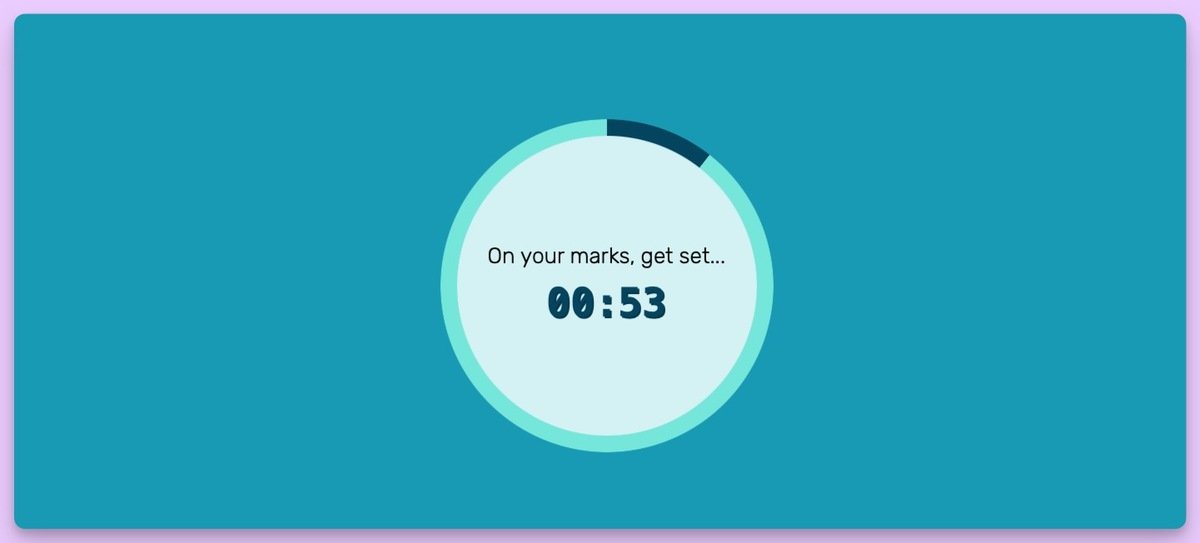
Build a confidence monitor for free: set a speaker-facing screen at the foot of the stage showing the same countdown, and run it from the AV desk at the back. Lightning talks get a hard buzzer and an end message, and the visible clock turns the cut-off into a shared game rather than an awkward wrap-up. See the stage-timer setup and the presentation timer.
Weddings, services, and “starting soon” screens
Hold a room before it begins: a "Starts in 10:00" screen for a livestream, a wedding or church-service countdown on the big screen, a New-Year or product-launch countdown to zero. It doubles as a tidy hold screen while people find their seats. See countdowns for the big screen.

On-brand event screens and activations
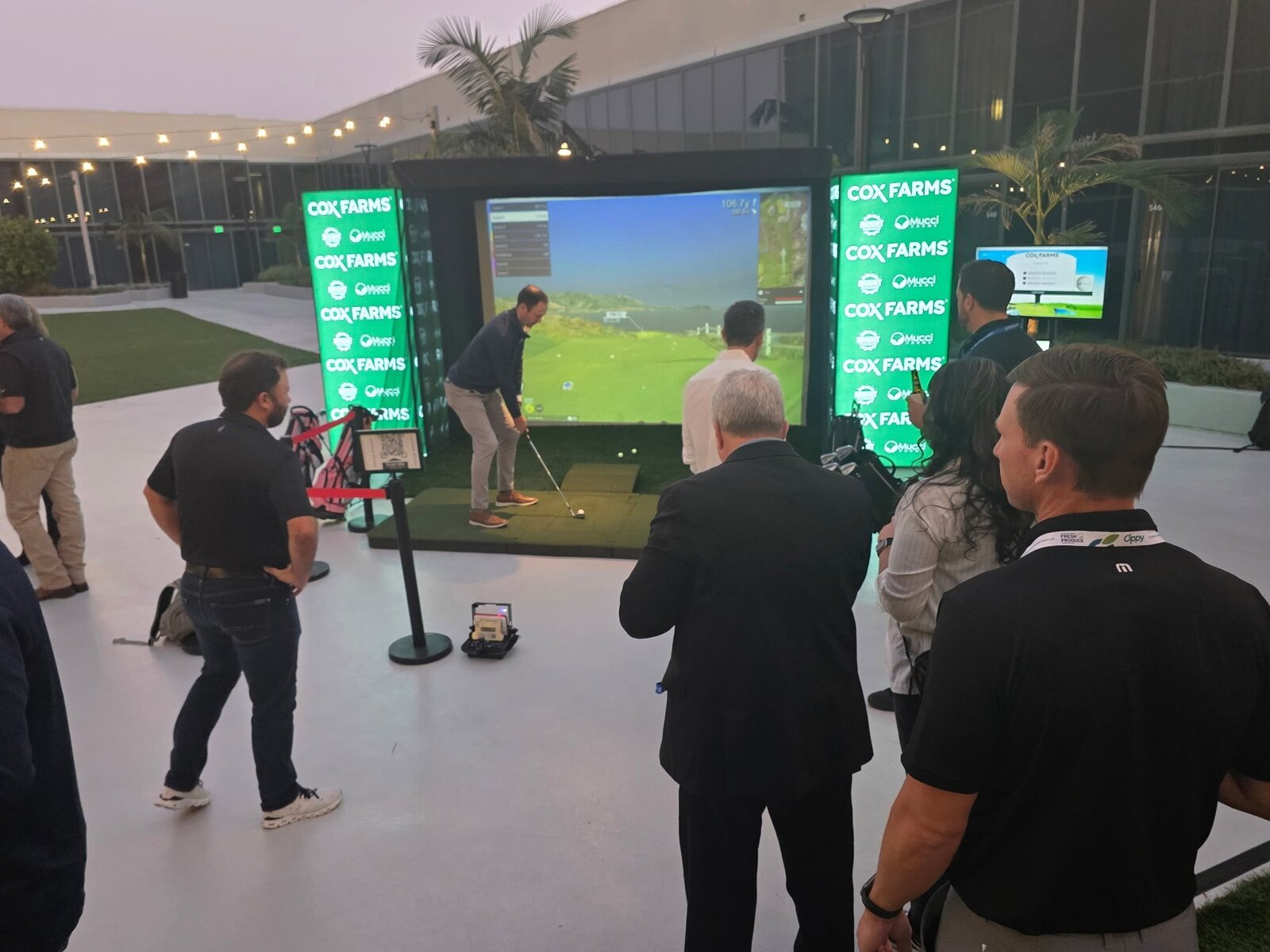
Running a branded activation or a sponsor moment? The same timer takes your colours, logo, and fonts, so the countdown sits inside the run of show as a deliverable rather than a default. For a fully designed, on-brand scoreboard or countdown built for the AV pack, see custom event scoreboards.
Also for classrooms and meetings
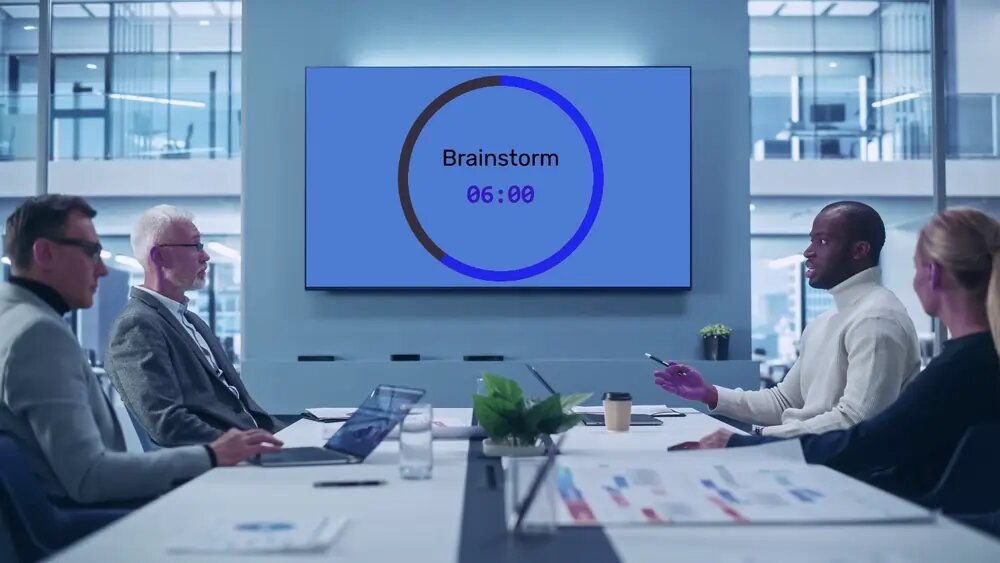
The same synced timer has a home in every other room. Teachers run exam and station countdowns with the classroom timer, and teams timebox agenda items on the meeting-room TV with a meeting timer — one link, every screen in sync.
Features
Share one display link and the same countdown runs in real time on every screen that opens it — main stage, confidence monitor, lobby, and overflow rooms stay in step to the second.
As the timer's creator, your own view has the controls. Start, pause, reset, or add time from anywhere in the room while the screen stays full-screen.
Count down to a set time — "Doors at 19:00", "Resumes at 14:00" — so the screen runs a tidy hold while the room fills, then starts itself on cue.
From a five-minute lightning talk to an all-day programme. Adjust the time on the fly without starting over.
Finish with a buzzer and a message on screen — "Time!", "Next speaker 👏", "We're live" — plus a title so the room knows what's being timed.
Match the stage look or a sponsor's brand with custom background and progress-bar colours, a choice of fonts, and a circular or horizontal bar. Branding is on the paid plans.
Count down to a hard stop, or count up as a stopwatch to see how long a segment actually ran.
One clean, high-contrast full-screen view that reads from the back of the hall. Works on a smart TV, laptop, or mini-PC — nothing to install.
"We used Leaderboarded for a Hang Challenge at my company for fundraising. We loved how easy and smooth it was to use it, and the live updates were a big WOW! Also, being able to update the company logo and each player's profile picture gave it a personal touch and encouraged more participants. Keep up the good work!"

"We held a 'Game Night' for a very large meeting of our membership, and these leaderboards were a perfect solution to help us keep track of points. I loved that it was customizable with colors and images. We will definitely use this product again."

Trusted by thousands worldwide
Join our growing community of leaderboard creators
1,517,706
Leaderboards Created
172,789
Registered Users
Real-time
Live Updates