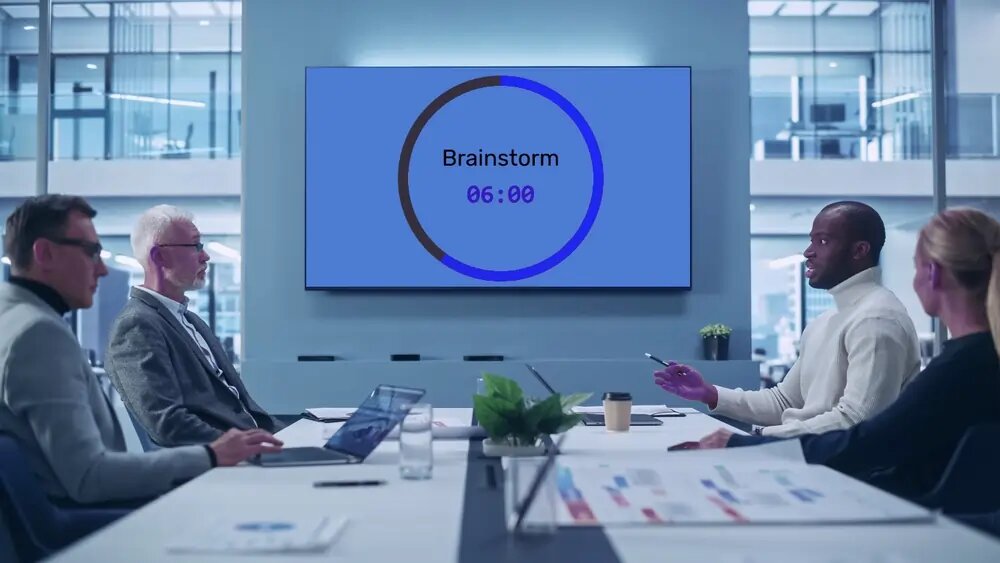
Event Countdown Timer: Keep a Conference or Offsite on Schedule
Run a conference, offsite, or multi-track event on time with a shared countdown timer — one screen the room sees, one phone you control, every session in sync.
Article Contents
The schedule on the printed run of show is fiction by 10:30am. The keynote ran long, the coffee break ate the overflow, and now every session after lunch is fighting to claw back ten minutes nobody will give up willingly.
A countdown on the screen won't make a speaker stop talking. But it removes every excuse not to. When the whole room can see the clock, "I didn't realise I was over" stops working.
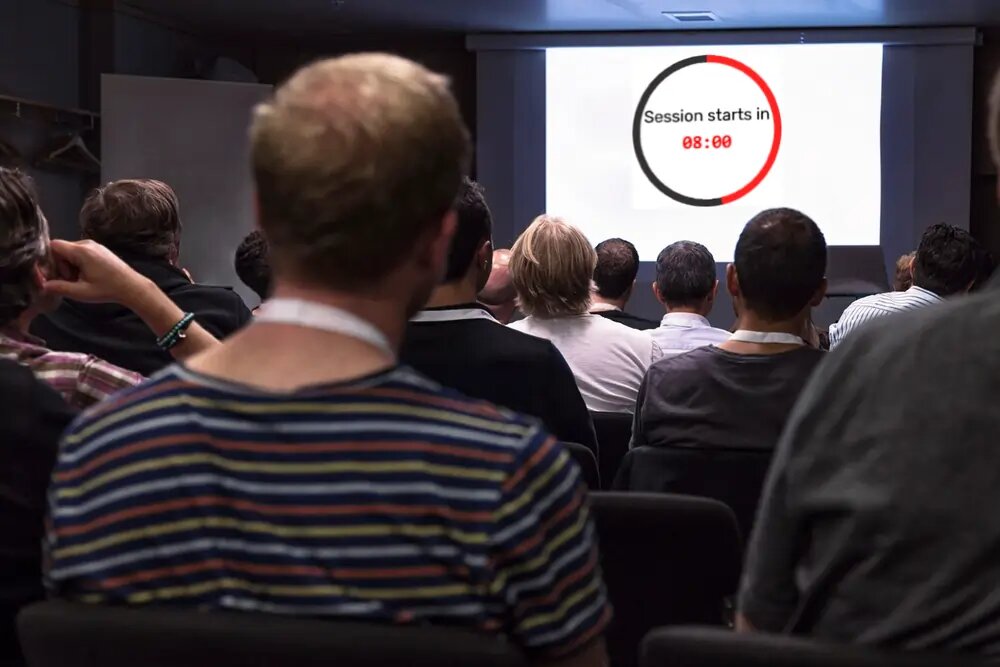 The session clock, visible to the speaker and the room. The moderator runs it from the back.
One clock the whole event shares
The point of an event timer at a conference isn't the countdown itself — it's that everyone is looking at the same countdown. Put the display link on the session screen, on a confidence monitor at the foot of the stage, and on the tech desk's laptop. One person — usually the moderator or stage manager — holds the controls on their phone.
So the clock starts when the speaker actually starts, not when the agenda says they should have. It pauses for the AV glitch. It quietly gains two minutes when a panel is genuinely cooking and you decide to let it. Every screen follows the same decision at the same instant. No hand signals across a dark room, no "wrap it up" notes that arrive too late.
Run-of-show patterns that hold a day together
- Session countdowns — each talk gets its slot on the screen. The buzzer and an end message ("Q&A — 5 minutes") make the handover obvious without the MC interrupting.
- "Resumes at 14:00" hold screens — between sessions and over lunch, switch the timer to count down to a wall-clock time. The room refills itself because everyone can see exactly how long the break really is. This is the single most underused trick at events.
- Breakout rooms in parallel — open the same display link in every breakout. When the master timer hits zero, every room knows to head back at once, and the afternoon doesn't splinter.
- Speaker prep backstage — a green-room screen on the same link lets the next speaker see precisely how long they've got before they're on.
The reason this works isn't the technology. It's Parkinson's law — work expands to fill the time available — running in reverse. Make the remaining time visible and shrinking, and people self-edit. A rundown is how broadcast has kept live shows to the second for decades; a shared countdown is the lightweight version any event can run.
Setup, honestly
Plug a laptop or mini-PC into each screen over HDMI and open the display link — don't trust the venue's smart-TV browser for anything load-bearing. The full mechanics are in showing a countdown on a TV and controlling it from your phone. The timer is free to run; only the person driving it needs an account, and every other screen just opens the link.
One caveat worth saying out loud: a clock disciplines the schedule, it doesn't replace a stage manager. You still need a human deciding when to grant the extra two minutes. The timer just makes that decision visible and shared instead of whispered.
Running a branded or sponsored event where the screens are part of the show? The same timer takes your colours and logo, and for a fully designed on-brand scoreboard or countdown built into the AV pack, we make custom event scoreboards. For the speaker-facing side of all this, see the stage timer.

Written by Caspar von Wrede
Founder of Leaderboarded. Building tools that help teams track progress and stay motivated.