Employee Leaderboard: A Simple Setup Guide
Track employee performance with a live leaderboard. Works for sales, support, training, and recognition — no IT setup required.
Article Contents
Your CRM has the numbers. Your HR system has the attendance records. Your ticketing tool has the resolution times. And most of your team hasn't looked at any of it since last quarter's review.
That's the gap an employee leaderboard fills — not the data, but the visibility. When performance is somewhere people can see it daily, the dynamic shifts. Social comparison theory is well-documented: people naturally calibrate their effort against their peers. A leaderboard makes that comparison explicit, fair, and ongoing — without requiring a manager to send a weekly update email nobody reads.
 A leaderboard on the office wall creates ambient visibility — no email required.
This guide covers what makes an employee leaderboard work, which metrics to track, and how to set one up in under ten minutes.
What an Employee Leaderboard Actually Is
An employee leaderboard ranks team members by a performance metric and keeps that ranking visible — on a TV in the office, as a link in Slack, embedded in your intranet, or displayed on a phone screen between meetings.
It's not the same as a HR dashboard. Dashboards are for managers reviewing data. Leaderboards are for the team — the people being measured are also the primary audience.
The format is simple: a ranked list, updated regularly, showing who's ahead and by how much. The term "staff leaderboard" means the same thing — whether you call them employees, staff, or team members, the setup is identical. What varies is the metric. Sales teams track deals or revenue. Support teams track tickets resolved or CSAT scores. Training programmes track completion rates. Recognition systems track points earned. The leaderboard format works for any of these; you're just choosing what goes in the score column.
Which Metrics Work (and Which Don't)
The most common mistake is picking a metric because it's easy to measure, not because it drives the right behaviour.
Metrics worth tracking
Sales performance is the most natural fit — deals closed, pipeline created, calls booked. The number is unambiguous and employees have direct control over it. For a detailed treatment of sales-specific setup, see our sales leaderboard guide.
Customer support quality can work well, but requires care. Tracking tickets resolved alone teaches your team to close tickets fast — including ones that aren't actually solved. Pair it with a quality metric like CSAT score or escalation rate. The support team leaderboard guide covers this tension in detail.
Training completion is underused. If your team is working through a certification programme or onboarding curriculum, a leaderboard creates mild social pressure to stay on pace. It's a low-stakes use case that builds habit around the format.
Recognition points work well for behaviours that don't have clean output metrics — cross-team collaboration, mentoring, going beyond the job description. Karma point systems give managers a structured way to reward these contributions visibly.
Attendance and punctuality can go on a leaderboard, but use it carefully. It's an input metric (showing up) rather than an output metric (getting results), and employees can find it demoralising to be ranked on something they can't fully control.
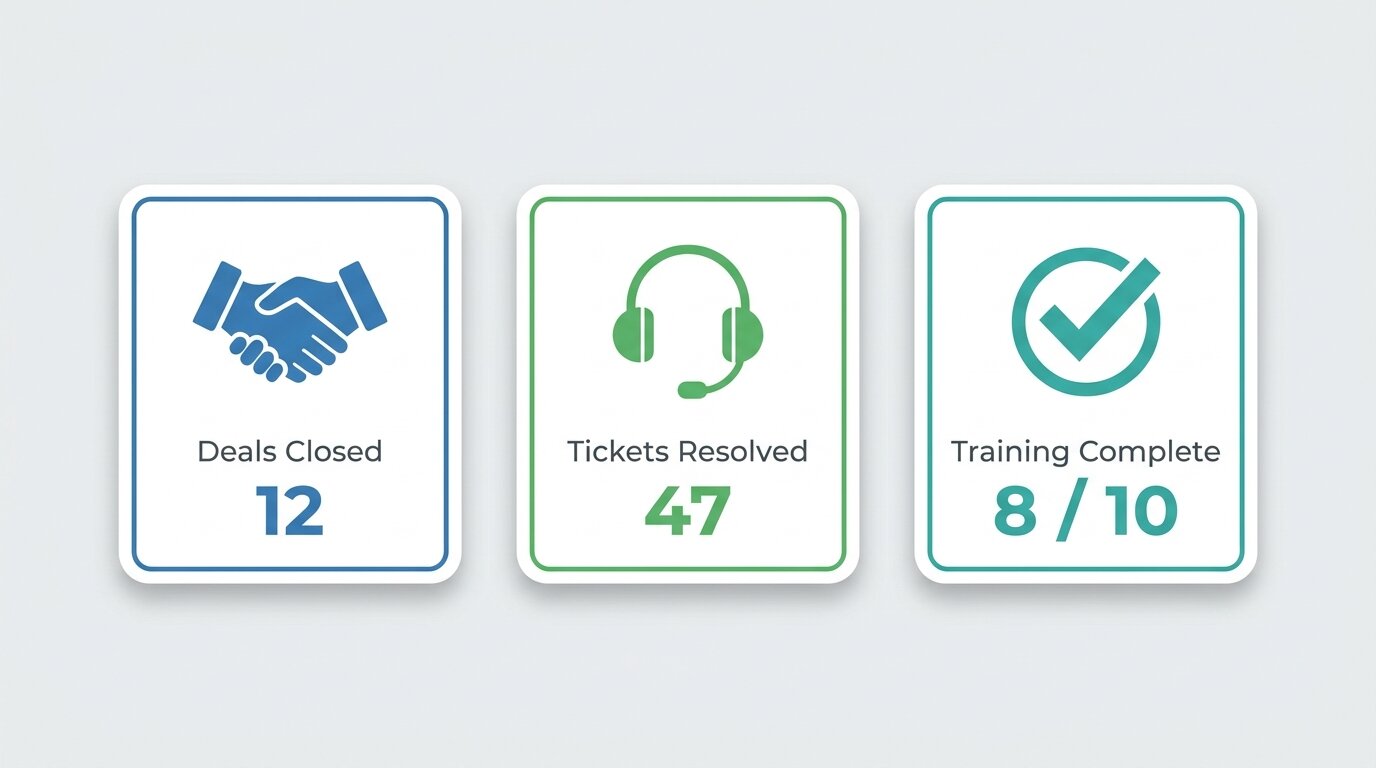 Different teams need different metrics — the leaderboard format adapts to all of them.
What breaks a leaderboard
Vanity metrics — activity volume that doesn't connect to outcomes. Calls made regardless of whether they convert. Emails sent. Hours logged. These teach employees to game the number rather than do good work.
Metrics that reflect luck or territory — if your top performer has the best accounts, the leaderboard just maps account quality, not effort. At minimum, normalise by opportunity (revenue per lead, not raw revenue).
Ranking without resetting — a leaderboard where the same person has been number one for six months demoralises everyone else. Monthly or quarterly resets keep the competition alive.
Three Formats for Different Teams
Not every team needs the same setup.
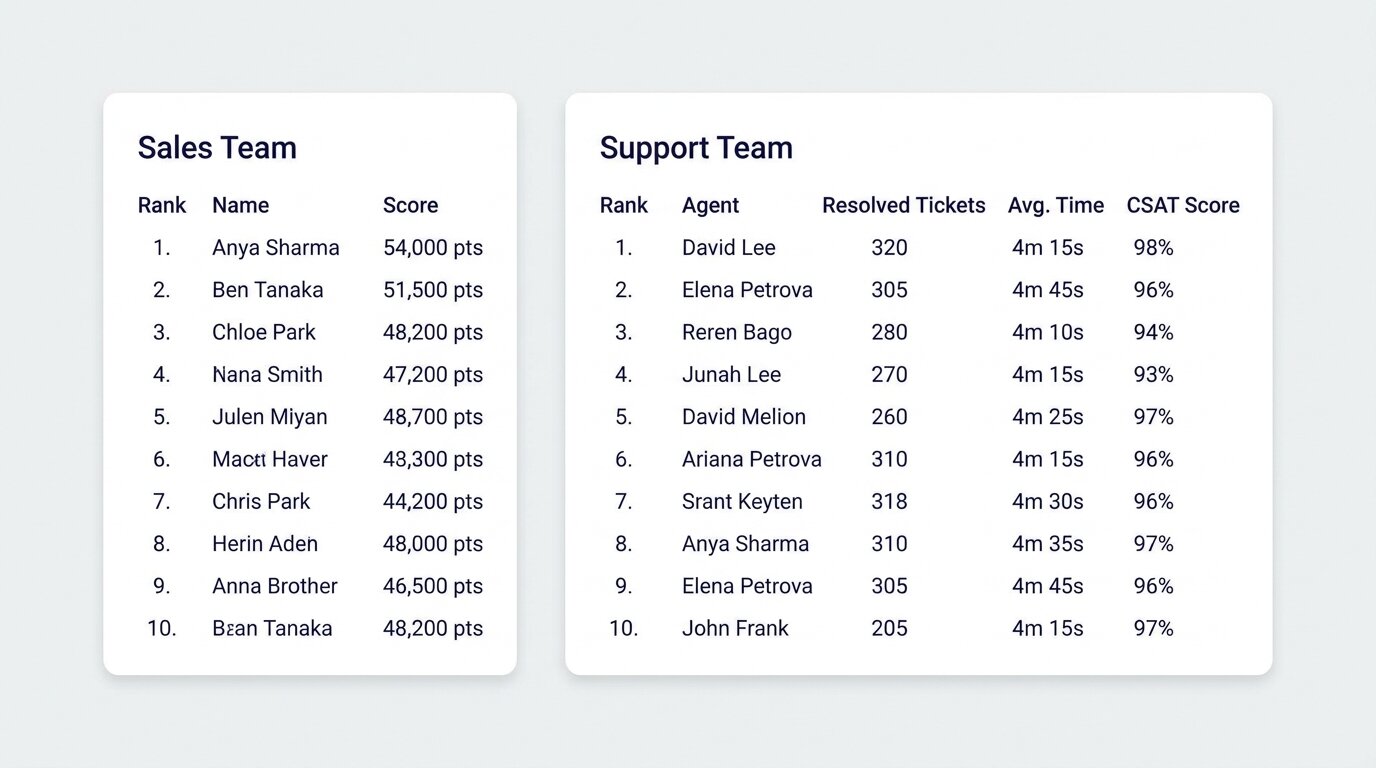 Single-metric rankings suit sales floors; multi-metric scoresheets suit support and ops teams.
Single-metric leaderboard — the simplest format. One score column, ranked by that score. Best for sales teams, fundraising, or any context where there's one number that matters. Works well on a TV display; the ranking is readable from across the room. See TV display options for how to put it on a screen without any hardware beyond a browser.
Multi-metric scoresheet — multiple columns, each tracking a different KPI. Better for support teams or operations roles where performance isn't captured by a single number. Employees can see where they're strong and where they're falling behind. Slightly more complex to maintain since you're updating multiple scores per person.
Points-based leaderboard — employees accumulate points over time for different behaviours. Managers or peers award points; the leaderboard shows the running total. This is the right format for recognition programmes rather than performance tracking — it captures contributions that wouldn't show up in output metrics.
How to Set It Up
Setup takes under ten minutes. Add your employees as participants, choose the metric that becomes their score, and share the link.
Score updates are manual — you (or a designated team lead) enter new numbers as results come in. If you're pulling data from a spreadsheet already, the Google Sheets leaderboard integration lets you sync scores without re-entering them. For embedding in a company portal or intranet, the SharePoint embed guide covers the setup.
For the display: a link in a Slack channel works for distributed teams. A browser tab on a wall-mounted TV works for office floors. Both update live — there's nothing to refresh manually.
Common Mistakes
One metric, no quality check. A support team tracking only tickets resolved will close tickets fast. A sales team tracking only calls booked will book meetings with unqualified prospects. Build in a balancing metric or you'll get the behaviour you measured, not the behaviour you wanted.
No reset cadence. If the leaderboard is cumulative and never resets, it stops being motivating for anyone outside the top three. Monthly resets give mid-performers a genuine shot. Weekly resets suit fast-moving sales environments. Choose the cadence that matches your sales cycle or review rhythm.
The leaderboard as the whole programme. Visibility alone doesn't sustain engagement. Tie the leaderboard to something — recognition, a small reward, a mention in the team meeting. The leaderboard creates the visibility; employee recognition and employee engagement practices are what make it land.
Getting Started
An employee leaderboard works best when it's simple, visible, and tied to metrics your team already cares about. Start with one metric, one team, and a monthly reset. Add complexity once the format is established.
For the next step after the leaderboard is live — connecting it to a reward structure — see the employee reward system guide.

Written by Caspar von Wrede
Founder of Leaderboarded. Building tools that help teams track progress and stay motivated.