Escape Room Leaderboard: Display Best Times & Records (2026)
Create an escape room leaderboard to display team completion times in your lobby and on your website. Track records, build excitement, and boost repeat visits.
Article Contents
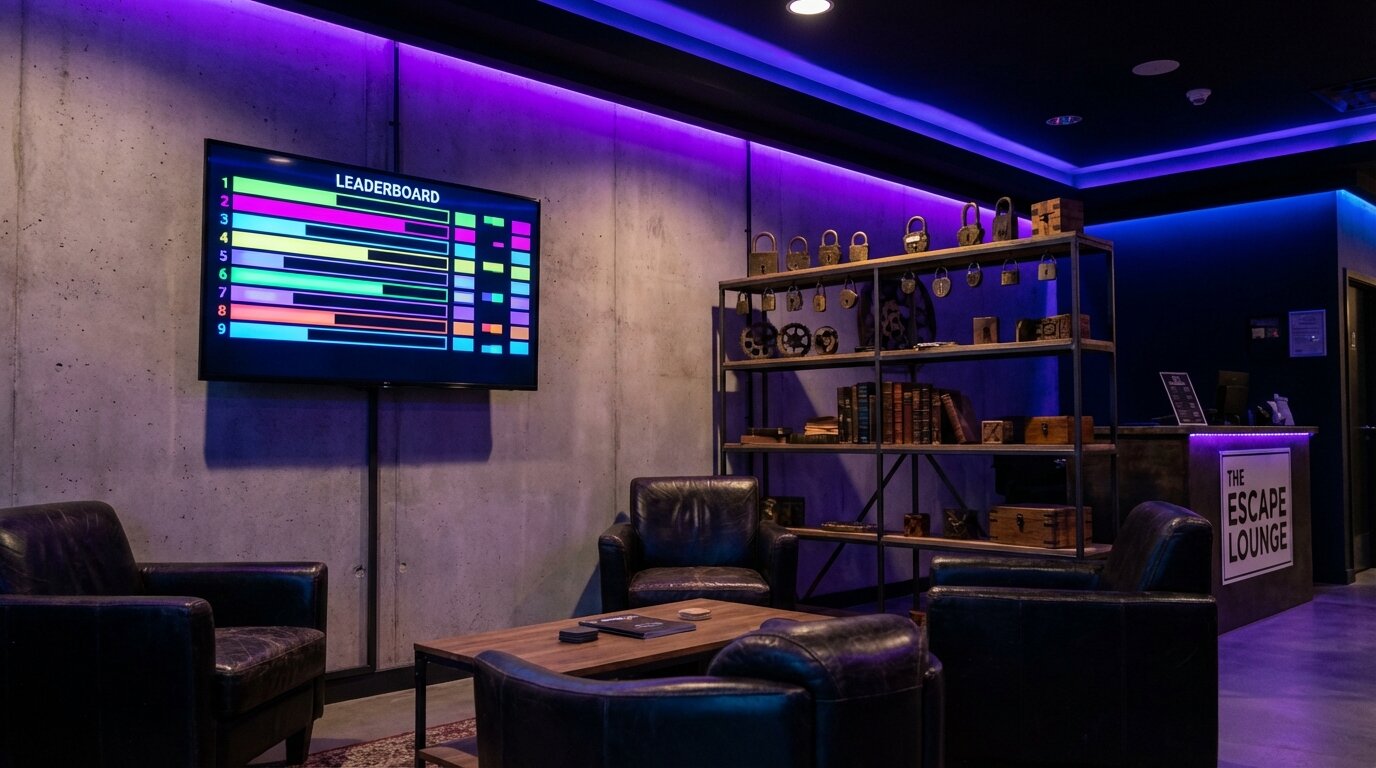
Teams love seeing their name at the top. An escape room leaderboard transforms completion times from a forgotten email into visible bragging rights — displayed in your lobby, shared on social media, and embedded on your website.
This guide shows how escape room owners set up leaderboards that drive repeat visits and word-of-mouth marketing.
Why Display a Leaderboard
A visible leaderboard serves three business purposes beyond just tracking times.
Social Proof for New Customers
When potential customers walk into your lobby, they see proof that teams complete and enjoy your rooms. A leaderboard full of entries signals popularity and success.
Motivation for Repeat Visits
Teams who didn't break the record will want to try again. "We can beat that time" becomes a reason to rebook, especially when they see their friends' names on the board.
Free Marketing on Social Media
Winners photograph the leaderboard and share it. Your business name and logo appear in their posts, reaching their networks without ad spend. Make the board visually appealing and you've created shareable content.

Creating Your Escape Room Leaderboard
Leaderboarded.com provides free leaderboards designed for exactly this use case. Create one in under a minute — no software to install, no monthly fees to start.
Choose a layout, add your escape room name and branding, and your leaderboard is live immediately. Staff update scores from any device (phone, tablet, laptop), and changes appear instantly on your lobby display.
Want teams to add themselves between sessions? Turn on QR code sign-up so groups scan a code and put their own name on the board — no app, and no slowdown at the desk.
The rest of this guide covers how to get the most out of your leaderboard once it's set up.
Displaying in Your Lobby
A wall-mounted TV creates an always-on leaderboard that every team sees before and after their session.
Mount a TV in your waiting area where teams gather. Connect it to any device that can display a web browser in fullscreen mode — a streaming stick, old laptop, or tablet works fine. Open your leaderboard URL and set it to fullscreen.
The display auto-sorts by fastest time and updates in real-time. When staff enter a new completion time, teams see their entry appear immediately.
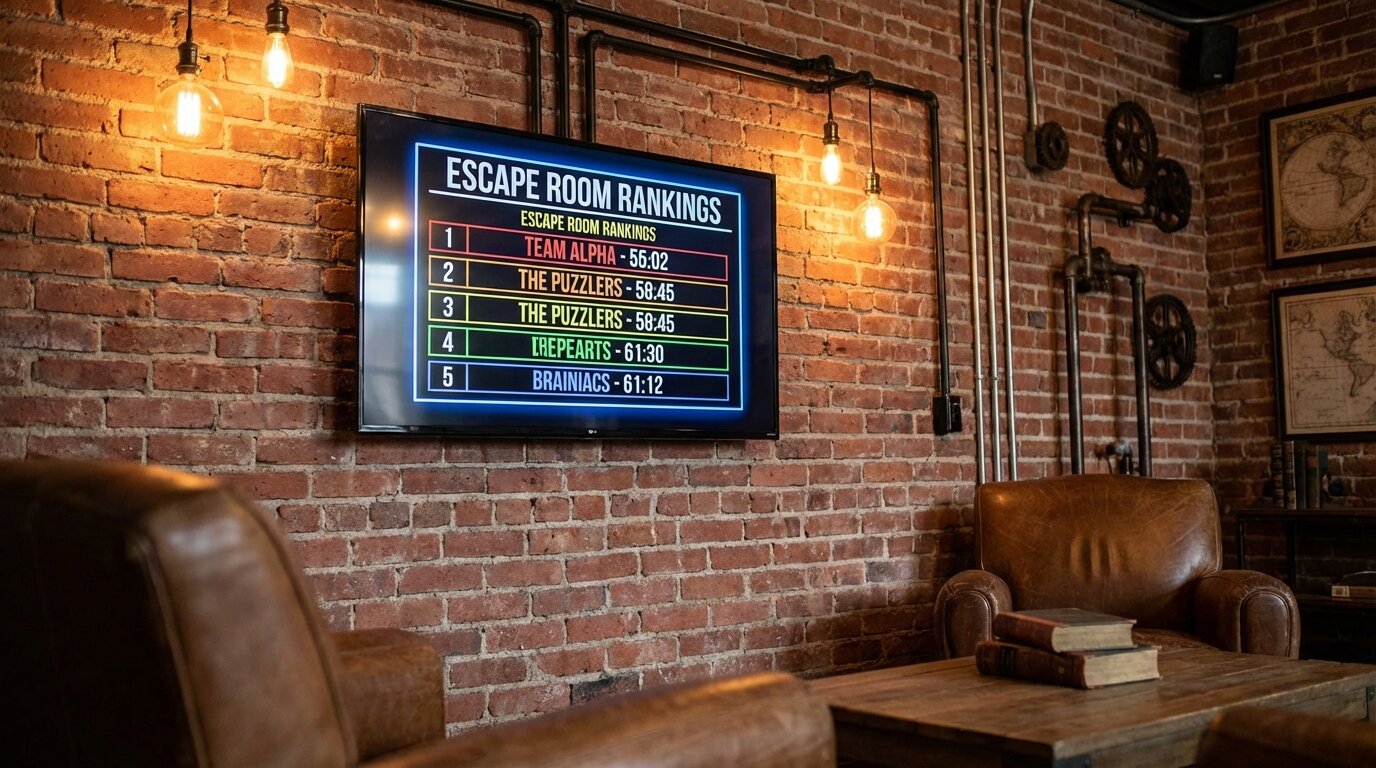
Branding Your Display
Match your escape room's aesthetic with custom colors, your logo, and themed visuals. A professional-looking display reinforces the quality experience you provide. Learn more about customization.
Tracking Completion Times
After each session, staff enters the team name and completion time. This takes less than a minute from any device.
Track times in minutes and seconds (e.g., "32:15" for 32 minutes, 15 seconds). The leaderboard automatically sorts entries by fastest completion — no manual reordering needed.
Team Names and Photos
Let teams choose their own team name for the entry. Winners can submit a team photo that appears next to their record. Photos make the leaderboard more personal and dramatically increase social media sharing.
Multiple Rooms and Difficulty Levels
Create a separate leaderboard for each escape room you operate. Teams want to know if they beat the record for their specific room.
If a room offers standard and hard modes, use separate leaderboards for each difficulty. This prevents unfair comparisons and gives more teams a chance at the top spot.
Embedding on Your Website
An embedded leaderboard on your website lets potential customers see records before they book.
Copy the embed code and add it to your escape room page. The leaderboard updates automatically — no manual website updates when you add new times. Learn more about embedding.
Visitors see that your rooms are actively played. Recent timestamps prove your business is busy. The range of completion times helps set expectations: fast times show the room is solvable, slower times show it's challenging.
Seasonal Competitions
Create special leaderboards for holiday events or limited-time challenges.
Run a "Halloween Championship" or "Holiday Speed Run" with prizes for the fastest times during that month. Reset the board each season to give everyone a fresh chance at the top.
Limited-time leaderboards create urgency. Teams know they have a specific window to claim the seasonal record, driving bookings during promotional periods.

Written by Caspar von Wrede
Founder of Leaderboarded. Building tools that help teams track progress and stay motivated.