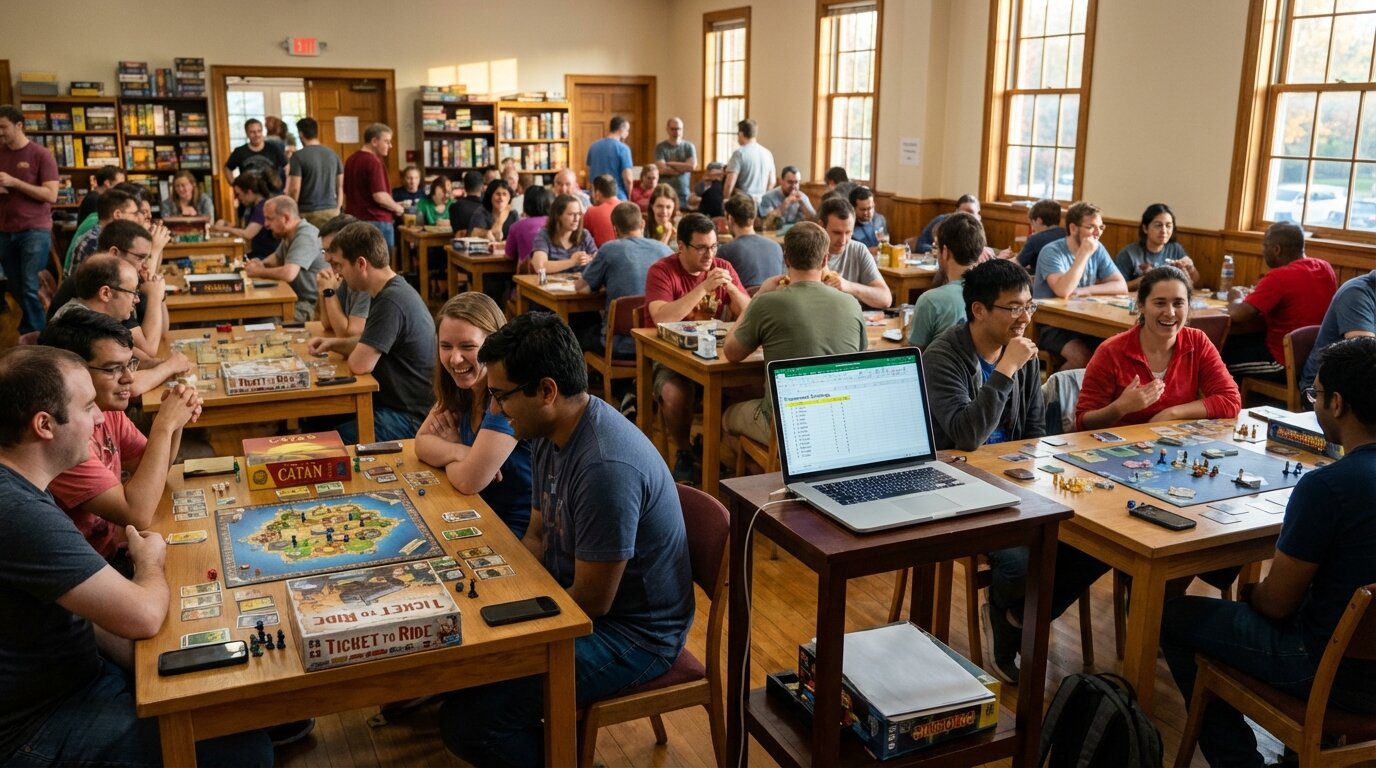
Gaming Tournament Leaderboard Guide
Track gaming tournaments with live leaderboards. Covers bracket-style and ranking-based formats for esports events, LAN parties, and gaming clubs.
Article Contents
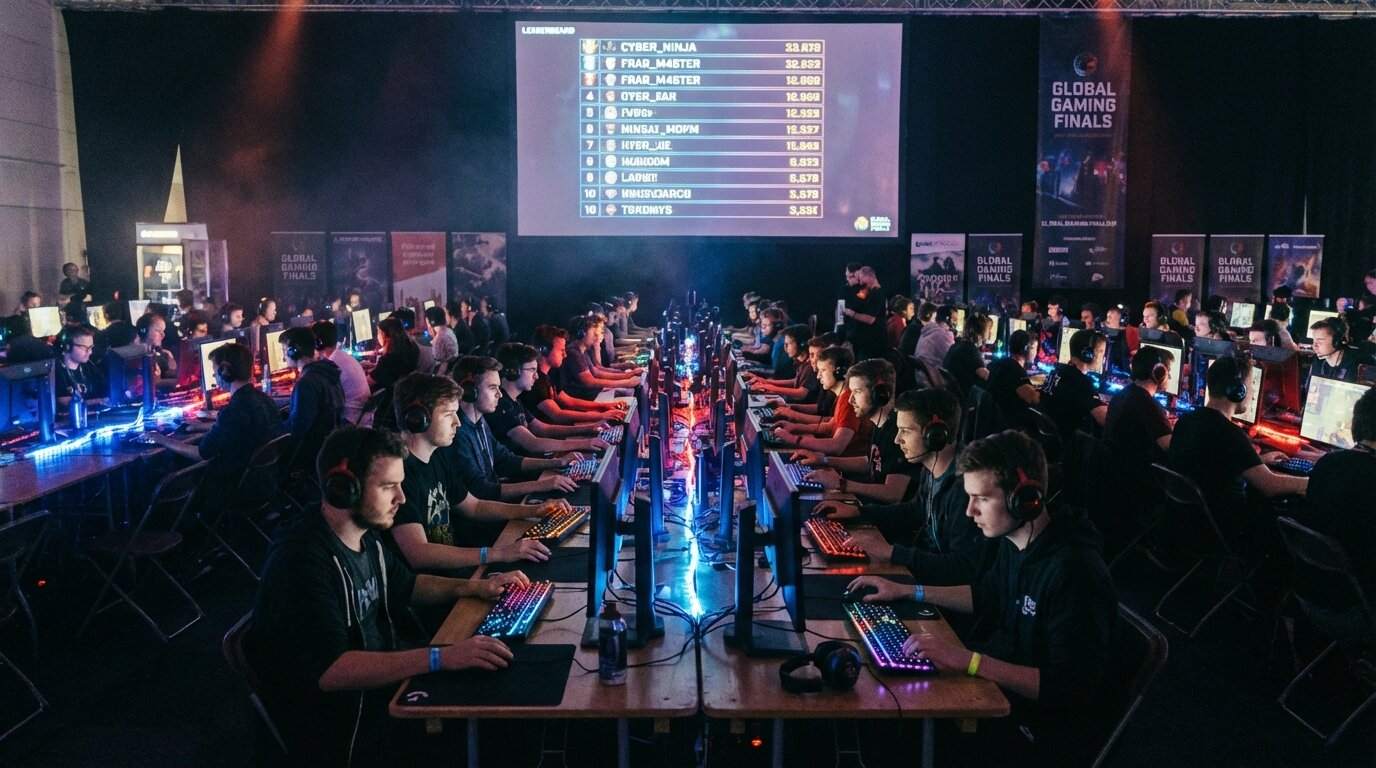
You've got 40 players showing up Saturday, games running across six stations, and no good answer for "who's actually winning right now?" A live leaderboard solves that — and it changes the atmosphere of the whole event.
This guide covers how to set up a gaming tournament leaderboard that works for both bracket-style knockouts and ongoing ranking competitions.
Two Types of Gaming Tournaments (Two Different Leaderboard Needs)
Most gaming events fall into one of two formats, and they track progress differently.
Bracket tournaments (single elimination, double elimination) are match-by-match — players advance or get eliminated. The leaderboard shows wins, losses, and current bracket position. For the bracket tool itself, Rise is a free, modern bracket maker that handles both formats. For the full event logistics — scheduling, rules, no-show policies — see the esports tournament hosting guide.
Ranking-style tournaments accumulate points across multiple rounds or games. Players earn points for wins, placement, kills, or speed — and the leaderboard updates continuously throughout the event. Common in fighting game locals, point-based league play, and multi-game competitions.
You can also combine them: a round-robin group stage to seed players, then single elimination for the finals. Each phase has its own tracking needs.
Setting Up a Live Leaderboard
Leaderboarded.com lets you create a tournament leaderboard in minutes. Add your players, configure the scoring columns, and share the link — that's it.
For bracket tournaments, track wins (and losses if using double elimination). For ranking events, add columns for each scoring dimension — points, round wins, tiebreakers. The leaderboard auto-sorts by total score as you update it, so participants always see current standings without anyone needing to manually reorganize a spreadsheet.
Display it on a venue TV or projector. Share the link in your Discord server. Anyone with the link can watch rankings update live.
Ranking-Style Tournament Scoring
Points-based formats give you the most flexibility in how you score a game.
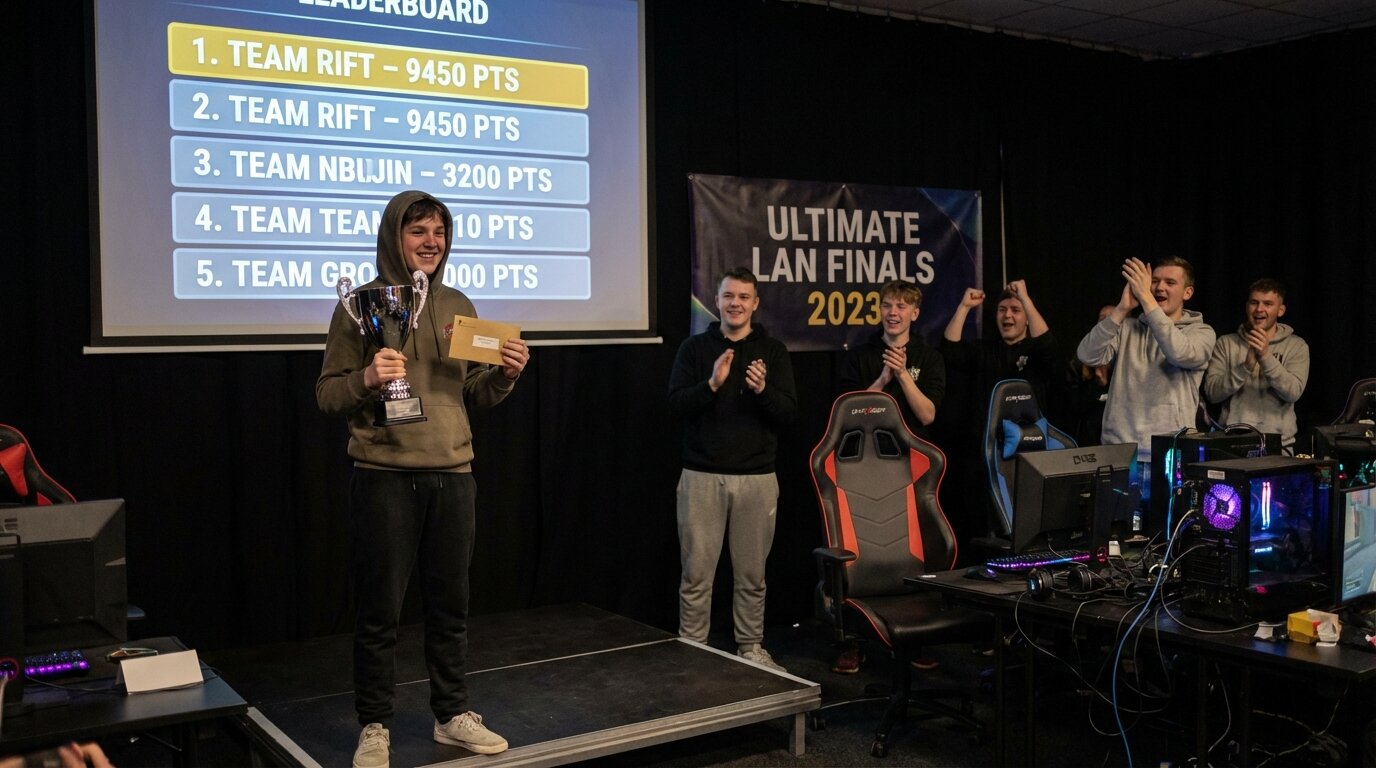
For multi-round events, a common approach is awarding points based on placement each round — first place gets the most, last gets none — then summing across rounds. This rewards consistency rather than just winning one good game.
If your game has in-match statistics (kill count, objective captures, time survived), you can add separate scoring columns for each. A multi-column leaderboard is designed exactly for this — each metric has its own column, and the total aggregates automatically.
For head-to-head match tracking, record wins and losses as separate columns. The leaderboard calculates totals, and you can sort by win rate or total points depending on your format.
Displaying at LAN Parties and Venues
A visible leaderboard changes how LAN party participants engage with the event. Standings that update in real time create ambient competition — players glance at the screen between matches, track who they need to beat, follow the drama of rank changes.
Connect any device with a browser to your venue display. Full-screen mode at 1080p works on any TV or projector. The leaderboard refreshes automatically; no one needs to refresh manually.
For venues with multiple rooms or stations, keep one shared leaderboard URL and update scores from wherever you are — phone, tablet, or laptop. Staff or a designated scorekeeper can enter results after each match without needing to be at a central station.
For large events where you want to show only the top competitors on the main screen, URL parameters let you limit the visible rows. The TV leaderboard guide covers the display customization options.
Separate Leaderboards for Separate Games or Divisions
Mixing formats or games into a single leaderboard creates confusion. If you're running a fighting game bracket alongside an FPS points race, keep them on separate leaderboards.
Similarly, if you have skill divisions — open bracket vs. beginner bracket — separate leaderboards prevent unfair comparisons and let both groups compete meaningfully. Create as many leaderboards as you need; they're free and take about 30 seconds each.
Remote and Online Tournaments
Online gaming events have an extra challenge: without a physical space, participants lose the shared sense of "what's happening." No one can glance at the screen between matches.
A shared leaderboard link dropped into Discord or a tournament Discord bot channel recreates that ambient awareness. Players can check standings whenever they want, follow their rivals' progress, and feel the competitive tension without being in the same room.
For cross-timezone events, scores update globally the moment they're entered. No coordinator needs to be awake at 3am to send a standings update.
Scoring Transparency
Players take competition seriously. Disputed scores or opaque judging create bad experiences. A live leaderboard that updates immediately after each match — visible to everyone — keeps things honest.
When participants can see exactly where they stand and how they got there, complaints about "unfair results" mostly disappear. Transparency is the best enforcement mechanism.

Written by Caspar von Wrede
Founder of Leaderboarded. Building tools that help teams track progress and stay motivated.