How To Host An Esports Tournament Online (Beginner Friendly)
Learn to host an online esports tournament with our beginner-friendly guide. Discover planning, game selection, tools, and tips to create an engaging event.
Article Contents

You don't need a massive budget or an events company to run an esports tournament. You need a Discord server, a bracket tool, and enough organizational energy to keep 16-64 players on schedule for a few hours.
That's it. Everything else is refinement.
Start With the Basics
Before you pick tools or design graphics, answer two questions:
What game? Pick something your community already plays. Don't run a Valorant tournament for a group that plays Rocket League. The game's popularity matters less than whether your actual players want to compete in it.
How competitive? A casual tournament for friends plays completely differently than a serious ladder with prizes. Casual means flexible rules and a forgiving schedule. Competitive means strict enforcement and players who'll argue about ping differences. Know which one you're running.
The Minimum Viable Tournament
Here's what you actually need:
A bracket tool. Rise is a modern esports tournament bracket maker built for streaming — with OBS overlays and live scoreboards coming soon. Challonge and Battlefy are established alternatives. For your first tournament, any of these will work.
A Discord server. This is your command center. Create channels for announcements, match reporting, and general chat. Players need somewhere to coordinate and complain when things go wrong (they will).
A schedule. Block out your time window. If matches take 30 minutes and you have 16 players in single elimination, you need roughly 4 rounds — that's 2+ hours minimum, plus delays.
Rules. Write them down before anyone asks. What happens if someone disconnects? What if a player doesn't show up? How long do they have to check in? You'll invent half of these as you go anyway, but having some baseline prevents arguments.
If you're running something that requires judging — casting competitions, content creation contests — Score Judge handles multi-judge scoring.
Making It Look Professional
A Google Doc bracket works. But if you want your tournament to feel like an event, add some visual polish.

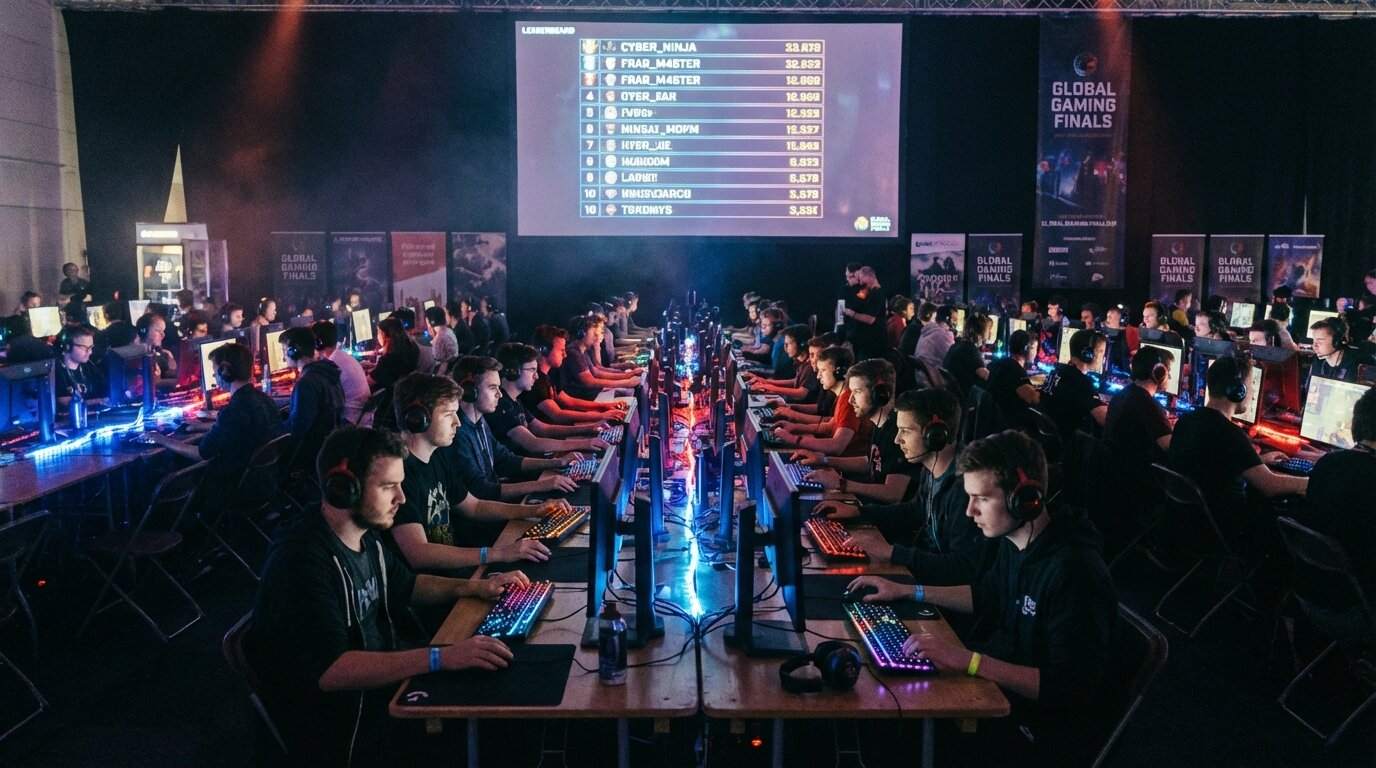
A live leaderboard gives players and viewers something to watch between matches. It shows standings, creates tension, and makes the whole thing feel more real than a spreadsheet ever could.
If you're streaming, overlays matter. A clean scoreboard and bracket display makes your broadcast look legitimate. Without them, you're just showing gameplay with no context.
Scoreboard overlays and countdown timers fill the gaps between matches when viewers would otherwise leave.
Bracket Formats — Pick One
Single Elimination: One loss, you're out. Fast, brutal, works for large groups or limited time. Downside: one bad game ends someone's tournament.
Double Elimination: Lose once, drop to losers bracket. Lose twice, you're out. Takes longer but feels fairer. Most serious tournaments use this.
Round Robin: Everyone plays everyone. Fair but slow. Only works for 8 or fewer participants unless you have all day.
Swiss: Players face opponents with similar records. Good middle ground for medium-sized groups. Harder to explain to newcomers.
For your first tournament, single or double elimination. Don't overcomplicate it.
Things That Will Go Wrong
Players won't show up. Have a clear no-show policy — maybe 10 minutes, then forfeit. Otherwise you'll spend half your tournament waiting.
Connection issues will happen. Decide ahead of time: do you pause and restart? Award the point to whoever was ahead? Let them replay? There's no perfect answer, just have an answer.
Someone will dispute a result. That's why you need match reporting with screenshots or recordings. "I swear I won" isn't evidence.
You'll underestimate how long things take. Add 50% buffer time to whatever you calculated. Seriously.

Don't Run It Alone
Solo tournament organizing burns people out fast. Even a small event needs help:
- Someone to update brackets while you handle Discord
- Someone to moderate chat if you're streaming
- Someone to message players who miss check-in
Three people can run a 32-player tournament comfortably. One person running 64 players will have a bad time.
After the Tournament
The tournament ends. Now what?
Share highlights if you recorded matches. Post final standings with some commentary. Thank participants publicly. Ask what could be better next time.
The goal isn't just running one tournament — it's building a community that wants to come back.
Start small. Your first event will be messy. That's fine. A 16-player tournament with rough edges teaches you more than months of planning ever could. Run it, learn from it, make the next one better.


Written by Caspar von Wrede
Founder of Leaderboarded. Building tools that help teams track progress and stay motivated.