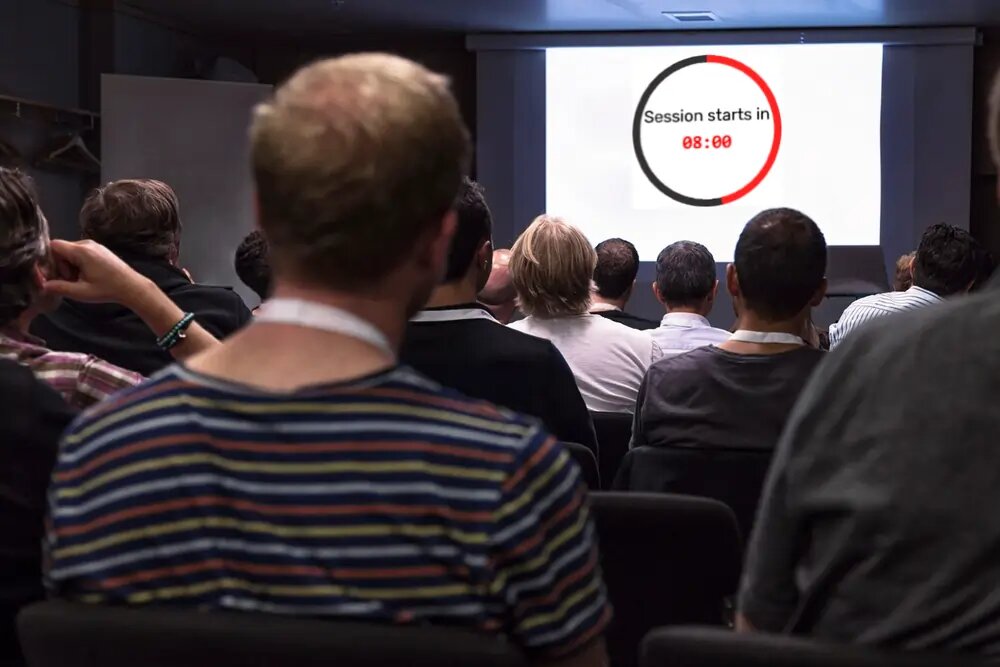
Meeting timer: keep standups and agendas on time
Keep meetings and standups on time with a free meeting timer on the shared screen — timeboxed agenda items, synced live to the room TV and every laptop.
Article Contents
The standup was scheduled for fifteen minutes. It's now minute forty, two people are debugging something on a whiteboard, and everyone else is checking email with their cameras off.
Meetings don't run long because people are undisciplined. They run long because of Parkinson's law: work expands to fill the time available — and a meeting with no visible clock has infinite time available. The fix isn't a stricter facilitator. It's making the remaining time visible to everyone at once, so the clock does the interrupting instead of a person.
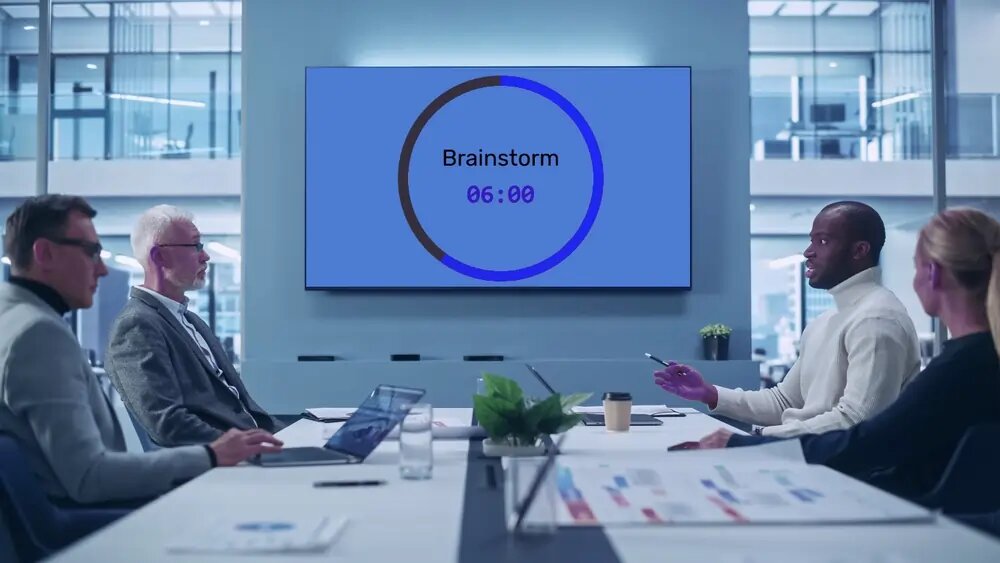 When the timer is on the wall, "time's up" is nobody's fault.
A countdown on the meeting-room screen
Leaderboarded's meeting timer is a free online countdown with one property that matters in a meeting room: one shared link, synced live across every screen that opens it. Open it on the room's TV, and the facilitator controls it from a laptop or phone — start, pause, add two minutes — without touching the screen or fumbling with HDMI. Whoever's speaking sees the same number as everyone else, at the same second.
That neutrality is the point. When you cut someone off, it's personal. When the wall says 00:00 and flashes "Parking lot — moving on", it's just physics. Teams stop relitigating the agenda within a week or two, though expect some negotiating with the clock the first few times. Hold the line.
Timeboxes that actually work
A few formats we see work well:
- Standups — 15:00 on the wall for the whole meeting, or 90 seconds per person if your standup has a talker. The buzzer is kinder than a manager's "okay, wrapping up…"
- Agenda items — reset the timer per topic: 10 minutes for the roadmap, 5 for the incident review. The end message ("Decision time — next item") forces the close.
- Brainstorms and workshops — timeboxed divergence ("8 minutes, write everything down") followed by timeboxed convergence. Open-ended brainstorms produce chat; timed ones produce sticky notes.
- Retros — five minutes per column keeps the grumbling proportional.
Set a title on the timer ("Sprint planning — capacity") so the screen explains itself to anyone who walks in late.
 Big digits, a progress ring, and an end message you choose. Readable from the far end of the table.
Hybrid meetings: one clock for the room and the call
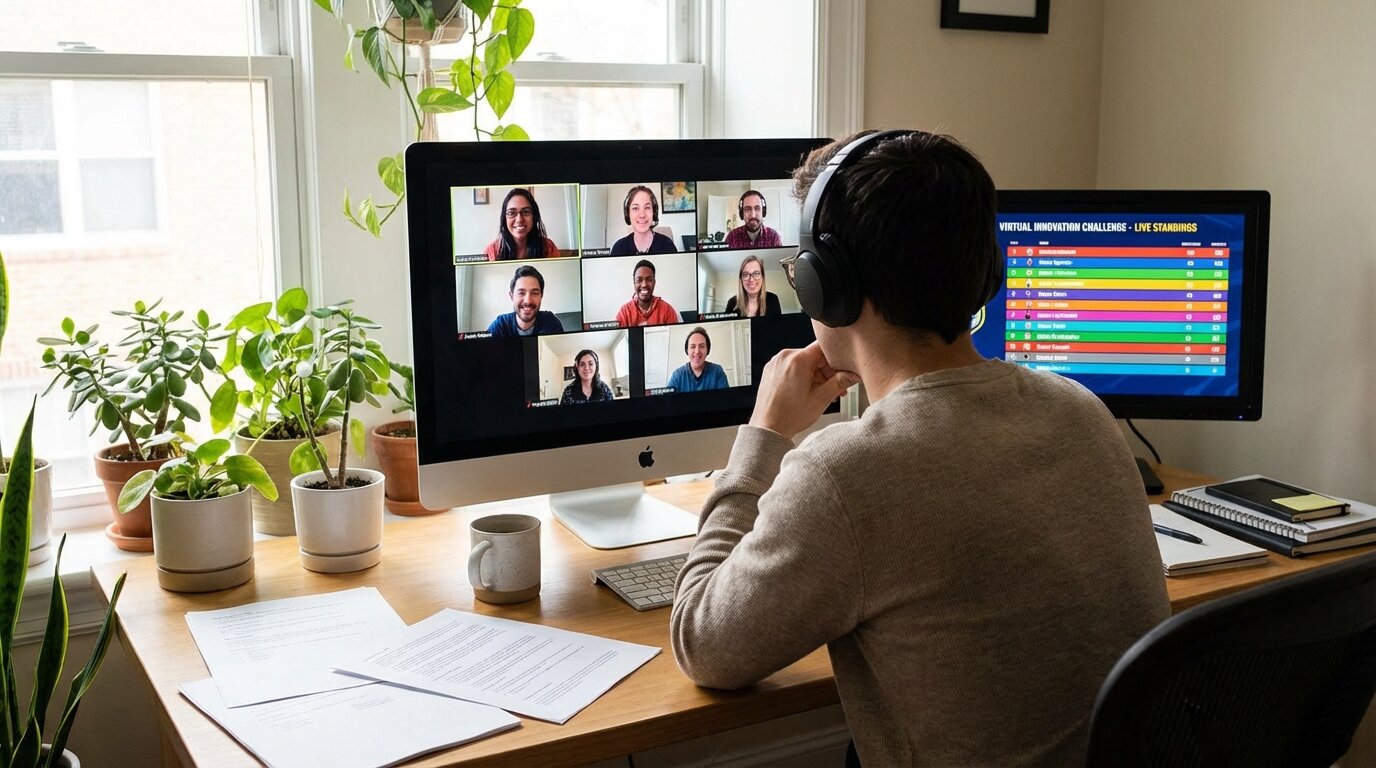
The room-versus-remote split is where most meeting timers fall over. The room sees a timer; the people on the call see nothing, and vice versa.
Because this timer is just a URL, you solve it twice over: share the display link in the meeting chat so remote folks open it on a second monitor, and screen-share it or keep it on the room display for everyone else. Every copy is server-synced to the second — nobody is three seconds behind, and when the facilitator pauses the timer, it pauses everywhere at once.
The honest limitation: it doesn't read your calendar. The timer doesn't know your meeting is 25 minutes — you set the duration. There's a scheduled-start mode that counts down to a fixed time ("Workshop resumes at 14:00"), which covers the break-and-return pattern, but agenda integration is on you.
Why a shared timer beats a phone on the table
A phone timer in a meeting has the same problems it has in a classroom: one person can see it, that person has to police it, and everyone else has to trust them. The shared screen removes the information asymmetry — and removing the asymmetry is what changes behavior. It's the same reason visible scoreboards change team behavior: people respond to what they can see.
If your meetings end with a speaker presenting to the room, the same timer moonlights as a presentation timer — speaker-facing countdown, controlled from the back of the room.
Set one up before your next standup
Free, no install: create the timer (you'll need a free account), open the link on the room screen, and you're done. Anyone with the link can watch; only you control it.

Written by Caspar von Wrede
Founder of Leaderboarded. Building tools that help teams track progress and stay motivated.