Classroom timer ideas: how teachers use them
Classroom timer ideas from the front of the room: how teachers use a shared countdown for exams, station rotations, brain breaks, and friendly competition.
Article Contents
Every teacher knows the look. Eyes going glassy, pencils tapping, attention drifting somewhere else entirely. Getting it back is the real classroom skill — and a visible countdown timer is one of the simplest tools that actually works.
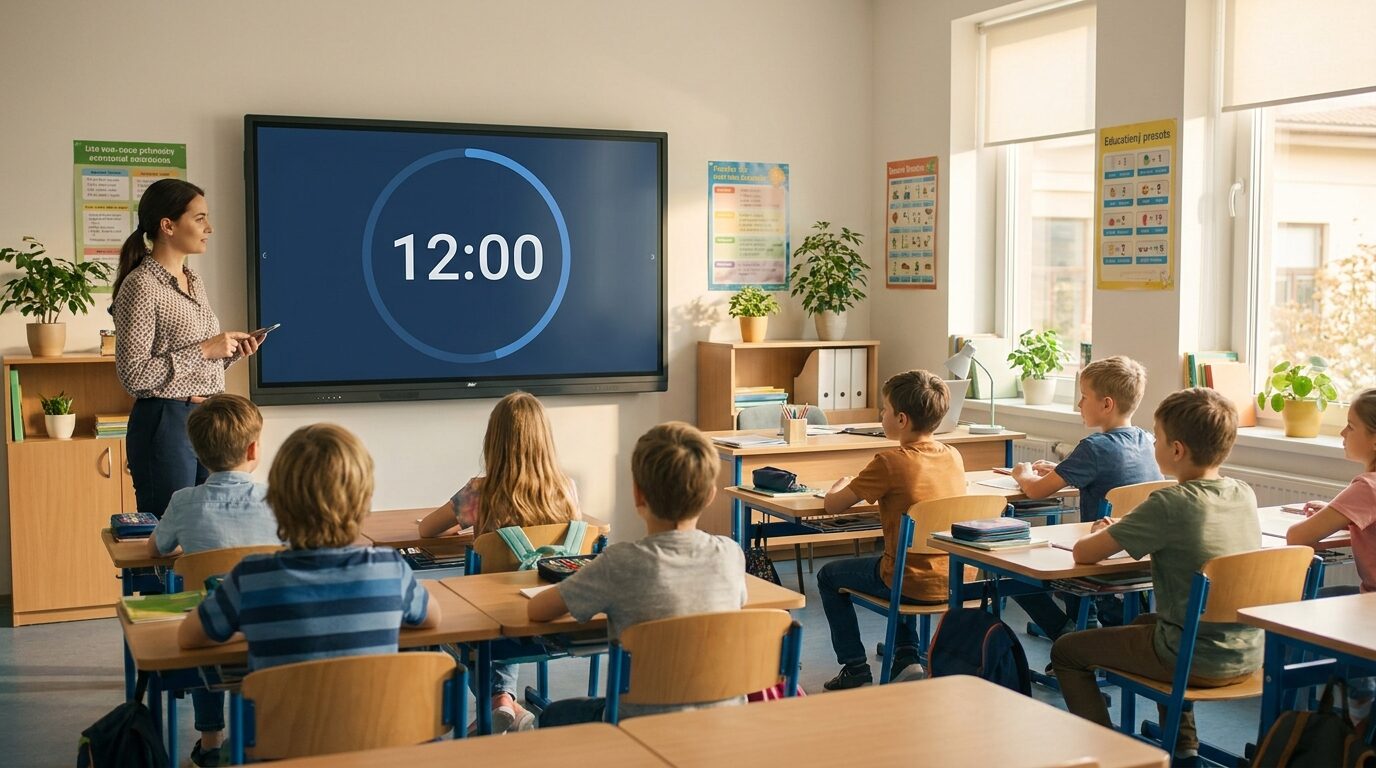 A countdown the whole class can see changes the energy of the room immediately.
The timers most teachers reach for — a phone, a kitchen timer, a YouTube video of a fuse burning down — all share the same flaw: they live on one device. The timer that works in a classroom is the one everyone can see, and the one you can control without walking back to your desk.
That's what a free online classroom timer from Leaderboarded does differently: one shared link, synced live across every screen that opens it. Start it on your phone and it starts on the projector, the smartboard, and every pupil's Chromebook at the same instant, down to the second. Display everywhere; control from anywhere in the room.
Classroom timer ideas that actually work
Timers work because they change the nature of a task. Instead of "finish when you can," the prompt becomes "finish before the buzzer." That shift is small but it tends to focus students in ways that gentle reminders don't. Research on gamification in education consistently shows that adding structure, challenge, and visible progress increases engagement.
Timed activities and friendly competition
Turn any quiz, math drill, or spelling challenge into a race. The pressure of a countdown isn't the same as the pressure of a bad grade — it's the kind of pressure that feels like a game. Who can finish ten problems before time runs out? Pair it with a classroom points system and the race has a scoreboard, too. If you run quiz lessons regularly, our guide to building a maths quiz with a leaderboard goes deeper.
Station rotations
When students rotate between activity stations, a shared timer makes transitions smooth. Everyone sees the same countdown, everyone moves at the same moment. It removes the "but we weren't done yet" negotiation entirely. Works especially well for science labs, reading circles, and hands-on art activities — and because the timer is just a link, a tablet at each station can show the same countdown as the main board.
 The moment you lose a class is faster than you think.
Exam and presentation timing
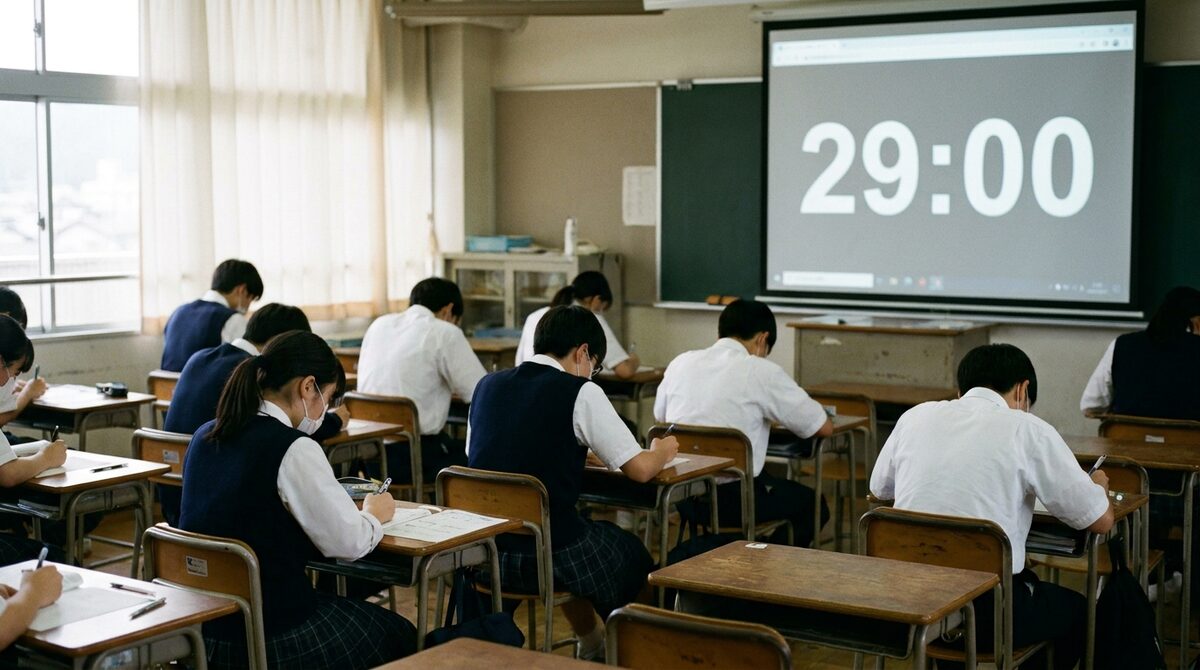
Projecting a countdown during an exam means students can pace themselves without constantly asking "how much time is left?" Set the timer to count down to a fixed start time — "the test begins at 09:30" — and the board takes care of itself while you hand out papers. For the full setup, including extra-time arrangements and multi-room exams, see our dedicated exam timer guide.
For student presentations, a visible timer set to five minutes is clearer than a teacher holding up fingers from the back of the room.
Classroom cleanup
Art classes, gym, and group projects all end with cleanup. A two-minute countdown turns cleanup into a challenge instead of a chore. It works more often than it has any right to.
Brain breaks
A five-minute timed break — stretch, walk around, talk to your neighbor — is more effective than an open-ended one. Students come back to their seats when they see the countdown nearing zero rather than when you tell them to.
 Timed stations keep everyone moving through activities they might avoid on their own.
Why your phone timer isn't enough
A phone timer does one thing: count down. For personal use, that's fine. For a classroom, you need a bit more.
The main problems with phone timers: you can't project them on a screen, you can't share them with students in other rooms, and when the timer is sitting on your desk, nobody knows how much time is left. The negotiation starts ("was that really five minutes?") and the authority of the clock evaporates.
A shared classroom timer solves this with a public URL. The same timer runs on your projector, on a student's tablet at a remote station, and on your phone for control — all in sync, no app required. The countdown is anchored to a server clock rather than counting frames in the browser, so it stays accurate even if a Chromebook sleeps or a tab goes to the background mid-activity.
The free classroom timer, in practice
Create a timer on the classroom timer page — it's free, and only the teacher needs an account. Copy its display link, open it on the class screen, and press full-screen.
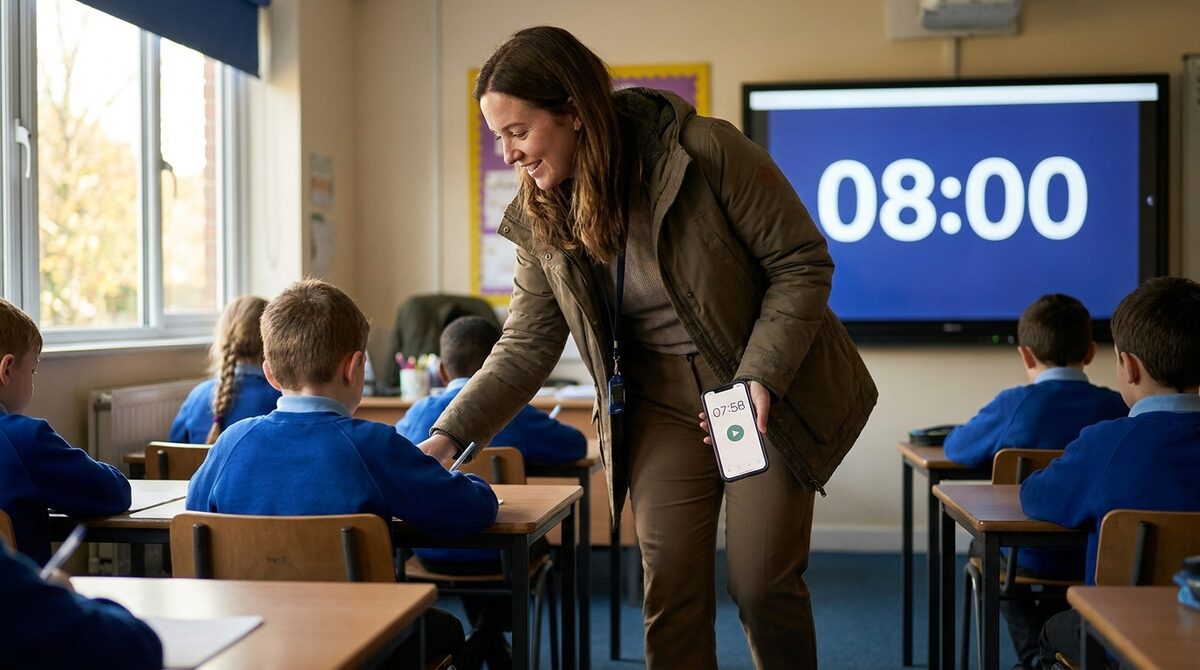 Walk the room while the timer runs on the board. Your phone is the remote.
What makes it useful for classrooms specifically:
- Live multi-device sync: open the same link on the projector, a classroom TV, or a student's device, and every screen shows the same countdown at the same instant. This is the feature no ordinary timer has — and the one teachers tell us they love most.
- Count up or down: countdown mode for activities with a deadline, count-up mode for timing how long tasks actually take.
- Scheduled start: count down to a time — "break ends at 11:00" — so the clock is ready on the board before the lesson starts.
- Buzzer and end message: finish with a buzzer and a custom message — "Time's up! Pencils down" or "Switch stations!" beats an abrupt beep with no context.
- Readable from the back row: nine display formats, four text sizes, circular or horizontal progress bars, and custom colors and fonts so it's clear on any projector.
- Full-screen on anything: works in any browser on a smart TV, projector, Chromebook, or tablet. Nothing to install, nothing to cast.
The "remote control" aspect is the part that changes how you teach: open the timer on your phone, and the board updates in real time. Pause it, add a minute, reset it for the next group — all while walking the room.
Pair timers with a classroom reward system
Timers on their own create urgency. Timers paired with a points system create genuine motivation.
A classroom reward system tracks effort and achievement visually — students earn points for finishing tasks before the buzzer, for cleanup, for presentations. A timer tells them when; a leaderboard tells them how they're doing over time.
If you're already tracking points in your classroom, adding timer-based challenges takes about five minutes to set up and tends to stick. For more ideas on classroom gamification, the classroom leaderboard guide covers point systems, house competitions, and goal trackers in more depth.

Written by Caspar von Wrede
Founder of Leaderboarded. Building tools that help teams track progress and stay motivated.