Presentation timer: pace talks without clock-watching
A free presentation timer the speaker, moderator, and tech desk all see at once — control it from the back of the room while it counts down by the stage.
Article Contents
Watch a speaker check their watch mid-sentence and you can feel the talk deflate. The audience notices. The speaker knows the audience noticed. Now everyone's thinking about the time instead of the point.
Conferences solve this with a confidence monitor and a person at the back holding up "5 MIN" cards. You can have the better half of that setup for free, with a laptop and a link.
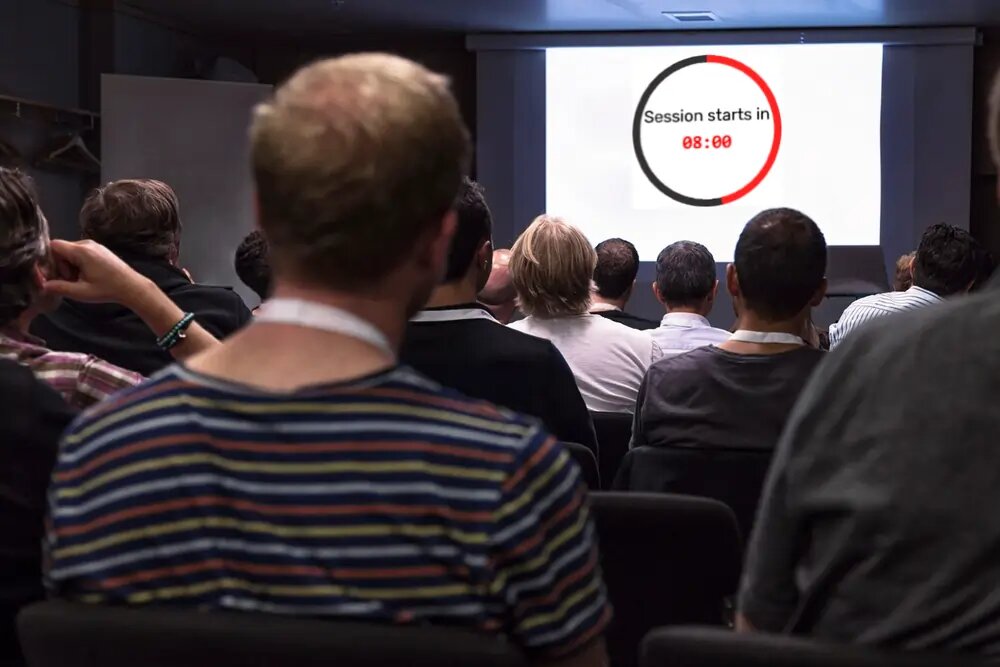 A visible countdown before the session starts. The speaker-facing version sits at the foot of the stage.
The poor man's confidence monitor
A confidence monitor is just a screen facing the speaker that the speaker's audience can't see. To build one: create a timer with Leaderboarded's presentation timer, open its display link on a laptop or tablet, and set it at the foot of the stage or on the lectern, facing the speaker.
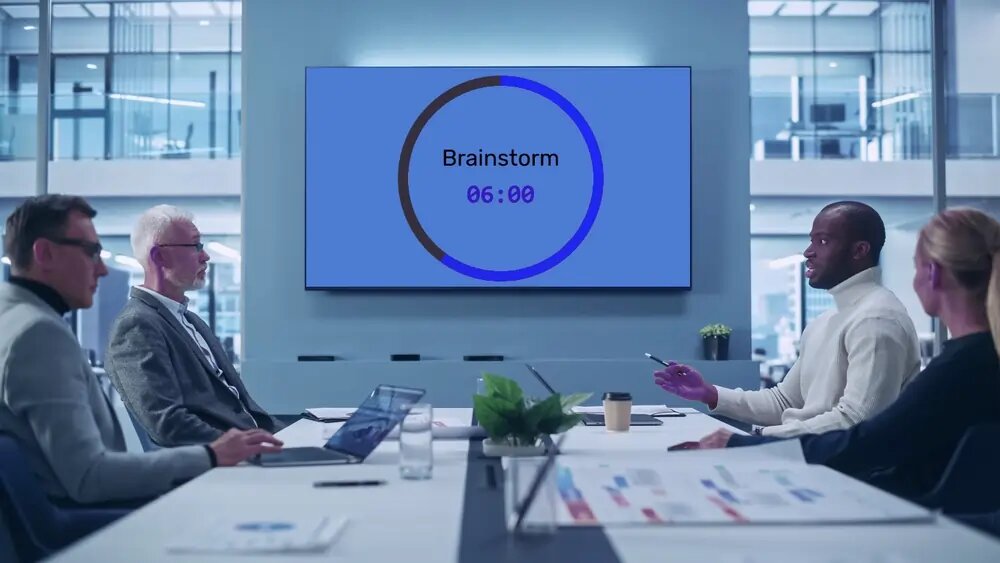
The part that makes it work is the sync: the display link, open on any number of screens, shows the same countdown at the same instant — while whoever created the timer holds the controls on their own phone. The moderator at the back of the room starts it when the speaker actually starts (never when the schedule says they should have), pauses for the fire-alarm test, quietly adds two minutes when the Q&A is going somewhere. The lectern screen follows instantly. No hand signals, no flashcards, no AV crew.
Speaker, moderator, and tech desk all looking at the same number is the entire feature. Disagreements about "I thought I had five more minutes" end, because there's exactly one clock and everyone can see it.
Setups that work
- Single speaker, small room — the speaker opens their own timer full-screen on a tablet on the lectern and controls it themselves; nobody else needs anything.
- Conference session with a moderator — the display link on the lectern tablet and at the tech desk, the moderator's own timer page as the remote. Three screens, one clock.
- Lightning talks — the strictest format benefits most. Five minutes, hard buzzer, end message "Time! Next speaker 👏". The countdown visible to the audience makes the cutoff a shared game instead of an awkward execution. Count down on the projector itself between speakers.
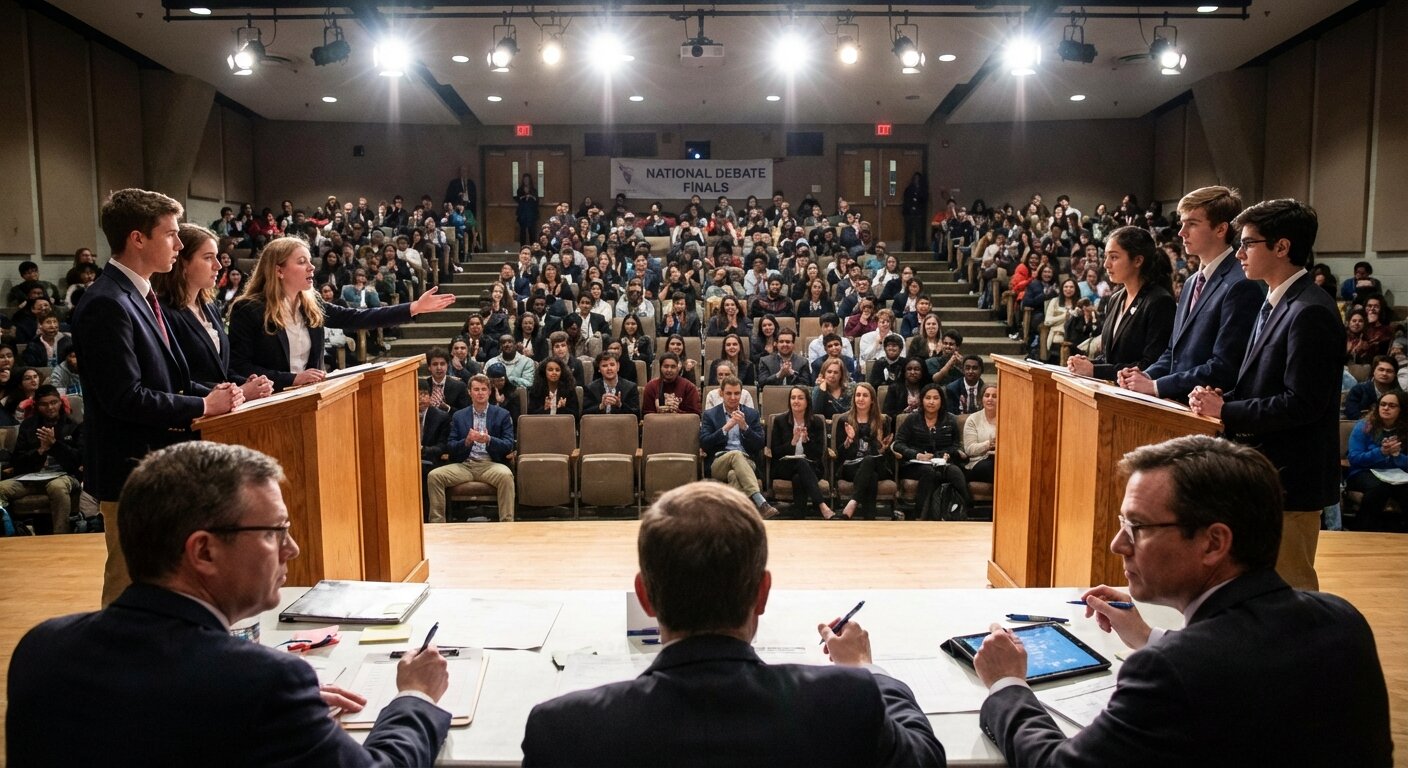
- Student presentations and debates — a visible five-minute countdown is clearer than a teacher holding up fingers, and it teaches pacing. Debate formats with fixed speech times pair naturally with a debate competition leaderboard.
- Panels and Q&A blocks — give the whole block 25 minutes on the room screen. Audiences ask shorter questions when they can see the budget draining.
 Big digits and a progress ring. Set the title to the session name and the screen explains itself.
Details that matter on stage
A buzzer at zero is optional — and on stage you usually want it off, letting the end message do the talking. Nine display formats mean the speaker sees 12:40, not 0:12:40.0. Custom colors keep the lectern screen from blinding a dark auditorium: dark background, light digits, done. And the scheduled-start mode ("Session starts in…") makes a tidy hold screen for the projector while the room fills — which is exactly what conference AV teams run between sessions.
The timing rules themselves are older than the software: Toastmasters has run green/amber/red speech timing for decades (their timer role is a whole job), and TED caps talks at 18 minutes on purpose. A visible countdown is the lightweight version of the same discipline.
One honest note: the timer won't advance your slides or sit inside PowerPoint. It's a separate screen — which is precisely why it works when the slides crash.
For the moderator's toolkit
The timer is free; only the person creating it needs an account, and every other screen just opens the link. If you run recurring events, keep one timer per slot and reuse the links — the lectern tablet can bookmark "Track A timer" permanently.
Running the room beyond the stage? The same shared-clock trick keeps meetings and standups on schedule, and judged events can pair the timer with live announced results.

Written by Caspar von Wrede
Founder of Leaderboarded. Building tools that help teams track progress and stay motivated.