University Competition Leaderboard: Students, Teams & Events
Run a university competition leaderboard for hackathons, inter-faculty contests, and campus events. Track students, clubs, and departments live.
Article Contents
Universities run competitions constantly — hackathons, debate tournaments, case competitions, quiz bowls, inter-hall sports challenges, departmental contests, charity fundraising drives. The logistics of tracking and displaying results across these events are often handled with spreadsheets, whiteboards, or a results PDF that no one finds until after the event ends.
A live competition leaderboard changes the atmosphere. Participants check their standing, bystanders follow the results, and the final announcement lands with meaning because everyone already knows the stakes.
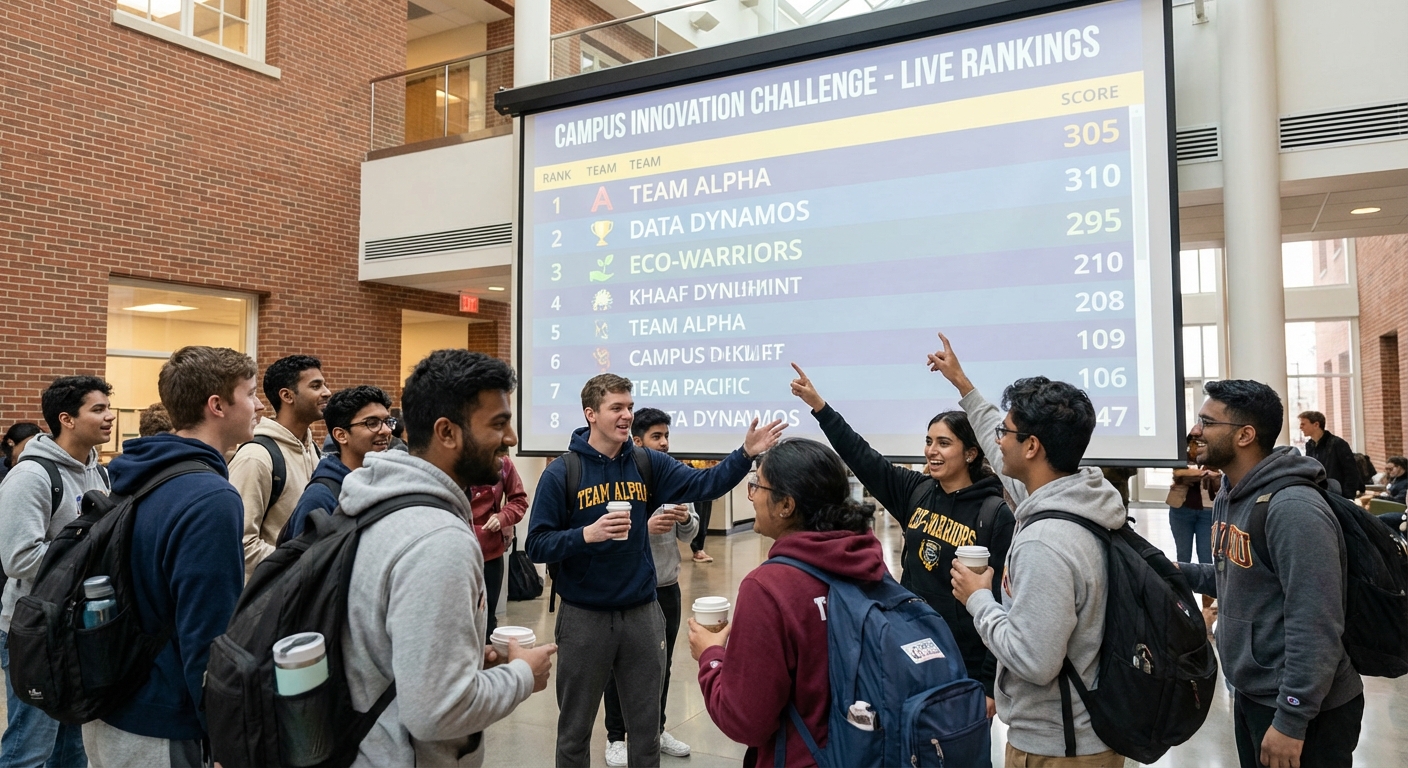
Types of University Competitions That Use Leaderboards
The range of events where a ranking board adds value is wide:
- Hackathons and coding sprints: teams competing on a problem over 24–48 hours, with judges scoring on functionality, innovation, and presentation
- Case competitions: business school teams presenting strategic recommendations, judged by industry panels
- Quiz and academic challenge bowls: individual or team rounds with running point totals
- Inter-faculty or inter-hall sports days: aggregated points across multiple events that roll up to an overall winner
- Debate tournaments: track win-loss records and speaker points across multiple rounds
- Fundraising challenges: departments or student clubs competing to raise the most for a charity campaign
- Research poster competitions: judges scoring on scientific rigour, clarity, and novelty
Each of these has a different scoring model, but they share a common need: a place to see the current rankings that doesn't require emailing a spreadsheet.
Inter-Faculty and Inter-Hall Competitions
Campus competitions often span multiple faculties, departments, student halls, or clubs. The challenge with these events is that individual participants contribute points toward a group total, and that total needs to update as events complete throughout the day or week.
Leaderboarded's team boards handle this structure directly. Create a team for each faculty or hall, then add participants under each team. When individual scores are updated, they roll up automatically to the team total. The public leaderboard shows both the overall team ranking and the individuals within each team.
This is particularly useful for events like:
- Campus Olympics where students earn points for their hall across 10–15 individual events
- Academic challenge leagues where faculty staff compete in trivia or quiz formats and their scores feed into a department total
- Charity fundraising drives where every donation by a student is attributed to their faculty's running total
Setting Up a Multi-Round Competition
Many university competitions run over multiple rounds — preliminary heats, semifinals, finals — with cumulative or per-round scoring. There are two main approaches:
Cumulative scoring: each round adds to a running total. A team that scores 80 in round one and 70 in round two finishes with 150. This rewards consistency and keeps all participants invested throughout.
Per-round scoring with advancement: the leaderboard shows the current round's results, and only top performers advance. The board resets or is replaced for each stage. This is common in bracket-style events where the field narrows.
For most university competitions, cumulative scoring works well and keeps more participants engaged. Leaderboarded supports multi-column boards, so each round can be a separate column with a total that accumulates across columns.
Displaying Results at the Venue
Campus events often want the leaderboard visible in a shared space — on a projector in the main hall, on screens at a sports facility, or embedded in the event's website.
The Leaderboarded share link opens in any browser, so displaying it on a screen requires only a browser in fullscreen mode. No special hardware or software needed. The board updates live when scores are changed from any device — so a volunteer updating scores on a phone is reflected on the projector within seconds.

For events with a website or event page, the board can be embedded via iframe. Participants and followers can watch results from anywhere without needing to be at the venue.
Multi-Judge Scoring at University Events
Case competitions, hackathons, and research poster events typically have panels of judges evaluating participants independently. If judges compare notes verbally or share a single spreadsheet, scoring bottlenecks and averaging errors are common.
With Leaderboarded, each judge can enter scores for each participant independently. The platform averages or aggregates the results and updates the leaderboard accordingly. Judges access a dedicated update link — they don't need an account, and they can't see other judges' scores while scoring is in progress.
For larger events with formal judging panels, ScoreJudge is designed specifically for structured multi-judge evaluation. It handles weighted rubrics and blind scoring, then exports results that can be displayed on a Leaderboarded public board.
Ongoing Campus Competitions and Leagues
Some university competitions run across a full term or semester — a weekly quiz league, a season of inter-hall sport, a reading challenge tracking pages completed by each college. These ongoing competitions benefit from a persistent board that accumulates results over time.
For a term-long competition, the leaderboard serves as a record of the whole season. Early leaders who fall behind remain visible, which keeps the competition interesting even for teams not in first place. A late-season surge from position 6 to position 2 is more engaging with a public board than with a summary spreadsheet.
Frequently Asked Questions
Can participants self-report scores? Not directly — scores are entered by an admin or scorekeeper. For events where participants need to report scores, share a dedicated scorekeeper link with a trusted volunteer who enters scores as they come in.
Can the board handle hundreds of participants? Yes. Large-scale events with hundreds of participants are supported. The public board paginates or scrolls as needed.
Is the board accessible on mobile? Yes. The public leaderboard is fully responsive and works on phones and tablets without any app installation.
Can I archive the results after the event? The board and its scores remain accessible after the event ends. You can screenshot, export the data as CSV, or simply keep the link live as a permanent record.

Written by Caspar von Wrede
Founder of Leaderboarded. Building tools that help teams track progress and stay motivated.