How to Run a Pledge Campaign with a Live Tracker (2026)
Run a pledge campaign people actually follow through on. Set a target, collect commitments, and display live progress with a thermometer or leaderboard.
Article Contents
Pledge campaigns have a unique problem: people commit to giving, then forget. Or they assume someone else will cover it. Without visible progress, a pledge drive quietly stalls — and you only discover the gap when the deadline hits.
A live progress tracker changes the dynamic. When pledgers can see the thermometer climbing (or stuck), social pressure does the work that reminder emails can't.
This guide covers how to structure a pledge campaign from start to finish — setting your target, collecting commitments, tracking fulfillment, and keeping momentum with a public display.

Pledges Are Not Donations
This distinction matters for planning. A donation is money received. A pledge is a promise to give money later. Most pledge campaigns have two phases:
- Commitment phase — people sign up and state what they'll give
- Fulfillment phase — pledgers actually deliver on their promise
The gap between these two phases is where campaigns fail. Someone pledges $500 at a gala, feels good about it, then never follows through. Tracking both phases separately — pledges made vs. pledges fulfilled — is what separates organized campaigns from wishful thinking.
Setting Your Campaign Target
Pick a number that's ambitious but credible. A target nobody believes in won't motivate anyone. A target that's too easy won't create urgency.
Some guidelines that work in practice:
- Use past data. If last year's blanket drive raised $4,200, setting this year's goal at $5,000 is believable. Setting it at $50,000 isn't.
- Round up, but not absurdly. "Road to $10,000" sounds better than "Road to $9,847." People rally around clean numbers.
- Build in stretch goals. Hit $10,000? Announce the stretch target of $12,500. This keeps momentum alive after reaching the initial goal instead of letting energy collapse at the finish line.
If you genuinely don't know where to set the target, start with the minimum amount your project needs to succeed. That's your floor. Add 20-30% and you've got a motivating but realistic goal.
Collecting Pledges
You need a system that captures who pledged, how much, and when — without creating busywork for your team.
What to Track
At minimum, record:
- Pledger name (or team/department)
- Amount pledged
- Date of pledge
- Whether it's been fulfilled
For larger campaigns, you might also track the pledge source (event, email, social media) so you know which channels actually drive commitments.
Where Pledges Come In
Pledge campaigns collect commitments through a mix of channels — live events, email responses, phone calls, web forms, even text messages. The format doesn't matter as long as every pledge ends up in one central place.
A spreadsheet works for small campaigns. For anything with more than 20 pledgers, you'll want something that generates a shareable view — a live tracker that updates as you record fulfillment. If you're already tracking pledges in Google Sheets, you can connect your spreadsheet directly to create a live display without re-entering data.
Displaying Progress Publicly
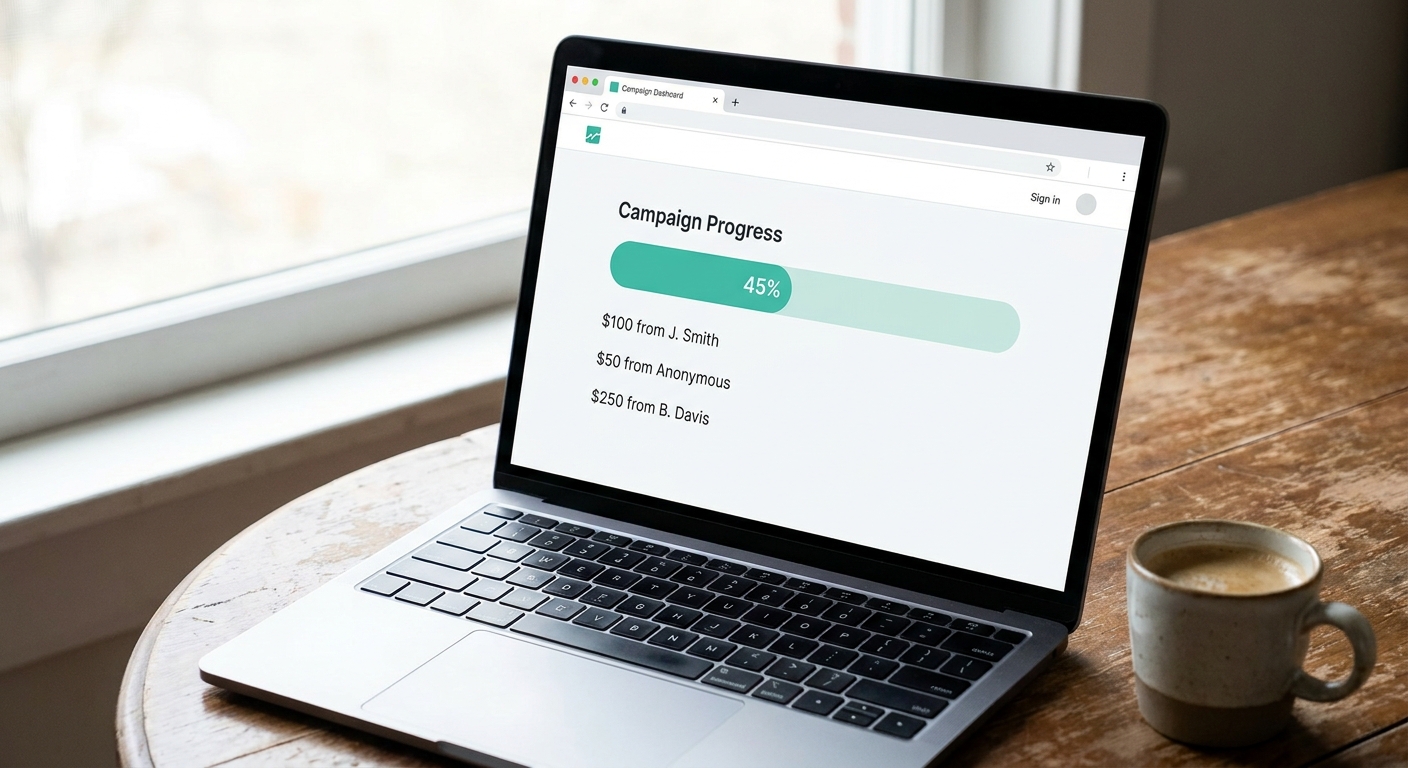
This is where pledge campaigns either build momentum or lose it. A number buried in a spreadsheet motivates nobody. A visible, updating display motivates everyone.
The Thermometer Approach
A fundraising thermometer shows a single number climbing toward a goal. It's the simplest option — one bar, one target, one percentage. Works best when:
- You only need to show the total (not individual pledgers)
- The display will be on a screen, website embed, or social media
- You want maximum visual impact with minimum setup
The thermometer rises each time you record a fulfilled pledge. Display it on your campaign website, project it at events, or share screenshots as daily social media updates.
The Leaderboard Approach
A fundraising leaderboard ranks individual pledgers or teams. This adds a competitive element — people give more when they can see where they stand. Use this when:
- Teams or departments are competing (school classes, sales regions, church groups)
- You want to recognize top contributors publicly
- The campaign benefits from peer pressure and friendly rivalry
The Metallica fan club runs their chapter fundraising campaigns this way — chapters compete on a public leaderboard, and nobody wants to be last.
Combining Both
For larger campaigns, use both. A thermometer on your homepage shows overall progress. A leaderboard on a dedicated page shows who's contributing. This gives casual visitors a quick snapshot while giving competitive pledgers a reason to check back.
Setting Up Your Pledge Tracker
Create a goal tracker and set your campaign target. Customize the units to your currency, add pledger names or teams, and share the presentation link publicly. As pledges are fulfilled, update the amounts — the display refreshes automatically on every device viewing it.
For campaigns that need individual rankings instead of (or alongside) a goal bar, create a leaderboard and enable the goal progress bar in settings.
Embed the tracker on your campaign website, display it on a screen at your venue, or share the link in emails and group chats. For WordPress sites, there's a dedicated plugin. For other platforms, paste the iframe embed code.
Need a custom interactive pledge button — like a "I Pledge" click counter for events or conferences? See our pledge counter guide for a JavaScript integration example.
Keeping Momentum During the Campaign

The middle of a pledge campaign is dangerous. The initial excitement fades, but the deadline is still far away. Here's what actually works to keep pledges coming in:
Milestone Announcements
Don't wait until you hit the target to celebrate. Announce every meaningful milestone — 25%, 50%, 75%. Each announcement is a chance to re-share the tracker link and remind people the campaign exists.
"We just passed $5,000 — halfway to our goal! See the live tracker: [link]" gets more engagement than "Please remember to fulfill your pledge."
Update Frequency
How often you update the tracker depends on the campaign pace:
- Live events (galas, telethons): Update in real-time as pledges come in. The crowd watching the number climb creates energy you can't replicate.
- Multi-week drives (school campaigns, annual giving): Update daily or when significant pledges arrive. A tracker that doesn't move for a week looks dead.
- Corporate campaigns: Update at least twice per week. Teams checking a stale leaderboard lose interest fast.
Follow-Up on Unfulfilled Pledges
This is the unglamorous part, but it's where the money actually comes from. A pledge that never converts to cash is just a nice thought.
Send reminders at:
- One week after the pledge (gentle check-in)
- Two weeks before the campaign deadline (urgency)
- Final day (last chance)
Keep reminders short. Include the tracker link so they can see how close the campaign is to its goal — that context converts better than guilt.
Real Campaigns That Use Live Tracking
Pledge campaigns with visible trackers show up across all kinds of organizations:
- School drives — elementary school blanket drives where classes compete to bring in the most pledges, tracked on a hallway display
- Book campaigns — "Road to 100,000 Books Sold" style counters that build community around a shared milestone
- Club fundraising — university and political clubs tracking member pledges toward a semester goal
- Crowdfunding — animation studios and creative projects showing backer pledges climbing toward a production budget
- Church and nonprofit campaigns — annual giving pledges displayed in the lobby or on the website throughout the campaign season
The common thread: making the number visible changes behavior. People fulfill pledges faster when they know others are watching.
Pledge Campaign vs. Standard Fundraiser
A standard fundraiser collects money as it comes in. A pledge campaign collects promises first, then money. This changes your tooling needs:
- Standard fundraiser: Track donations received. A thermometer showing "amount raised" is usually enough.
- Pledge campaign: Track both commitments and fulfillment. You might show "total pledged" publicly while tracking "total received" internally. Or show both numbers to create accountability.
If your campaign is purely donation-based (no advance commitments), a donation tracker is a simpler fit. If you need the pledge-then-fulfill structure, the goal tracker approach described here gives you the accountability layer.
What Makes Pledge Campaigns Fail
Most pledge campaign failures aren't about the ask — they're about the follow-through. The three most common problems:
- No visible progress. If pledgers can't see the tracker moving, they assume nobody else is giving either. Visibility creates social proof.
- No follow-up system. Pledges without reminders convert at roughly 60-70%. With structured follow-up, that number climbs above 90%.
- Target set too high. A campaign stuck at 15% for weeks demoralizes everyone. It's better to hit your goal and announce a stretch target than to never reach the original number.
Fix these three things and most pledge campaigns succeed. The tracker handles the first problem. A simple reminder calendar handles the second. Honest target-setting handles the third.

Written by Caspar von Wrede
Founder of Leaderboarded. Building tools that help teams track progress and stay motivated.


