How to create a donation tracker
How to create a simple online donation tracker for a team or organisation. Read our step-by-step guide.
Article Contents
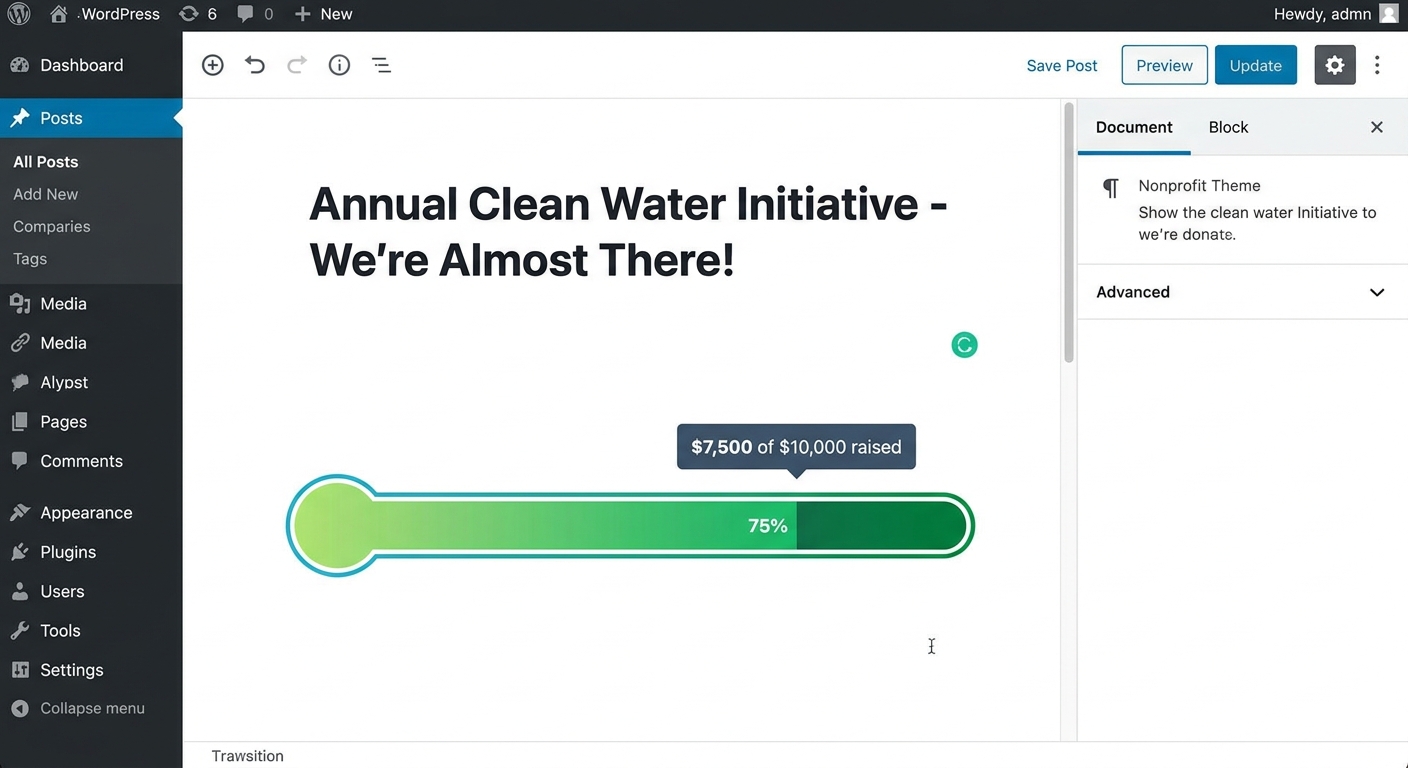
A donation tracker is a visual display that shows fundraising progress in real-time. Organizations use donation trackers to maintain momentum during campaigns, motivate donors through transparent progress updates, and simplify the process of sharing fundraising status across multiple channels.

How Donation Trackers Work
Unlike static spreadsheets or manual updates, modern donation trackers automatically refresh to show the latest donation amounts. If you're tracking donations in Google Sheets, you can connect your spreadsheet directly to create a live tracker. They display current fundraising totals, individual contributions, and progress toward goals, making them ideal for websites, office displays, and social media sharing.
Planning Your Donation Tracker
Before creating your tracker, determine these key requirements:
- Display location: Will the tracker appear on your website, office screens, or shared via direct links?
- Update permissions: Who needs access to update donation amounts?
- Privacy settings: Should individual donation amounts be visible or only the total?
- Audience access: Will viewers be internal team members, volunteers, or the public?
- Device compatibility: Do viewers primarily use desktop computers or mobile devices?
- Campaign type: Is there a specific fundraising goal or is it open-ended?
💡 If you're looking for a fundraising thermometer instead, create one here.
Creating a Donation Tracker with Leaderboarded
Leaderboarded provides free donation trackers for non-profit organizations. The platform requires no technical skills and works on any device with internet access.
Follow these steps to create your donation tracker:
- Click the button above to create a free leaderboard.
- Add participant names (donors, teams, or departments). You can add more participants later as needed.
- Your tracker is now created and functional.
- Navigate to SETTINGS > Scores in your tracker dashboard.
- Enter your currency (USD, EUR, GBP, etc.) in the Units field.
- Click "Engagement" and enable Show overall total for all participants at the top.
- Add a Goal value if you have a specific fundraising target (for example: $10,000). This displays a progress bar showing percentage completed.
- Click "SAVE" to apply your settings.
- Click "SHARE" to get your tracker's public URL. For WordPress integration, see this guide.
- Your donation tracker is ready for use.
For additional customization options, refer to the customization guide.
Updating Donation Amounts
The admin dashboard allows instant updates that appear immediately on all connected displays. Changes sync automatically across all devices viewing the tracker, eliminating the need for manual refreshes or republishing.
For campaigns focused solely on total amounts rather than individual contributions, a fundraising thermometer is a better fit — it's a free interactive generator with both static (PNG/embed) and live (real-time) options.
Visual Customization Options
Leaderboarded offers professional themes to match your organization's branding. Browse available themes here. Customization options include fonts, color schemes, and background images to create a cohesive visual experience.

Benefits of Digital Donation Trackers
Digital donation trackers provide six key advantages over traditional tracking methods:
- Sustained Motivation: Visual progress maintains volunteer and donor engagement throughout extended campaigns.
- Real-time Progress Monitoring: Live updates show immediate impact of fundraising activities and donations.
- Simplified Sharing: Single URL works across all platforms - email, social media, and websites.
- Accessibility: Mobile-responsive design ensures donors can view progress on any device.
- Gamification Elements: Visual progress bars and leaderboards tap into competitive motivation.
- Momentum Preservation: Regular visual updates prevent campaign stagnation during slower periods.
Related Fundraising Resources
- Fundraising Ideas for Cancer Prevention
- Fundraising Ideas for National Book Blitz Month
- Fundraising Ideas for Valentine's Day
Producing a fundraising event with an MC and AV crew? For galas, paddle-raises, and live auctions where the tracker has to fit a run of show and look polished on the venue's main screen, see our custom event scoreboards — flat-fee branded build delivered in 48 hours.

Written by Caspar von Wrede
Founder of Leaderboarded. Building tools that help teams track progress and stay motivated.