Quiz Night Leaderboard: Run a Live Trivia Night on Your TV
Set up a quiz night leaderboard for pub trivia, an office quiz, or a school event. Scoring formats, tiebreakers, and how to display live scores on a TV.
Article Contents
We all have that one friend who has a trove of obscure knowledge at the ready. Thanks to them, we know that a woodpecker's tongue is so long it wraps around its skull. And that the common swift can fly for up to ten months without landing.
These are the people eager to flex their brains at pub quiz night. Also the ones we all want on our teams. Coincidentally, many of them were also last to be picked in gym class. So this is a vindication of sorts.

Nobody can say with certainty when pub quizzes originated — which is often the case when nailing down facts where alcohol is involved. The first recorded use of "quiz" to mean a test of knowledge was in 1867. Some say the first trivia nights were inspired by early television: back in the 1950s, fewer people had TVs at home, so they'd gather in pubs to watch quiz shows. Bar owners then created their own versions in-house.
The format has barely changed since. But there are real benefits to giving it a digital upgrade — and the easiest one is putting a live quiz night leaderboard on the TV behind the bar.
Running trivia in the workplace rather than the pub? The single-event format below is the starting point, but the leagues that survive past month one tend to use a different cadence — see office trivia formats that actually last for the async standing-league pattern.
Why Use a TV Leaderboard for Trivia Night?
Displaying scores on a screen brings trivia night back to its TV roots. It also makes scoring faster, more transparent, and more entertaining. Here's what you get.
Everyone sees the standings in real time
An online leaderboard updates the moment a team earns points — no waiting until the end of a round to find out who's ahead. When teams can see they're two points behind first place with one round left, that's not just data. That's tension, and it keeps people engaged.
It looks more professional
A leaderboard on the big screen is already impressive. With Leaderboarded, you can customize colors, team logos, and background images to match your pub's theme or a seasonal event. That level of polish is hard to replicate with a whiteboard and marker.
Less math, fewer mistakes
The online score keeper tallies scores automatically as you go. No adding up columns at the end of each round. No embarrassing arithmetic errors. Everyone can see exactly how the scores are calculated, which reduces disputes.
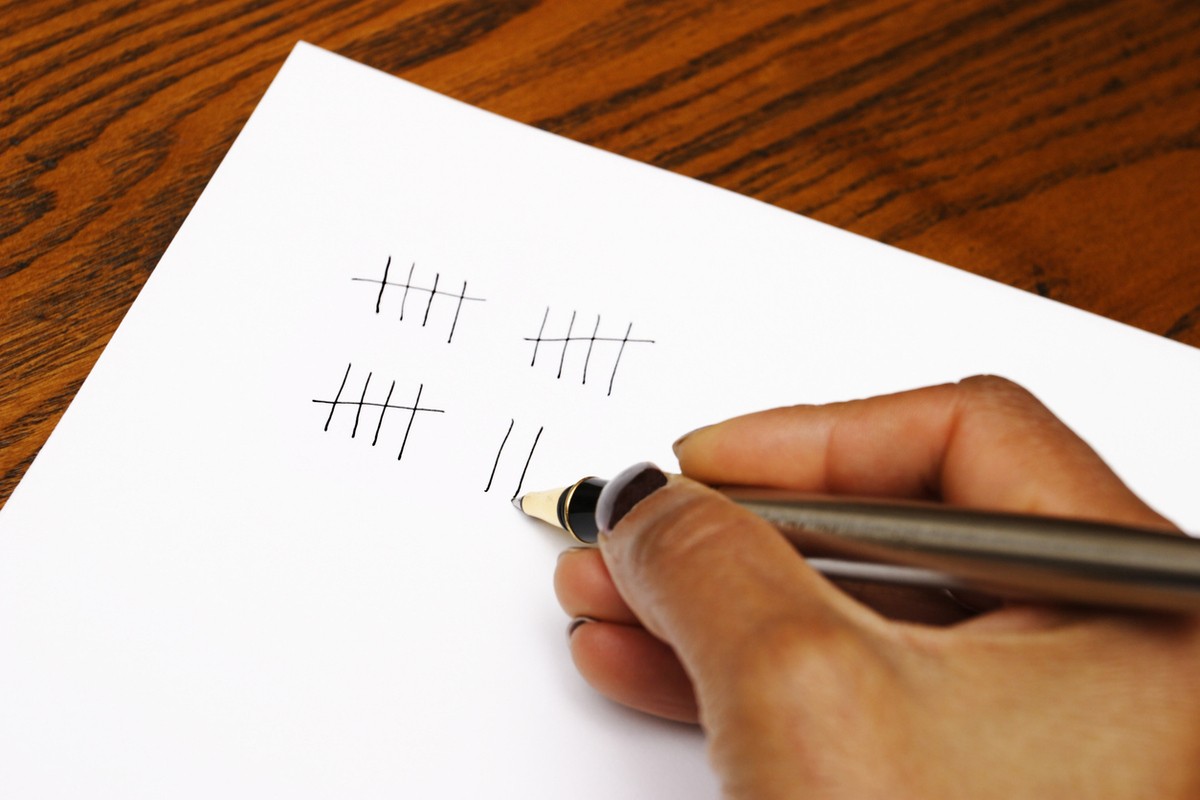 Keep it simple with a digital leaderboard — no paper required.
Hosting a judged competition? Our Competition Judging feature handles multiple judges, custom criteria, and live audience displays.
Where to Find Good Trivia Questions
You've got two solid questions from the intro. You'll need more. Here are the sources worth your time.
Online question banks
JetPunk has questions organized by category, popularity, and language. There's also an active r/trivia subreddit where the community shares and vets questions.
Books and box sets
If you prefer something curated and offline, The Ultimate Pub Quiz Book is a solid starting point. You can also pick up multi-packs of Trivial Pursuit — a decent mix of categories and difficulty levels.
AI tools
ChatGPT, Gemini, Claude, and Mistral can generate tailored question lists quickly. The real advantage is specificity — you can ask for 20 questions aimed at Gen Z customers, or questions about famous women in history for a ladies' night at a wine bar. The catch: always verify the answers before you use them. AI tools get facts wrong often enough that skipping the fact-check will cause problems.
 The right questions for the right audience will keep people coming back.
Scoring Your Quiz Night
Most pub quizzes use one point per correct answer, tallied across rounds. Simple, and hard to argue with. But a few variations are worth knowing:
Speed bonuses. Award an extra point to the first team to answer correctly. Adds urgency, but only works if you have a reliable way to track who answered first — a set of game-show buzzers does the job and adds theatre.
Partial credit. For multi-part questions ("Name all four members of The Beatles"), decide before the night whether a 3/4 answer scores 0, 0.5, or 1 point. Be consistent — changing it mid-quiz creates disputes.
Joker rounds. Each team nominates one round where all their points are doubled. This keeps teams from falling too far behind and maintains competition into the final rounds.
Negative marking. Deducting a point for wrong answers discourages guessing. Fine for competitive events, but frustrating for casual players. Not recommended for pub settings unless the crowd is genuinely serious about it.
Handling Ties
Ties happen more often than you'd expect. Have a plan before the night — not during the final announcement.
The cleanest approach: a tiebreaker question where the closest answer wins. "How many steps are in the Eiffel Tower?" beats a coin flip and feels earned. Write three or four backup tiebreaker questions beforehand; you'll probably need more than one.
If teams tie on both the question and the tiebreaker answer, go to a second question rather than splitting the prize. Shared victories feel anticlimactic.
Setting Up Your Quiz Night Leaderboard
With your questions ready, you need a leaderboard you can display on your TV. Leaderboarded lets you pick from several layouts — ranked lists, team scoreboards, and more — so you can match the format to your event.
Head to the choose screen and select the layout that fits your trivia night. Whether you're tracking individual players or team totals, each option comes with customizable themes, logos, and colors you can adjust in the settings.
 A leaderboard lets you track each team's points across every round.
Once your leaderboard is set up, scores update and re-rank automatically as you add points — no manual tallying between rounds. If teams have their own logos, those show up prominently on the board too.
 Team logos stand out more in team-based layouts.
Displaying on your TV
Connect your laptop to the TV via HDMI and open the leaderboard in full-screen mode. For a cleaner display, you can use URL parameters to hide the search box, disable comments, and enable auto-scrolling for large groups. Read the full TV setup guide for the specific parameters and display options.
Got a great quiz question? Drop it in the comments. And for more ideas on running events with Leaderboarded, sign up for our newsletter.
NOTE: As an Amazon Associate, I earn from qualifying purchases.

Written by Caspar von Wrede
Founder of Leaderboarded. Building tools that help teams track progress and stay motivated.