How to Track Multiple Sales KPIs on One Leaderboard
A single revenue number hides as much as it reveals. How to build a multi-KPI sales leaderboard — bookings, calls, conversions — live on one screen.
Article Contents
Your top revenue rep closed $180k last quarter. Great. But they also had the lowest call volume on the team, a 6% conversion rate, and they've been cherry-picking warm inbound leads for six months. Are they actually your top performer?
A leaderboard that shows only revenue doesn't answer that question. It can't.

This is the core problem with single-metric sales leaderboards: Goodhart's Law. When a measure becomes a target, it stops being a good measure. Show revenue only, and people optimize for revenue — sometimes by ignoring the behaviours that produce it sustainably.
Multi-KPI tracking doesn't fix this completely, but it makes gaming harder and gives managers a clearer signal about what's actually happening.
Which KPIs to Combine
Not every metric belongs on the leaderboard. The goal is a short list of numbers that together tell the story of rep performance — inputs and outputs.
A useful framework: pair at least one activity metric with at least one outcome metric.
Activity metrics (inputs the rep controls): - Calls made / outreach volume - Meetings booked - Demos delivered - Proposals sent
Outcome metrics (results of that activity): - Revenue closed - Deals won - Pipeline value added - Conversion rate
The combination matters more than which specific metrics you pick. Revenue alone rewards luck (a few big inbound deals) as much as effort. Calls alone rewards activity without accountability for results. Together, they tell a coherent story.
A typical setup for inside sales: Revenue | Deals Closed | Calls Made | Conversion Rate — four columns, each answering a different question about rep performance.
For field sales or longer cycles, swap calls for meetings booked or pipeline value added. The principle is the same; the timescale is different.
The Problem With Doing This in Excel

Most sales teams that track multiple metrics end up with a shared spreadsheet. It works, technically. But:
- Someone has to update it manually and remember to do it
- When it's a day out of date, people stop trusting it
- Sharing a screenshot in Slack isn't the same as a live view
- It's invisible to anyone not in the channel where it was posted
The value of a leaderboard is visibility and immediacy. A number that was accurate yesterday doesn't create the same urgency as one that updated five minutes ago. Research on feedback timing consistently shows that the closer feedback is to the behaviour, the more it influences the next action.
A live multi-KPI board puts current standings in front of the team without anyone having to remember to push an update. That visibility-tied-to-live-data loop is the core of what sales gamification tools sell — and you don't need an enterprise contract to get it.
Setting Up a Multi-KPI Sales Leaderboard
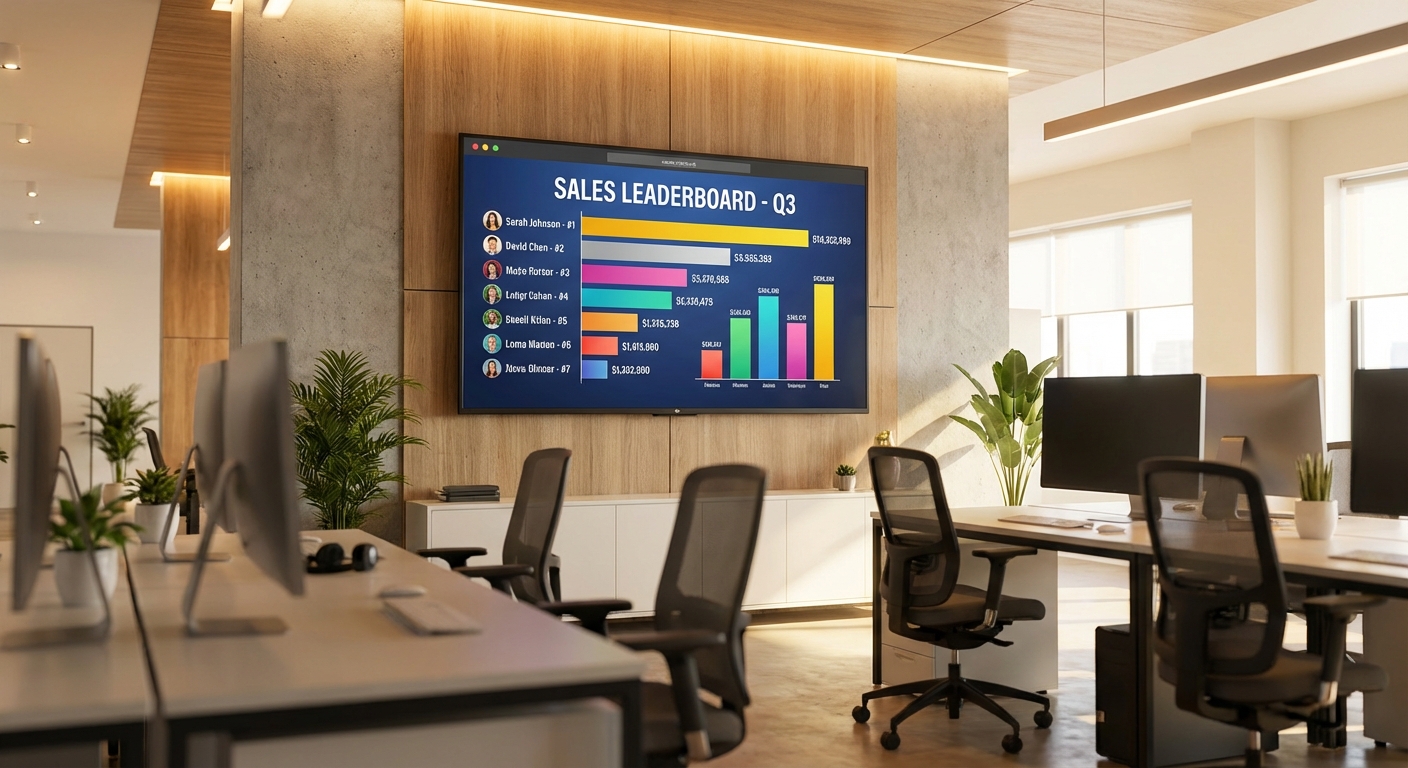
Leaderboarded's multi-column board type handles this directly. Each column is an independent metric — you name it, set the increment, and the board ranks by whichever column you designate as primary.
Step 1: Create a multi-column leaderboard
Select the Multi-Column Leaderboard board type when creating. This gives you a table layout with one row per rep and as many columns as you need.
Step 2: Define your columns
Name each column after the metric it tracks. Keep names short — they appear as column headers. "Rev" is better than "Revenue Closed Q1 2026" on a TV display.
Set whether each column increments by a fixed amount (each deal = +1) or by a variable value you enter (each deal = its $ value). For revenue, you'll enter the deal size each time. For calls, you'll typically increment by 1.
Step 3: Set your ranking column
Choose which column determines the primary ranking. Revenue is common, but you might rank by deals closed if deal sizes vary significantly — a rep closing 12 smaller deals often contributes more pipeline health than one landing a single large account.
You can re-rank by any column at any time. Useful in team meetings: sort by conversion rate to shift the conversation from "who closed the most" to "who's most efficient."
Step 4: Display it
Share the live URL in your team Slack channel, open it in fullscreen on a TV on the sales floor, or both. For TV display, URL parameters let you strip out the search bar and comments so only the data shows.
How to Use Multiple Columns in Team Meetings
The real leverage from a multi-KPI board isn't the day-to-day visibility — it's what it enables in review conversations.
A rep who ranks 1st in revenue but 8th in conversion rate is a different coaching conversation than a rep who ranks 1st in calls but 6th in deals closed. The metrics point to different problems and different solutions.
Before your weekly sales meeting, sort the board by each column once and note what changes. Who moves up? Who moves down? That movement is the agenda — not just "here's who's winning."
CEB research (now Gartner) found that sales managers who focus coaching on specific behaviours — rather than just outcomes — see 19% higher win rates. A multi-KPI board gives you the behavioural data to do that.
What Not to Track
Three to five columns is the sweet spot. More than that and the board becomes hard to read, harder to update, and the signal gets lost in the noise.
Avoid tracking metrics that reps can't directly influence — net revenue retention, for instance, depends on the customer success team as much as the sales rep. Tracking it creates frustration rather than motivation.
Also avoid metrics that are nearly identical. "Revenue" and "Average deal size" on the same board is redundant if everyone is chasing similar-sized deals. Pick the version that drives the behaviour you want.
A Note on Fairness
Multi-metric boards can feel more exposed than a single revenue number — suddenly there's nowhere to hide if your call volume is low. That exposure is the point, but it only works if the metrics are genuinely within each rep's control and the targets are set fairly.
If territory quality varies significantly across your team, a raw revenue leaderboard is always going to favour whoever has the warmest patch. In that case, weight toward activity metrics or conversion rate — things that reflect rep skill rather than territory luck.
The goal is a board that makes everyone want to compete, not one that the same two people always win.

Written by Caspar von Wrede
Founder of Leaderboarded. Building tools that help teams track progress and stay motivated.