How to Create a Sales Leaderboard for Your Team
Build a sales leaderboard that actually motivates your team. Covers metric selection, setup, display options, and common mistakes.
Article Contents
Your CRM has the data. Your spreadsheet has the pivot table. And nobody looks at either of them.
That's the gap a sales leaderboard fills. Not the data — you already have that — but the visibility. A leaderboard puts performance somewhere people can't ignore it: a TV on the sales floor, a pinned link in Slack, a bookmark that loads in two seconds on a phone between meetings.
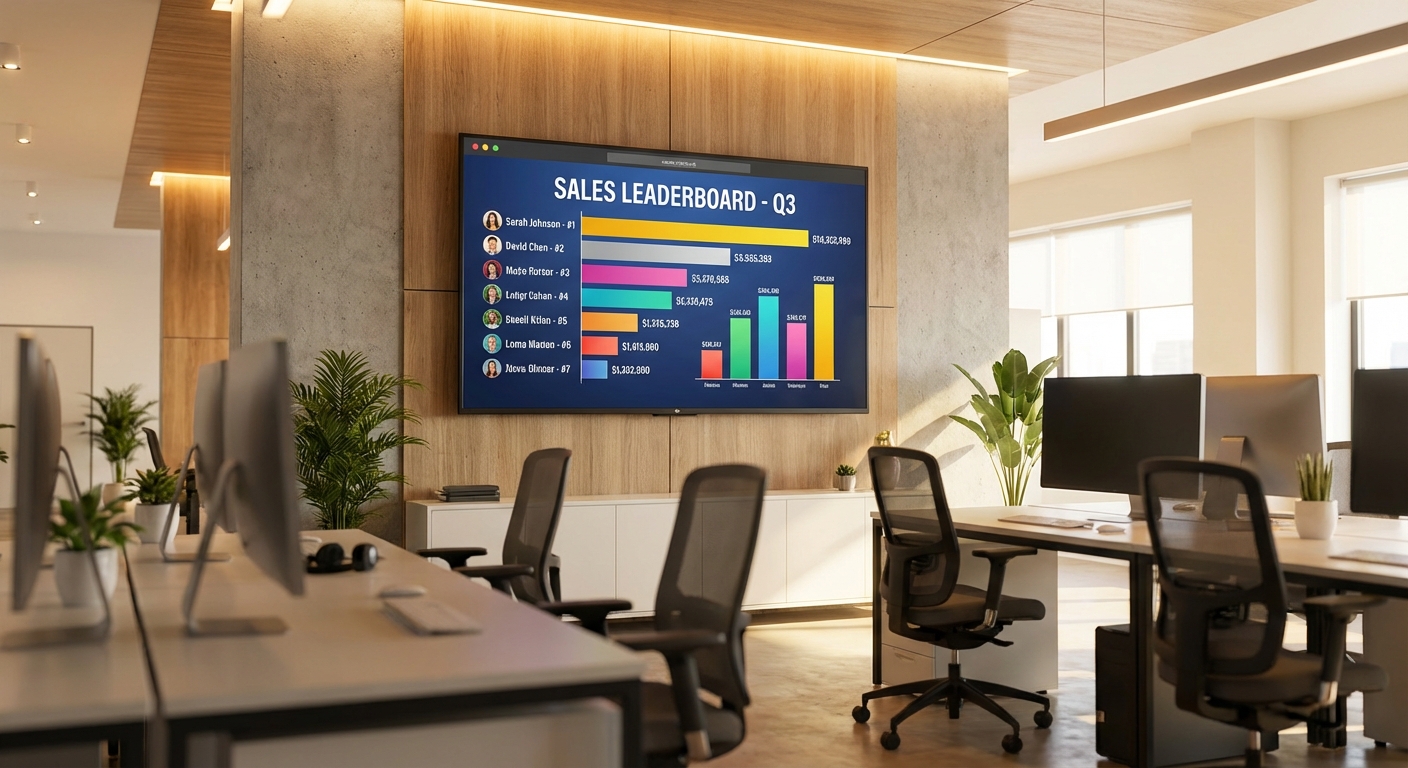
 A live leaderboard on the sales floor creates ambient competition without anyone having to send a daily update.
The psychology isn't complicated. Social comparison theory says people naturally evaluate themselves against others — especially peers doing the same job. A leaderboard just makes that comparison explicit and fair. Duolingo added one and saw a 17% increase in overall learning time. Sales teams aren't language learners, but the mechanism is identical: seeing where you rank changes how hard you try.
What Metrics to Put on It
This is where most teams get it wrong. They default to revenue because it's the number everyone cares about, and then the leaderboard becomes a mirror of territory assignments rather than effort.
Revenue matters, obviously. But a leaderboard that only shows revenue tells you who's winning — not why, and not what anyone can do about it.
Better to pick two or three metrics that together tell a story about rep performance:
- Revenue closed — the outcome everyone's working toward
- Deals closed — separates volume from deal size, which matters if territory quality varies
- Calls or meetings booked — an activity metric that reps directly control
- Conversion rate — the efficiency signal that shows who's doing the most with what they have
Pairing an activity metric with an outcome metric is the key insight. Revenue alone rewards luck (a big inbound deal landing in your lap). Activity alone rewards busywork. Together, they tell you who's actually performing well. For a deeper dive on metric selection, read our guide on tracking multiple sales KPIs on one leaderboard.
How to Set One Up
Leaderboarded handles this without spreadsheets or IT involvement. You pick a board type, add your reps, and share the link. (Evaluating the broader tool landscape first? Our overview of gamification software for sales teams covers what the dedicated platforms add, what they cost, and who they're built for.)
Pick the right board type
For a single metric (just revenue, or just deals closed), a standard leaderboard works. It ranks everyone by one number and updates instantly.
For multiple metrics — revenue plus calls plus conversion rate — use a multi-column board. Each metric gets its own column, and you choose which column determines the ranking. You can re-sort by any column during team meetings to shift the conversation.
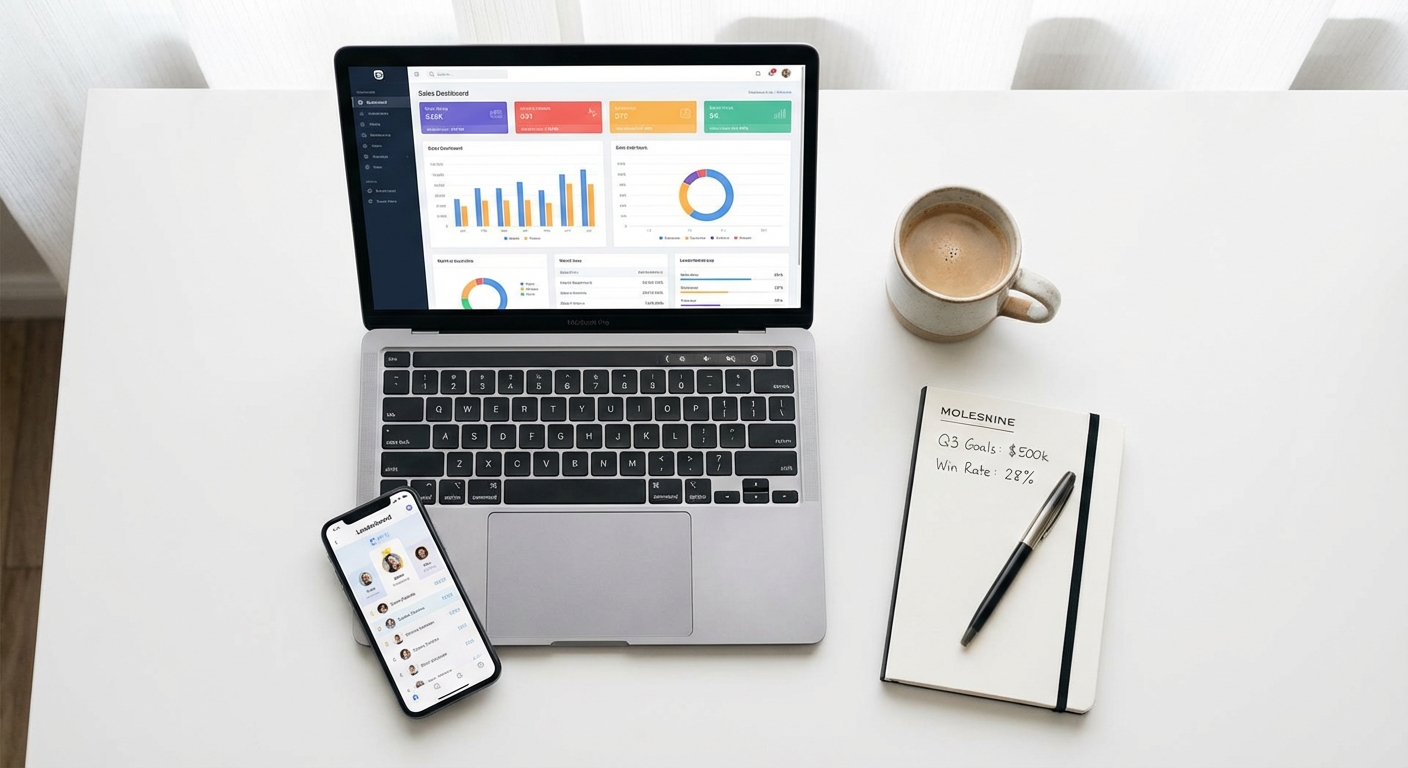 A leaderboard that works on both desktop and mobile means field reps stay connected.
Add your team
Add each rep as a player. You can include profile photos and assign people to teams if you want both individual and team-level competition running simultaneously. Team leaderboards are worth considering if your top performers are lapping the field — they spread the pressure and build collaboration instead of just rewarding the same two people every month.
Choose your scoring units
Name each score column after what it tracks: "Revenue ($)", "Deals", "Calls". Keep names short — they'll appear as column headers, and "Quarterly Revenue Generated Before Returns" doesn't fit on a TV screen.
Set whether each column increments by a fixed amount (each deal = +1) or a variable value (each deal = its dollar amount). For revenue, you'll enter the deal size each time. For calls, you'll increment by one.
How to Share It
A leaderboard nobody sees is just a database. The whole point is visibility.
Office TV or wall screen
This is the highest-impact option. A TV on the sales floor showing live standings creates constant, ambient awareness. People walk past it. Visitors see it. Nobody has to remember to check anything. We wrote a full guide on setting up a sales leaderboard on a TV covering hardware, display design, and multi-screen configurations.
You can customize the display with URL parameters — hide the search box, disable comments, enable auto-scroll for large teams. Use rank filtering to show the top 10 on the main floor and other segments in different areas.
Slack or Teams
Share the presentation link in your team channel. Drop a standings update at the end of each day or week, depending on your sales cycle. Slack is where the psychological pressure lands — people check it constantly.
Mobile
Field reps and remote team members need access from their phones. Every Leaderboarded link works on mobile without an app download. A rep checking standings in a parking lot between client meetings is exactly the kind of engagement you want.
Common Mistakes
Tracking only revenue
Already covered this, but it's worth repeating because it's the most common error. Revenue-only boards favor territory quality over rep skill. Add at least one activity or efficiency metric.
No time boundary
An annual leaderboard that resets in January means everyone's checked out by March — whoever had a strong Q1 is untouchable. Run shorter cycles. Monthly or quarterly resets keep the competition alive. For ideas on structuring time-bounded competitions, see our sales contest guide.
Ignoring the middle of the pack
If the same three people always occupy the top spots, everyone else stops trying. That's not a leaderboard problem — it's a contest design problem. Consider handicapping by tenure, segmenting by role, or running team-based competitions where individual rankings matter less than collective output.
Making it punitive
A leaderboard should motivate, not humiliate. If being at the bottom feels like a public firing warning, you've created fear, not competition. The fix is cultural more than technical: celebrate improvement, not just position. A rep who moves from 12th to 7th is showing exactly the behaviour you want.
 The best sales competitions celebrate progress, not just the winner.
When a Leaderboard Isn't the Right Tool
Leaderboards work when performance is roughly comparable across the team. If your reps have wildly different territory sizes, product lines, or account types, a raw ranking will feel unfair — because it is.
In those cases, consider tracking percentage of quota instead of absolute numbers. Or run team-based competitions where individual differences average out. Or use a goal tracker that shows each person's progress toward their own target rather than ranking against others.
The goal is a board that makes everyone want to compete. If it's only motivating for the people who were already winning, it's not doing its job.

Written by Caspar von Wrede
Founder of Leaderboarded. Building tools that help teams track progress and stay motivated.